Intelligent Document Processing Explained for Decision-Makers
<p>Discover how intelligent document processing explained can transform your business. Unlock efficiency through AI-powered insights and automation.</p>


Most businesses are drowning in documents. Invoices, contracts, purchase orders, patient forms, shipping manifests. The instinct is to throw OCR at the problem and call it automation. But intelligent document processing, known in the industry as IDP, goes far beyond converting pixels to text. IDP is an AI-powered technology that reads, understands, extracts, and routes document data into your business systems with a level of accuracy and contextual understanding that basic text extraction simply cannot deliver. This article breaks down exactly how it works, why it matters, and how to put it to use.
Table of Contents
- Key takeaways
- Intelligent document processing explained: what it actually is
- How IDP works: the technology and the pipeline
- Business benefits you can measure
- Where IDP is heading: AI advancements worth knowing
- Practical steps for adopting IDP in your organization
- My perspective on what actually makes IDP work
- How Docupow approaches intelligent document automation
- FAQ
Key takeaways
| Point | Details |
|---|---|
| IDP is not just OCR | IDP combines OCR, NLP, machine learning, and computer vision to understand documents, not just digitize them. |
| End-to-end workflow automation | IDP handles the full pipeline from document ingestion and extraction through validation and system integration. |
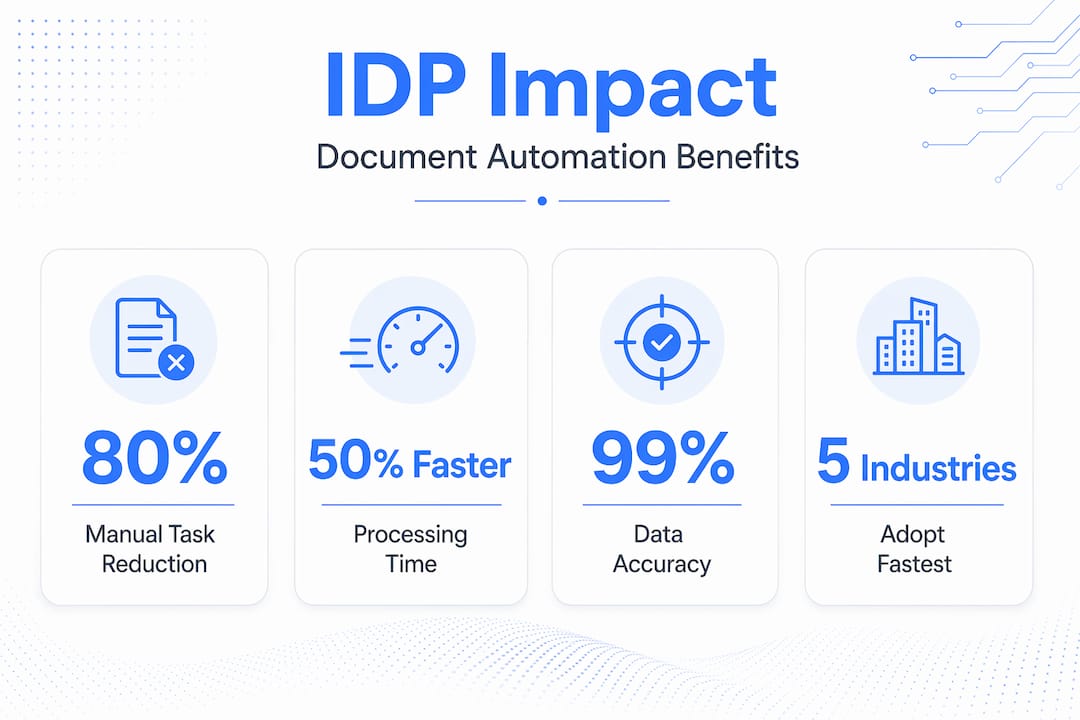
| Measurable cost and time savings | Automating document workflows with AI can cut processing costs by up to 40% and turnaround times by up to 70%. |
| Human oversight stays in the loop | Human-in-the-loop validation keeps accuracy near 100% by routing uncertain outputs for human review. |
| Integration determines success | Connecting IDP outputs to ERP, CRM, and workflow systems is what turns extracted data into business value. |
Intelligent document processing explained: what it actually is
OCR has been around for decades. It converts scanned images or PDFs into machine-readable text. That is useful, but it is a starting point, not a solution. OCR does not know the difference between a vendor name and a product description. It cannot determine that a particular figure on page three of a contract is the total contract value rather than a line-item price. It just sees characters.
IDP adds the intelligence layer on top. The term covers AI-powered systems that process structured, semi-structured, and unstructured documents and convert their content into structured data that downstream systems can actually use. Think of structured documents as standard bank statements with fixed field positions. Semi-structured documents include invoices from hundreds of different vendors, each formatted differently. Unstructured documents are things like legal contracts, emails, or clinical notes where data appears in free-form prose.
Here is where IDP earns its name. A well-built IDP system can:
- Identify the document type without being told what it is
- Locate and extract specific data fields regardless of layout variations
- Understand context, so it knows “net 30” refers to payment terms, not a date
- Validate extracted values against business rules or external databases
- Route the structured output to the right system or workflow automatically
Industries running on high document volumes have adopted IDP fastest. Financial services use it for loan origination and KYC. Healthcare uses it for prior authorizations and medical records. Manufacturing and supply chain operations use it for purchase orders and shipping documents. Anywhere that data is trapped in paper or PDFs, IDP can unlock it.
How IDP works: the technology and the pipeline
Understanding how document processing works at each stage helps you evaluate vendors and set realistic expectations for implementation. The pipeline typically follows these steps:
- Document ingestion. Documents arrive from email, file shares, scanners, APIs, or web portals. Pre-processing cleans the image or file, correcting skew, low resolution, or noise before any extraction begins.
- OCR and text extraction. The base layer converts the document into machine-readable text. Modern OCR engines handle handwriting, printed text, tables, and mixed layouts with high reliability.
- Document classification. Machine learning models identify what type of document this is. An invoice, a contract, a driver’s license, a customs form. Classification determines which extraction rules or models to apply next.
- Data extraction with NLP. Natural language processing models read the classified text and pull out the fields your business needs. Vendor name, invoice total, line items, dates, policy numbers. NLP understands relationships between words, not just pattern matches.
- Validation and human-in-the-loop review. Extracted data is checked against business rules, expected formats, or reference data. Low-confidence outputs are flagged and routed to human reviewers, whose corrections feed back into the model to improve future accuracy.
- Structuring and routing. Validated data is formatted to match the target system and pushed to ERP, CRM, RPA bots, or workflow orchestration tools.
- Integration and downstream automation. RPA tools or API connections carry the structured data into your core business systems, triggering next steps like payment approvals, record updates, or compliance checks.
Pro Tip: Before evaluating any intelligent document processing vendors, map your highest-volume document workflows first. The clearer your baseline, the faster you will identify which pipeline stage is causing the most friction and where automation will return the most value.
The intelligence in IDP comes from understanding and structuring document content, not just digitizing it. That distinction is what separates IDP from a glorified scanner.

Business benefits you can measure
The gap between knowing that IDP exists and understanding why it matters to your bottom line is where most technology briefings fall short. Let’s close that gap.
“McKinsey estimates that automating document workflows with AI can reduce processing costs by up to 40% and turnaround times by up to 70%.”
Those numbers are not theoretical. They reflect what happens when you remove manual keying, routing delays, and error correction cycles from high-volume processes. The direct benefits of intelligent document automation include:
- Speed. Documents that took hours or days to process manually move through the pipeline in seconds or minutes at any volume.
- Accuracy. AI validation and human-in-the-loop review produce fewer errors than manual entry, which compounds over time into cleaner data across your systems.
- Scalability. IDP handles document spikes without hiring. A seasonal surge in insurance claims or purchase orders does not require temporary staff.
- Cost reduction. Fewer manual steps mean lower labor costs per transaction. Compliance fines from processing errors also drop significantly.
- Auditability. Every extraction decision is logged. Compliance teams get a traceable record of what was extracted, who reviewed it, and when it was routed.
- Better analytics. When document data flows automatically into your systems, your reporting and forecasting become more current and more accurate.
For global manufacturers specifically, the impact hits financial visibility hardest. Purchase orders, goods receipts, and invoices reconciled automatically mean finance teams spend time on analysis instead of data entry. That shift from reactive to proactive decision-making is where IDP pays back the most.
Where IDP is heading: AI advancements worth knowing
The IDP category has moved fast over the past three years, and the next wave of capability is already in production at leading organizations. Understanding these trends helps you evaluate whether a vendor is selling yesterday’s technology or genuinely current capabilities.
LLMs and generative AI have added capabilities that traditional extraction models could not touch:
- Zero-shot and few-shot learning allow IDP systems to handle new document types without weeks of training data. You show the model a handful of examples, and it adapts.
- Summarization and risk flagging. Generative AI can read a contract and surface the renewal date, the liability cap, and any non-standard clauses in plain language, not just extract fields.
- Natural language querying. Users can ask the system questions directly: “Which invoices from this supplier in Q1 had payment terms over 60 days?” The system queries the extracted data and returns an answer.
- Context-aware extraction. Modern models understand that the same phrase means different things in different document contexts, reducing the false positives that plagued earlier extraction models.
Pro Tip: When reviewing intelligent document processing IDP services, ask vendors specifically how their system handles documents it has never seen before. The answer reveals whether they use rigid templates or genuine AI-based understanding, which is the single most important distinction for long-term flexibility.
The trajectory points toward near-100% accuracy with continuous improvement loops, and setup times measured in days rather than months for standard document types.
Practical steps for adopting IDP in your organization
Technology selection is only about 20% of a successful IDP rollout. The other 80% is process design, integration planning, and governance. Here is how to approach adoption without the mistakes that derail most projects:
- Start with your highest-value workflows. Do not attempt to automate everything at once. Identify the document type that creates the most manual work or the most downstream errors and build your first use case there.
- Plan integration early. Integration with ERP, CRM, and workflow systems is not a post-launch activity. It determines what data you extract, in what format, and how it triggers business rules in your existing systems.
- Build human-in-the-loop into your design. Do not treat it as a workaround. HITL is a quality control mechanism that also generates training data to improve your models over time.
- Take security seriously from day one. Encryption, access controls, and retention policies are not optional add-ons. Documents often contain PII, financial data, or regulated health information. Compliance requirements must shape your IDP architecture, not be bolted on after deployment.
- Choose your deployment model deliberately. Cloud deployments offer speed and scalability. On-premises gives you full data control. Hybrid approaches balance both. Your data governance policies and regulatory environment should drive this decision.
- Commit to continuous improvement. Treat IDP as a living program that requires monitoring, not a one-time implementation. Model performance drifts as document formats change. Regular feedback loops and rule updates sustain the accuracy gains you built at launch.
My perspective on what actually makes IDP work
I have watched organizations spend significant budget on IDP platforms and end up with an expensive OCR upgrade. The technology was fine. The implementation was the problem.
In my experience, the single biggest mistake is treating IDP as a point solution rather than a workflow transformation. Teams install an extraction tool, connect it to one folder, and declare victory. But the real value is in what happens after extraction. If the structured data lands in a spreadsheet that someone still reviews manually, you have not automated the process. You have just moved the bottleneck.
What I have learned is that successful IDP implementations require two things that no vendor demo will show you: clear process ownership and a willingness to redesign the workflow around what AI can actually do, not what it used to do five years ago. The teams that get this right stop asking “how do we automate what we do today?” and start asking “what should our process look like if the data was already structured and validated?”
Vendor selection matters too. There is a wide gap between vendors selling template-based extraction wrapped in AI marketing and those running genuinely context-aware models. Ask for a live test on your actual documents. Watch how the system handles a document layout it has never seen. That test tells you more than any feature comparison sheet.
The future of document work is not fewer humans. It is humans spending their time on decisions, not on data entry.
— Vivek
How Docupow approaches intelligent document automation
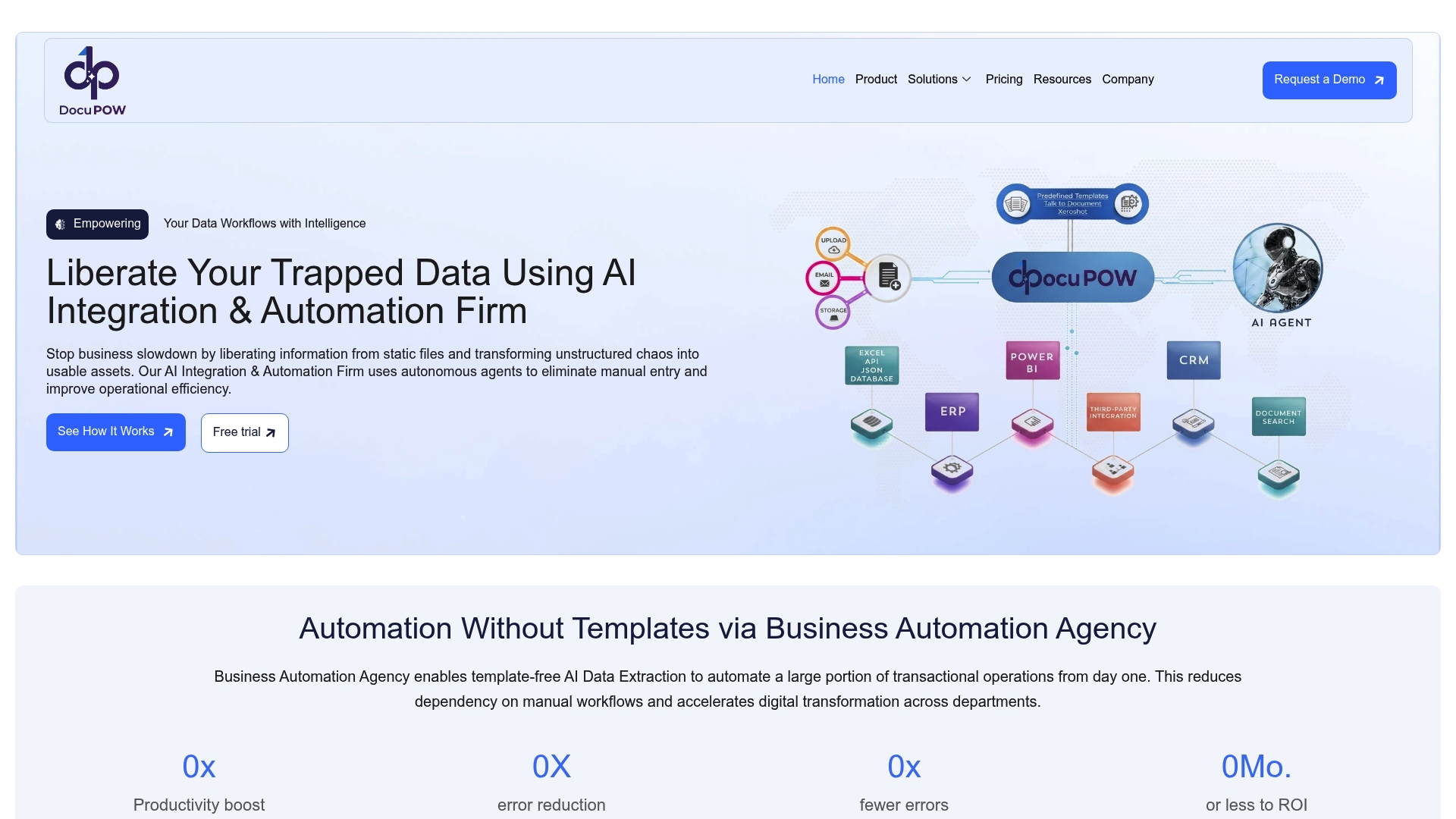
If you have gotten this far, you already understand the technology well enough to ask the right questions of any provider. Docupow is built specifically for organizations that need more than a template-dependent extraction tool. Its AI-powered platform uses autonomous agents that understand the context of any document without requiring rigid templates or extensive configuration. That means your team can handle invoices, contracts, purchase orders, insurance claims, and construction documents with the same system, regardless of layout variation.
Docupow serves industries including insurance, real estate, healthcare, manufacturing, and BPO operations, connecting directly to ERP, CRM, and back-office systems so extracted data flows into your processes automatically. For organizations serious about reducing manual errors and accelerating document workflow automation, Docupow delivers real-time analytics and predictive insights that shift your team from reactive to proactive. Explore the full platform at Docupow’s AI product page to see how it fits your specific workflows.
FAQ
What is intelligent document processing?
Intelligent document processing (IDP) is an AI-powered technology that extracts, classifies, validates, and routes data from structured, semi-structured, and unstructured documents into business systems. It combines OCR, NLP, machine learning, and computer vision to understand document content, not just digitize it.
How is IDP different from OCR?
OCR converts document images into machine-readable text but has no understanding of what that text means or how it should be used. IDP adds classification, context-aware extraction, validation, and workflow integration on top of OCR output, turning raw text into structured, actionable business data.
What documents can IDP process?
IDP handles structured documents like bank statements, semi-structured documents like vendor invoices, and unstructured documents like contracts, medical records, and emails. Modern IDP systems using LLMs can adapt to new document types with minimal training examples.
What are the main benefits of document processing with AI?
The primary benefits include faster processing times, significantly lower error rates, reduced labor costs, and automatic auditability. McKinsey research points to cost reductions up to 40% and turnaround time improvements up to 70% for organizations that automate document workflows with AI.
How do I choose between intelligent document processing vendors?
Test any shortlisted vendor against your actual documents, including layouts the system has not been trained on. Prioritize vendors whose systems use context-aware AI rather than template matching, and confirm their integration capabilities with your existing ERP or CRM systems before making a commitment.
Recommended
See DocuPOW on your documents.
Stop building templates. Start extracting data.