Why Sales Teams Use Intelligent Document Tools
<p>Discover why sales teams use intelligent document tools to automate key tasks, save time, and close deals faster with fewer errors.</p>


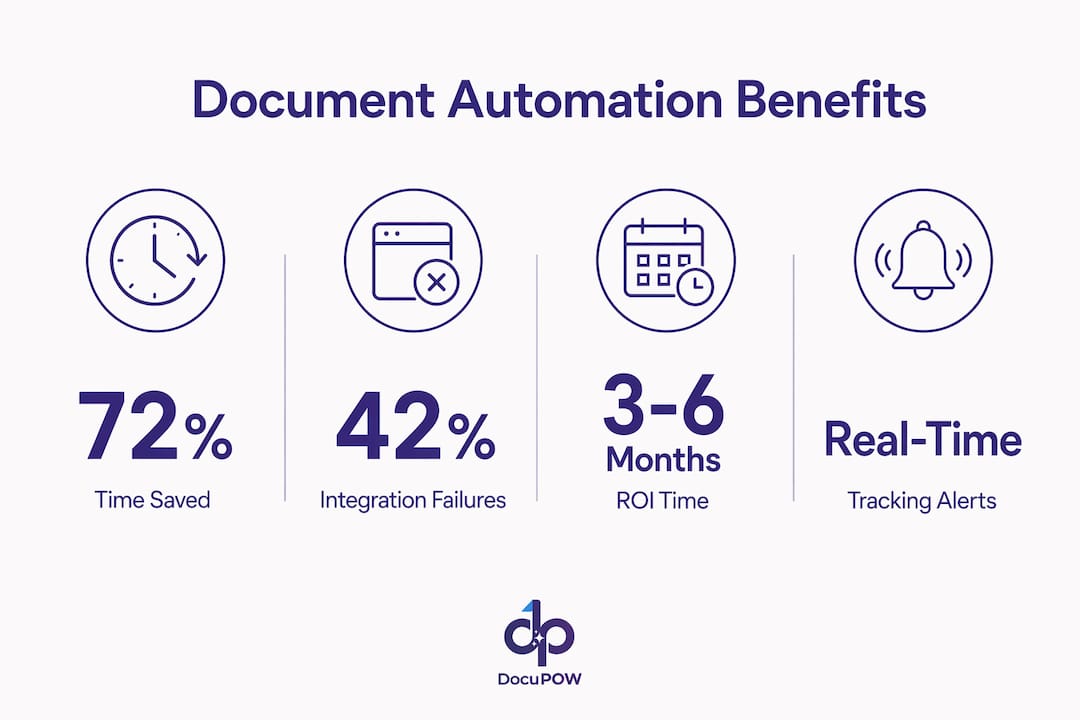
Intelligent document tools are AI-enhanced platforms that automate the creation, extraction, routing, and tracking of sales documents like quotes, proposals, and contracts. Sales reps spend 72% of their time on non-selling tasks. That single number explains why sales teams use intelligent document tools at a scale that keeps accelerating. Platforms like PandaDoc, Docupilot, and Microsoft Power Automate have moved from “nice to have” to standard infrastructure for teams that want to close deals faster and with fewer errors. The industry term for the underlying technology is Intelligent Document Processing, or IDP. This article explains what IDP delivers, how it works inside a sales workflow, and how to adopt it without the common pitfalls.
Why sales teams use intelligent document tools
The core benefit is time. When nearly three-quarters of a rep’s day goes to administrative work, every hour reclaimed is an hour spent selling. Document automation cuts contract and proposal drafting time by 70–90% and reduces data entry errors by up to 90%. Those are not marginal gains. They represent a structural shift in how a sales team operates.
Here is what that shift looks like in practice:
- Speed to quote: A rep who once spent 45 minutes assembling a custom proposal can generate it in under five minutes using a CRM-connected template. That speed matters most when a prospect is comparing multiple vendors simultaneously.
- Error reduction: Pricing errors in contracts create legal exposure and erode buyer trust. Template-based automation pulls verified data directly from your CRM, removing the copy-paste step where most mistakes happen.
- Deal visibility: 40–60% of qualified B2B opportunities are lost to “no decision.” Document tracking tools show exactly when a prospect opens a proposal, which pages they read, and how long they spend on pricing. That data converts a vague follow-up call into a targeted conversation.
- Compliance and consistency: Every document generated from an approved template meets legal and brand standards automatically. No rep goes rogue with an outdated pricing tier or an unapproved clause.
Pro Tip: Set up document tracking alerts so your reps receive a real-time notification the moment a prospect opens a proposal. That is the best possible moment to call.
The benefits of document automation extend beyond sales into legal, HR, finance, and procurement. For sales managers, that cross-functional reach means a single platform investment can justify itself across multiple departments.

How do intelligent document tools work inside sales workflows?
IDP platforms combine several technologies to move a document from raw data to a signed, filed record without human intervention at each step. Understanding the mechanics helps you evaluate which tools fit your existing stack.
-
AI-driven data extraction: The platform reads incoming documents, such as RFQs, purchase orders, or client intake forms, and extracts structured data using optical character recognition combined with natural language processing. AI semantic search allows the system to understand document context and intent, not just match keywords. That distinction matters for sales documents where the same concept appears in dozens of different phrasings.
-
CRM-triggered document generation: When a deal moves to a specific pipeline stage in Salesforce or HubSpot, the platform automatically pulls the relevant account data and populates a proposal template. The rep reviews and sends. No manual data entry occurs between the CRM and the document.
-
Routing and approval workflows: Complex deals often require legal or finance sign-off before a proposal goes out. Automation routes the document to the right reviewer based on deal size, product type, or territory, then tracks approval status in real time.
-
E-signature and archiving: Once the client signs, the platform files the executed contract in the correct folder, updates the CRM record, and triggers any post-signature workflows like order creation or onboarding sequences. End-to-end workflow orchestration covering CRM-triggered generation through e-signature and archiving is now standard in platforms like n8n and Microsoft Power Automate.
-
Engagement analytics: After a proposal is sent, AI analytics track buyer behavior inside the document, including page views, time on each section, and chatbot interactions. That data feeds directly into follow-up triggers.
Pro Tip: Map your current document workflow on a whiteboard before selecting a tool. Identify every handoff point where data moves between systems. Those handoffs are where integration failures occur, and knowing them in advance lets you ask vendors the right questions.
Integration is where most implementations stall. About 42% of implementation failures trace back to data transformation and format inconsistencies during system handoffs. API-level connections between your CRM and document platform are not optional. They are the foundation that prevents manual re-keying from creeping back in.
Which document tools and features are most effective for sales?
The market splits into two categories: template-based document generation tools and full IDP platforms. Each serves a different level of complexity.
| Tool / Platform | Best For | Key Sales Feature |
|---|---|---|
| PandaDoc | Proposal and contract generation | Real-time tracking, e-signature, CRM sync |
| Docupilot | High-volume document generation | Template logic, API-first architecture |
| Microsoft Power Automate | Workflow orchestration across Microsoft stack | Multi-system triggers, approval routing |
| DocuPOW | AI extraction from unstructured documents | Template-free data extraction, autonomous agents |
Template-based tools like PandaDoc and Docupilot excel when your documents follow a predictable structure. They are fast to deploy and easy for reps to use without training. Full IDP platforms like DocuPOW handle the harder problem: extracting and acting on data from documents that arrive in inconsistent formats, such as client-supplied RFQs or third-party contracts.
The features that move the needle most for sales teams are:
- Real-time document tracking: Sales teams lose visibility the moment a proposal is sent without tracking. Knowing a prospect spent 12 minutes on the pricing page but skipped the case studies tells you exactly how to frame your next call.
- AI chatbots embedded in proposals: Some platforms allow prospects to ask questions directly inside the document. The rep sees every question asked, which surfaces objections before the follow-up call.
- Automated follow-up triggers: When a prospect opens a proposal for the third time without responding, an automated task or email sequence fires. That removes the guesswork from follow-up timing.
AI-powered document intelligence is advancing from keyword matching to contextual understanding. For sales forecasting, that means the platform can flag contract language that historically correlates with delayed closes or price renegotiations.
What are the best practices for adopting document automation in sales?
Adoption fails most often when teams treat document automation as a software purchase rather than a process change. The technology is straightforward. The organizational discipline required to make it work is not.
Start with the “two-of-three” rule to decide which documents to automate first. A document justifies automation investment if it meets at least two of these three criteria: it is generated frequently, it consumes significant rep time, or errors in it carry high risk. Quotes and renewal contracts almost always meet all three. One-off custom agreements often meet none.
77% of companies struggle with data readiness when implementing automation. The “garbage in, garbage out” problem is real. If your CRM records are incomplete or inconsistently formatted, your automated documents will reflect those problems at scale. Audit your CRM data quality before you configure a single template.
The practical steps for a successful rollout look like this:
- Pilot with one document type: Choose your highest-volume proposal or quote template. Automate that single document end to end before expanding to other document types.
- Build API connections, not workarounds: Require your vendor to demonstrate a live API connection to your CRM during the evaluation. Workarounds like CSV exports and manual uploads will fail within 90 days as data volumes grow.
- Train on the workflow, not the software: Reps do not need to understand how the automation works. They need to understand what triggers it and what they are responsible for reviewing before sending.
- Measure ROI at 90 days: Most teams see measurable returns within 3–6 months. Track drafting time per document, error rates on sent proposals, and proposal-to-close conversion rates before and after deployment.
Pro Tip: Assign one sales ops team member as the document automation owner. Without a named owner, configuration drift and data quality issues accumulate silently until they cause a visible failure.
The best sales teams treat document automation as an orchestration layer connecting multiple systems, not as a standalone tool. That mindset shift is what separates teams that see 30% efficiency gains from those that see 5%.
Key takeaways
Intelligent document tools deliver their highest value when deployed as an integrated workflow layer, not as isolated software, covering extraction, generation, tracking, and archiving across the full sales cycle.
| Point | Details |
|---|---|
| Time reclaimed from admin work | Sales reps recover up to 72% of their time currently lost to non-selling tasks. |
| Drafting speed and accuracy | Automation cuts proposal drafting time by 70–90% and slashes data entry errors by up to 90%. |
| Deal visibility through tracking | Document tracking reduces B2B “no decision” losses by surfacing real-time buyer engagement data. |
| Integration is the critical risk | About 42% of implementation failures stem from poor system integration, not the software itself. |
| Start narrow, then expand | Pilot with your highest-volume document type and validate data quality before scaling automation. |
What i’ve learned after watching dozens of sales teams automate their documents
Most sales managers I talk to approach document automation backwards. They evaluate tools first and figure out their process second. That sequence almost guarantees a painful implementation.
The teams that get this right start by mapping every document touchpoint in their sales cycle, from the first quote request to the countersigned contract filed in their CRM. They identify where data moves between systems manually. Those manual handoffs are not just inefficiencies. They are error injection points, and they are where deals quietly die when a rep sends an outdated price list or a contract with the wrong entity name.
What surprises most managers is how much deal intelligence is already sitting inside their sent proposals. They just cannot see it. A prospect who opens a proposal four times in two days and spends most of that time on the terms section is not a cold lead. They are a buyer working through an internal approval process. Without document tracking, your rep calls them on a random Tuesday and gets voicemail. With tracking, they call at the exact right moment with the right message.
The future I see playing out is not just faster document generation. It is documents that actively participate in the sales process, surfacing objections, routing questions to the right rep, and feeding engagement signals back into forecasting models. DocuPOW’s approach of using autonomous agents that understand document context, rather than rigid templates, points directly at that future. The teams building those workflows now will have a structural advantage that compounds over time.
— Sameer
See how DocuPOW handles sales document automation
Sales teams processing high volumes of quotes and contracts need more than a template generator. They need a platform that extracts data from any document format, connects to their existing CRM, and surfaces the insights that move deals forward.
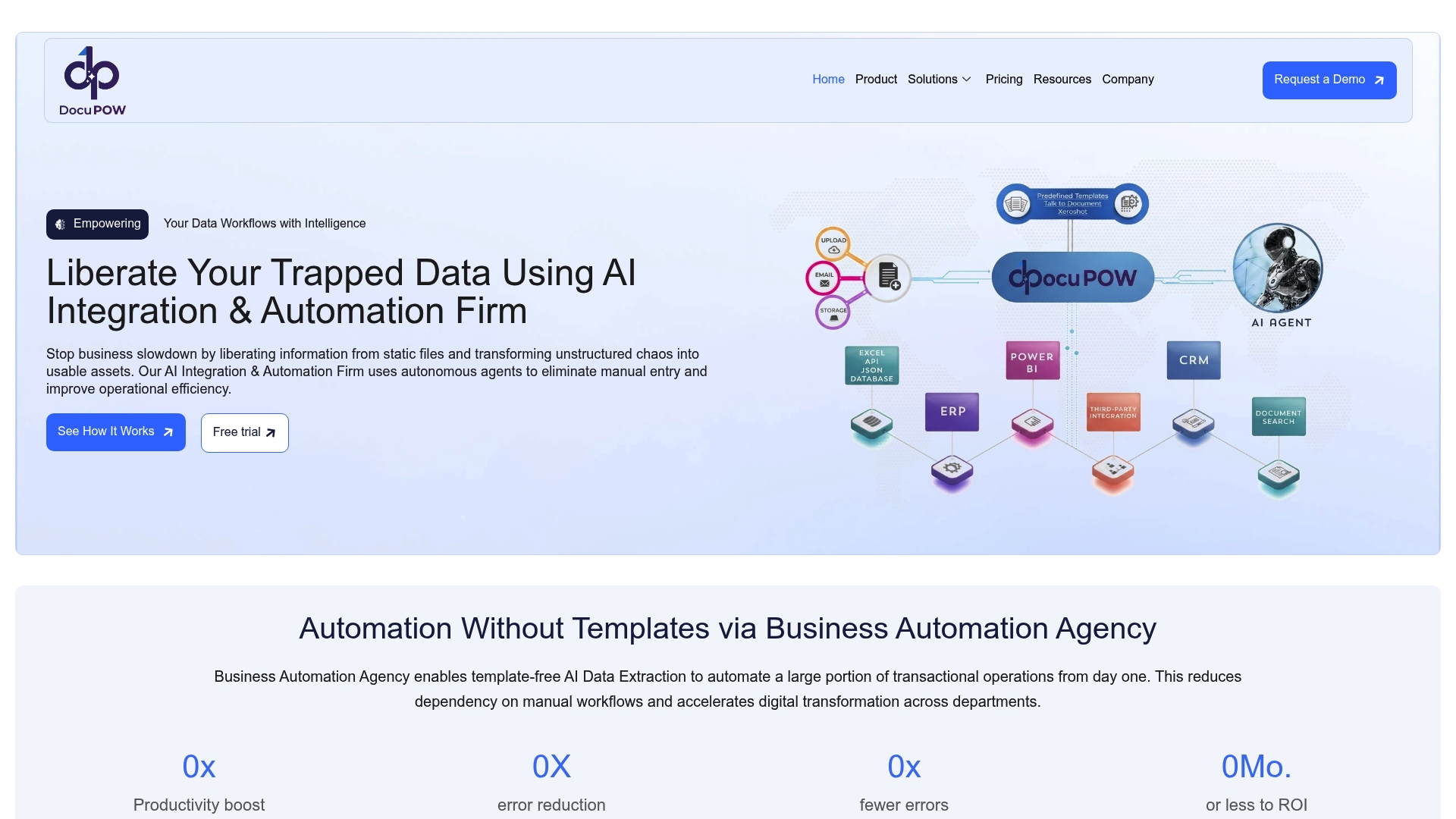
DocuPOW’s AI document automation platform uses autonomous agents to extract and act on data from unstructured documents without requiring rigid templates. That means your team handles client-supplied RFQs, third-party contracts, and non-standard purchase orders with the same speed and accuracy as your own templates. For teams managing high-volume document processing, DocuPOW’s architecture scales without adding manual review steps. Explore how DocuPOW fits your sales workflow and see the document intelligence features built specifically for sales and operations teams.
FAQ
What are intelligent document tools for sales teams?
Intelligent document tools are AI-powered platforms that automate the creation, extraction, tracking, and filing of sales documents like quotes and contracts. They fall under the broader category of Intelligent Document Processing, or IDP.
How much time do document tools save sales reps?
Sales reps spend 72% of their time on non-selling tasks. Document automation directly reduces that burden by handling data entry, document generation, and follow-up routing automatically.
How long does it take to see ROI from document automation?
Most sales teams see measurable returns within 3–6 months of deployment. The fastest gains come from reducing drafting time and cutting errors on high-volume documents like proposals and renewal contracts.
What is the biggest risk when implementing document automation?
Integration failure is the leading cause of poor outcomes. About 42% of implementations fail due to data format inconsistencies between systems. Require API-level CRM integration from any vendor you evaluate.
Do sales reps need technical skills to use these tools?
No. Reps interact with the output, not the configuration. They review auto-populated documents, send them, and receive engagement alerts. The technical setup is handled by sales ops or IT during implementation.
Recommended
See DocuPOW on your documents.
Stop building templates. Start extracting data.