Top 3 Ai Based Ocr Solution Alternatives 2026
Compare 3 Ai Based Ocr Solution alternatives to enhance document processing efficiency and find the best fit for your needs.


Onboarding and automating complex, high volume document workflows without extensive manual setup remains difficult for enterprise teams. Most AI based OCR solutions demand template creation, repeated model training, or offer limited integration with core ERP and CRM systems. This comparison lets enterprise teams pick an alternative that minimizes manual setup and fits their integration needs without a trial-and-error cycle.
Table of Contents
DocuPOW
At a Glance
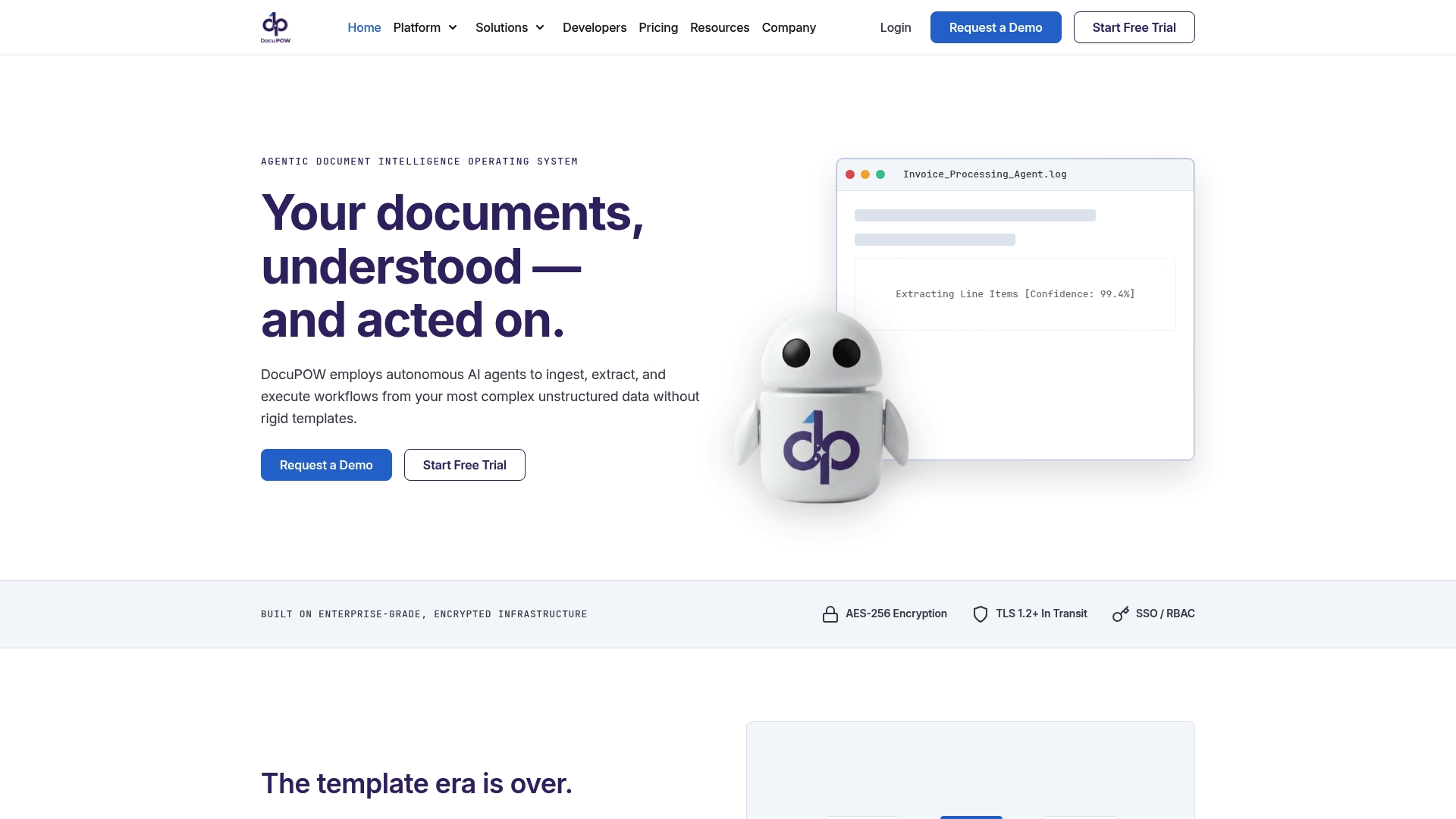
DocuPOW reports it can extract 100+ fields from any new document type without training data. Autonomous agents read, structure, and execute workflows on complex unstructured files while removing template setup. The platform combines conversational querying, a visual workflow builder, and encrypted role based controls, targeting enterprise volume and predictive credit based pricing.
Core Features
DocuPOW performs Zeroshot extraction to identify fields without labeled examples and supports PDFs, images, DOCX, and XLSX. The Infinity AI assistant provides conversational access to extracted data and supports human review where needed. DocuPOW Flow offers a visual workflow builder for multi step automation, and the platform accepts ingestion via email, API, SFTP, and web upload while keeping data encrypted and governed by role based permissions.
Key Differentiator
The platform pairs template free extraction with visual process orchestration and a conversational assistant to move document understanding directly into executable workflows. That design lets teams automate approvals, validations, and downstream system calls without separate model training for each document type. The focus shifts from repeated training work to mapping business processes around document data.
Pros
No template requirement shortens onboarding for new document types and reduces manual configuration across departments. Granular confidence scores and source transparency let reviewers trace each extracted value back to the original document. That traceability eases audits and supports human in the loop validation. Built in process orchestration and the conversational assistant let teams route documents into approval paths and export validated data to ERPs. Encrypted storage and role based permissions protect access and record audit trails.
Cons
- The platform’s complexity may require vendor led training for optimal setup.
Who It’s For
Large enterprise teams that handle complex, high volume document workflows will get the most value from DocuPOW. Teams in finance, legal, healthcare, or supply chain that need template free extraction and automated end to end processes fit well. Smaller teams with limited integration resources may find the initial setup heavier than simpler tools.
Unique Value Proposition
Zeroshot extraction that needs no labeled training lets organizations onboard new document types without long labeling projects. Removing template creation reduces time to live for automated workflows and lowers upfront configuration cost. Predictive credit based pricing helps align costs with variable document volumes and unusual invoice flows.
Real World Use Case
An accounts payable team automates invoice extraction, validation, and approval using DocuPOW. The system routes exceptions for human review and posts validated entries to the ERP. That configuration lowers manual data entry and improves financial visibility across suppliers.
Pricing
Pricing starts at $99/month for the Starter plan when billed annually. A free trial runs for seven days. Higher volume and enterprise plans are custom priced and the vendor uses predictive credit based pricing for usage.
Website: https://docupow.ai
super.AI
At a Glance
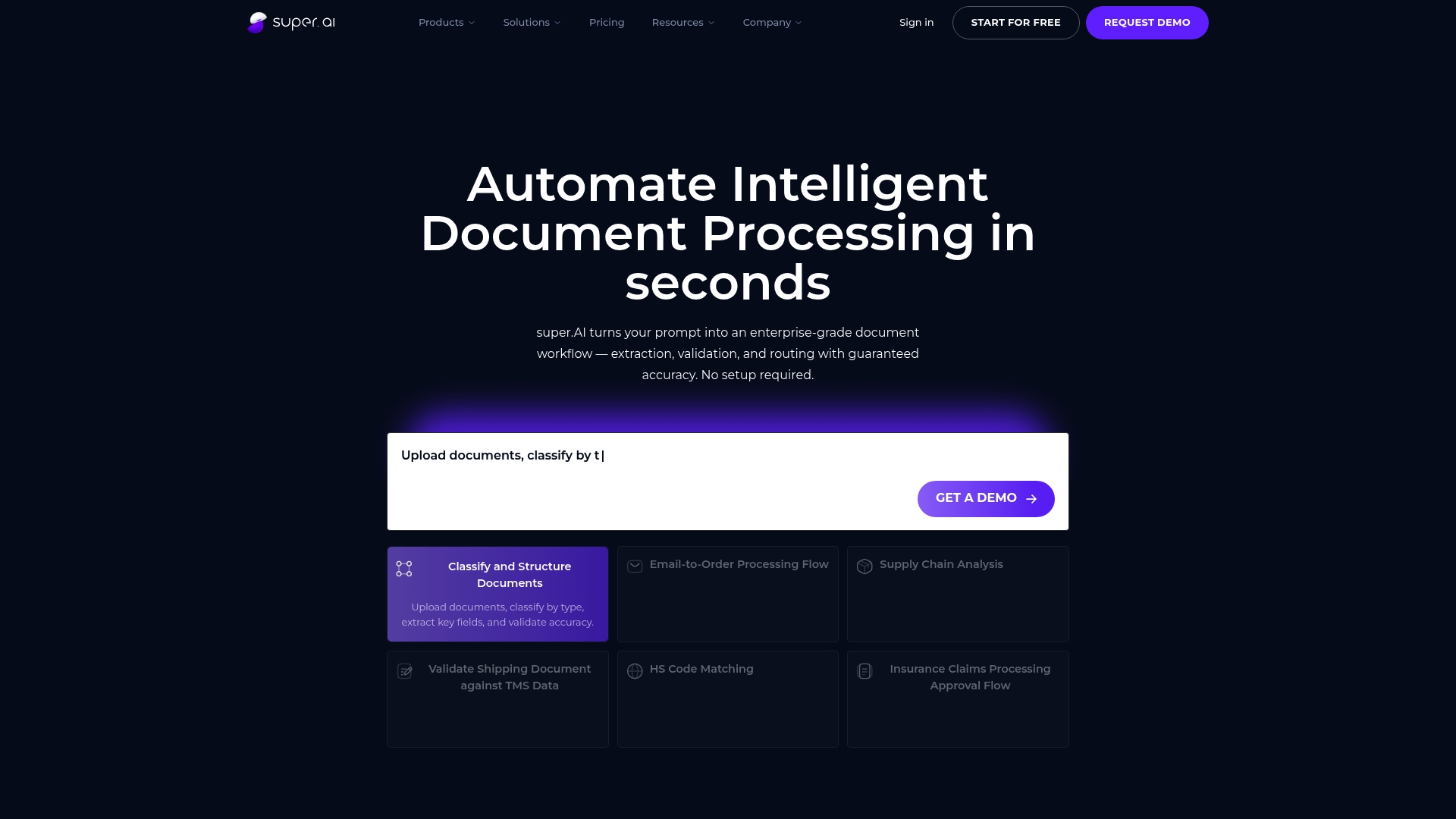
The vendor advertises over 94% accuracy using top AI models and human review. That figure highlights the product focus on measurable extraction accuracy for invoices, customs forms, and shipping documents. The platform targets rapid deployment without large training data sets.
Core Features
super.AI classifies and structures documents via direct upload or email monitoring, then extracts and validates key fields. The Agentic Workflow Builder lets teams compose workflows with no code while pre built connectors link outputs to ERPs and CRMs. The platform also uses models from OpenAI, Google, and Anthropic alongside human review to raise confidence in results.
Key Differentiator
The company states guaranteed accuracy through integrated human review paired with enterprise grade AI models and fast rollout. That approach shifts validation into the platform instead of leaving it to downstream checks. For enterprises, the mix of model options plus human review is the main operational distinction.
Pros
Immediate value arrives with small setup effort and minimal onboarding, which helps teams start processing documents quickly. Human review raises final result confidence and acts as a backstop on complex document layouts. Pre built enterprise connectors simplify integration with existing ERPs and analytics platforms, while deployment choices range from self service to enterprise scale.
Cons
- Pricing transparency can be limited for large scale enterprise plans, which complicates budgeting for high volume use.
- The solution depends on third party AI models, and those models may perform differently across niche document types.
- Some advanced workflows and integrations require technical expertise and custom configuration.
When It May Not Fit
If your team lacks engineering resources for custom connectors, this product can demand extra support. Organizations with strict, fixed budgets for massive document volumes may find enterprise pricing complex. If you need an out of the box solution with no customization at all, this product may feel heavier than simpler capture tools.
Notable Integrations
super.AI connects to SalesForce, SAP, IBM, Oracle, Snowflake, Active Directory, Microsoft Dynamics, and Zapier. Those integrations cover core ERP, CRM, identity, and data warehousing needs for enterprise workflows.
Who It’s For
Medium to large enterprises and growing teams that require high volume, accurate document processing tied into core systems. Buyers who want configurable workflows, enterprise controls, and options for vendor managed or self service deployment will get the most value.
Real World Use Case
The vendor says Bureau Veritas reduced processing time by 75% per project after adopting super.AI for data capture and validation. That reduction sped invoice reconciliation and cut manual review cycles for logistics paperwork.
Pricing
A free tier exists for basic use, and Growth starts at $140/month for 100k credits. Custom enterprise plans are available with volume pricing and service level agreements for large deployments.
Website: https://super.ai
Docxster
At a Glance
Docxster reports integration with more than 100 applications, covering ERP, CRM, and document management systems. The platform lets business teams visually link forms, document processing, validations, and approvals without code. It targets mid to large enterprises that must coordinate document work across operations, finance, legal, HR, and IT.
Core Features
Docxster provides a visual workflow builder that connects modules such as forms, document reading, validations, data tables, and approvals in a single system. The product automates reading and data extraction from unstructured documents, supports multiple languages and formats, and includes governance tools like audit trails and approvals. Role based workflows and exception handling let teams add human review where needed.
Key Differentiator
The platform’s defining trait is its ability to wire all modules visually, so teams configure complex workflows without programming. That visual linking covers data capture, decision rules, and document generation in one canvas. For organizations that need multi-team processes to operate inside a single system, this visual approach reduces handoffs.
Pros
No code workflow design hands control to business teams and reduces dependency on IT. Deep integration support with major enterprise systems lets Docxster sit inside existing stacks and move documents and data between ERP, CRM, and accounting tools. Multi language, template free document reading handles messy files and multi party workflows with approvals and exception handling. The platform also includes enterprise security features such as encryption and audit trails to support compliance.
Cons
- Some features are marked “Coming soon,” which means parts of the platform are not yet complete.
- Complex workflows still require training for administrators and reviewers despite the visual builder.
- Heavy dependence on integrations creates limitations when a needed system is not supported.
When It May Not Fit
Docxster is not a good match for small businesses that need a lightweight single use tool. Organizations expecting a fully finished feature set immediately may be disappointed by modules listed as coming soon. Teams that lack core enterprise systems or cannot invest in integration work will see limited value. Projects that require simple point solutions rather than multi step workflows should look elsewhere.
Notable Integrations
Integrations include Microsoft 365, Google Workspace, SAP, Salesforce, HubSpot, Zoho, QuickBooks, and Cargowise. Those connectors support document routing, data sync, and approval handoffs across common enterprise applications.
Who It’s For
Mid to large enterprise organizations that require complex, multi step document workflows across departments will benefit most. Teams in logistics, finance, real estate, and legal that coordinate many stakeholders and approvals will find the visual builder useful. IT teams that already manage ERP or CRM systems gain value from the platform’s integration focus.
Real World Use Case
A logistics company automates shipment documentation and customs clearance by routing scanned paperwork through Docxster workflows. The system extracts data from invoices and certificates, runs validations, and triggers approvals from compliance teams. That setup reduces manual handoffs and shortens clearance timelines.
Pricing
Pricing is not publicly listed. Docxster appears to use enterprise customized pricing based on deployment size and selected modules. Contact the vendor for a quote and implementation details.
Website: https://docxster.com
Comparison of alternatives
Organizations seeking advanced solutions for intelligent document processing have multiple platform options tailored to distinct needs. Below, we analyze three prominent contenders: DocuPOW, super.AI, and Docxster, identifying their unique strengths and ideal use cases.
Automated data extraction performance
DocuPOW excels with zero-shot field extraction, enabling document understanding without the need for pre-trained templates or datasets. This contrasts with super.AI, which builds its accuracy on pre-integrated AI models along with a human validation layer for maximum result confidence. Domxster, while also proficient in data extraction, emphasizes the processing of workflows through its visually driven system, appealing to departments requiring substantial customization.
Workflow design and customization
Among these platforms, Docxster leads in providing a no-code, visually driven workflow designer, allowing organizations to comprehensively link document processes to approvals and validations across departments. Its integration support extends to over 100 applications. In comparison, DocuPOW supports a visual workflow builder tailored for pre-structured, enterprise-grade workflows but may require vendor-led training for full utilization, while super.AI offers pre-built connectors that prioritize rapid deployments.
Best fit
- Enterprises handling high-volume, template-free document integration find enormous value in DocuPOW’s zero-shot extraction.
- Teams demanding confidence through human-reviewed AI processing can leverage super.AI for superior accuracy on intricate documents.
- Inter-departmental coordination involving human validation through integrated workflows benefits from Docxster’s visual designer and vast software integrations.
Our pick
For organizations requiring the most from streamlined, template-free document processing, DocuPOW emerges as the recommended choice. Its zero-shot extraction reduces onboarding times, and its predictive pricing model ensures costs stay aligned with usage variability. However, teams prioritizing extensive workflow customization or AI model variety might find Docxster or super.AI better align with their objectives.
Large enterprises seeking an advanced AI-driven OCR solution can compare these three platforms based on their capabilities and target applications.
| Product | Core Feature | Key Differentiator | Best For | Pricing | Notable Limitation |
|---|---|---|---|---|---|
| DocuPOW | Zeroshot extraction for diverse formats | Template-free workflow orchestration | Large enterprises with complex document workflows | Starts at $99/month | May require training for initial setup |
| super.AI | Human review and top AI models | Guaranteed accuracy with human validation | Medium to large enterprises | Starts at $140/month | Complex enterprise pricing structure |
| Docxster | No-code visual workflow design | Integration with 100+ enterprise systems | Mid to large enterprises needing inter-departmental workflows | Price not published | Some features marked “Coming soon” |
Challenges in Choosing the Right Ai Based Ocr Solution for Your Enterprise
Handling diverse document types and high-volume workflows without extensive training stands out as a key challenge for medium to large enterprises. Teams face hurdles like time-consuming template setup, limited integration options, and difficulties in routing documents through complex approval paths. These issues increase manual work and delay critical financial and operational decisions.
DocuPOW tackles these pain points with its zero-shot extraction technology that requires no labeled training data. The platform’s autonomous agents read and process unstructured files, while its visual workflow builder and conversational AI assistant reduce configuration effort and speed up validations. Companies gain secure, role-based access with traceable audit trails to improve compliance and data accuracy.
Gain deeper insights from the AI Archives, learn about practical applications in the DocuPow Archives, and see how DocuPOW reshapes document workflows at https://docupow.ai.
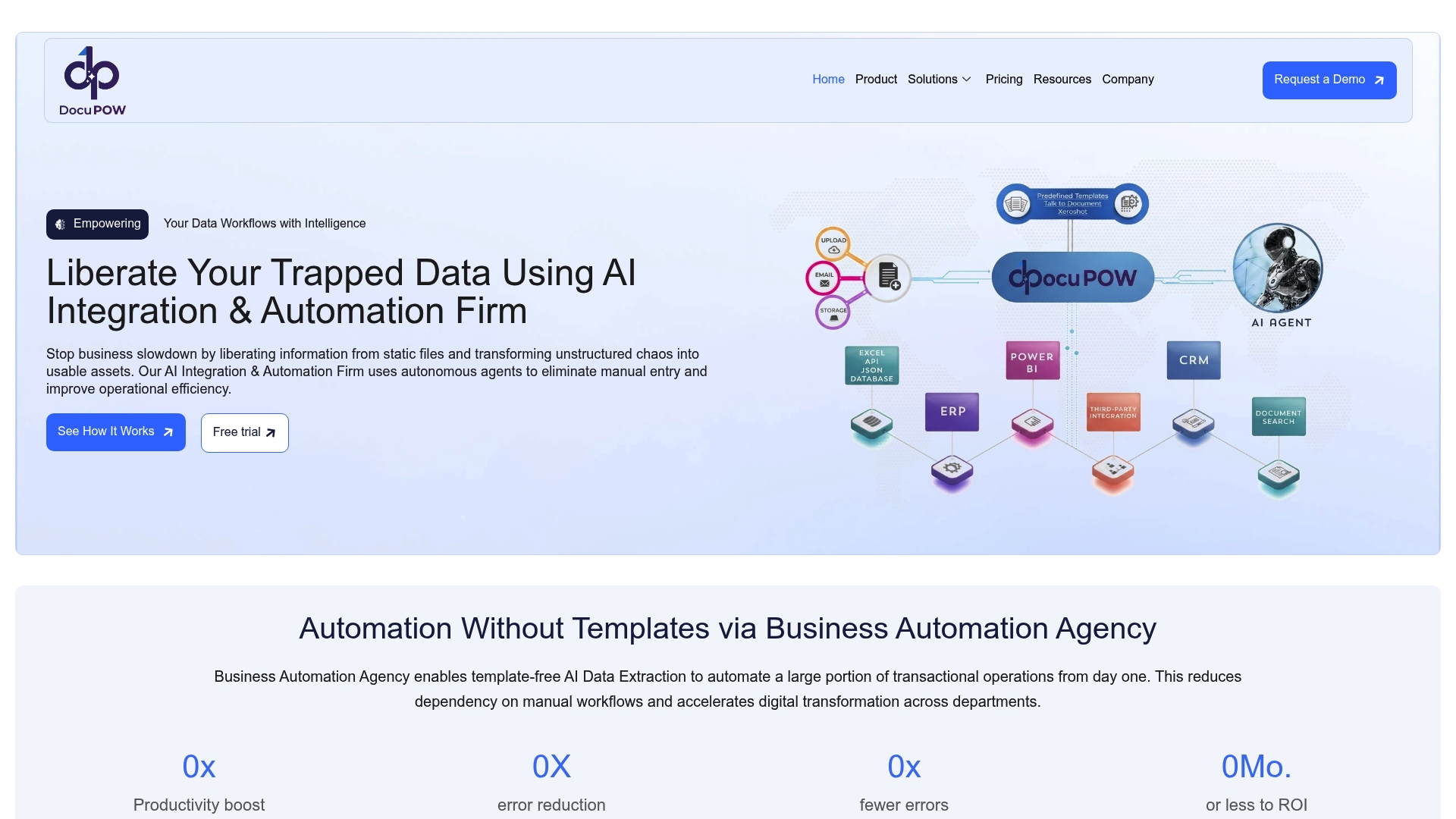
Make your document processing more efficient with DocuPOW. Visit our site to see how you can automate invoice extraction, validations, and approvals without long training projects and reduce manual errors today.
FAQ
How does DocuPOW’s Zeroshot extraction feature work?
DocuPOW uses Zeroshot extraction to identify fields from new document types without the need for labeled examples. This capability allows teams to extract over 100 fields from PDFs, images, DOCX, and XLSX files without lengthy preparation. Users can expect quick onboarding for various document types without the traditional setup hassle.
What is the difference between DocuPOW and super.AI?
super.AI guarantees over 94% accuracy through integrated human review alongside advanced AI models, making it effective for documents like invoices and customs forms. DocuPOW’s strength lies in its template-free extraction and visual process orchestration, which may be more suited for teams needing to automate complex workflows. Consider your team’s specific needs when selecting between the two platforms.
Can I use DocuPOW for multi-step automation?
DocuPOW offers a visual workflow builder called DocuPOW Flow, which supports multi-step automation of document-related processes. This feature simplifies workflows by allowing teams to automate tasks such as approvals and validations directly within the platform. Teams should expect a streamlined experience in managing complex document workflows.
Does DocuPOW provide role-based permissions for document access?
Yes, DocuPOW ensures data security through encrypted storage and role-based permissions. This allows organizations to control who can access and process sensitive documents, which is crucial for compliance and audit trails. Teams can confidently implement document solutions while maintaining strict access controls.
What pricing options are available for DocuPOW?
DocuPOW’s pricing starts at $99 per month for the Starter plan when billed annually. There is also a free trial available for seven days, allowing teams to evaluate the platform before committing to a subscription. Higher volume and enterprise plans are custom priced, aligning costs with usage needs.
Recommended
See DocuPOW on your documents.
Stop building templates. Start extracting data.