Top 4 Virtual Assistant Dallas Software 2026
Explore 4 top Virtual Assistant Dallas software options to help you decide the best solution for your business needs and improve productivity.


Managing high volumes of invoices, contracts, and business records slows down Dallas operations when handled with basic assistant tools or manual processes. Many platforms demand costly contracts or require complex integration, which smaller teams cannot justify. This review compares automation features, pricing, and workflow controls across four alternatives so enterprise teams can choose the right fit without wasteful trial periods.
Table of Contents
DocuPOW
At a Glance
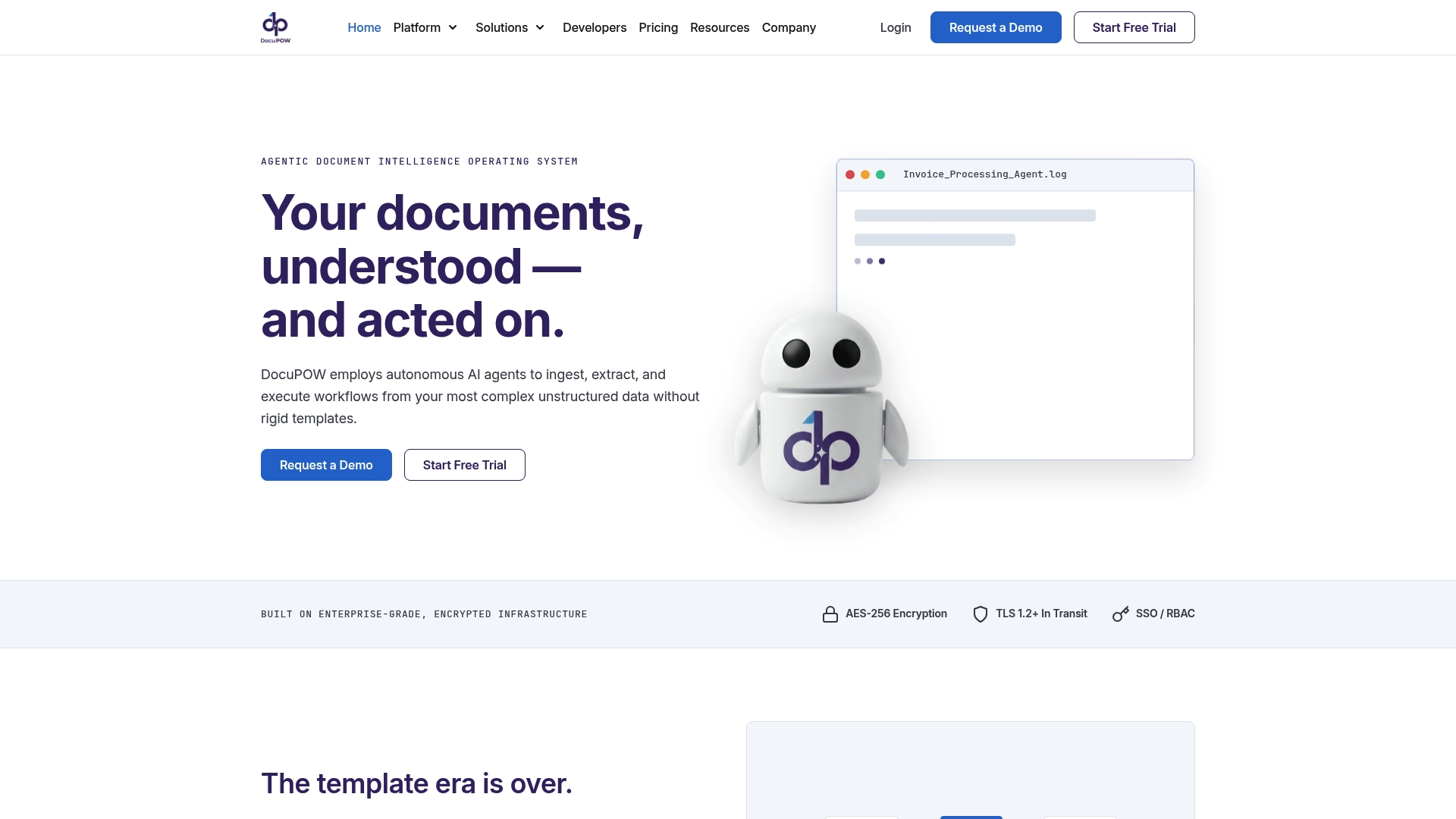
DocuPOW reports zero shot extraction of 100+ fields without templates. The platform uses autonomous AI agents to ingest and interpret complex unstructured documents across finance, healthcare, logistics, and legal. If your Dallas team handles varied invoices, contracts, or KYC packets, this can reduce manual rekeying and review steps.
Core Features
Autonomous AI agents handle document ingestion, parsing, and extraction while adapting to new formats without per template setup. The platform pairs natural language queries through Infinity with a visual workflow builder called Flow to orchestrate multistep automation across teams. Security and operations include encryption, role based access control, single sign on, real time validation with confidence scores, audit trails, and human in the loop review interfaces.
Key Differentiator
The platform replaces rigid template OCR by combining template free, zero shot extraction with visual workflow orchestration and verifiable answer sourcing. That means teams do not rebuild extraction templates when a vendor changes a form. For Dallas operations that process many unique vendor documents, this reduces onboarding time for new formats.
Pros
Template free, adaptive document understanding removes manual template maintenance and speeds format onboarding for new suppliers or forms. End to end automation links extraction to approvals or system entries through Flow, so extracted data triggers downstream processes without repeated manual handoffs. Enterprise grade controls such as encryption, RBAC, SSO, audit trails, and API connectivity support compliance and system integration.
Cons
- Pricing complexity might be a consideration for very small teams or low volume use cases.
If your company runs low monthly document volume, compare credit consumption before committing.
Who It’s For
Enterprise teams in Dallas and beyond that process high volume, complex unstructured documents across finance, legal, procurement, or telecom. This fits organizations that need reliable extraction, confidence scoring, and workflow triggers rather than a basic OCR tool. Small single person shops with minimal monthly volume will likely find the platform more than they need.
Unique Value Proposition
The Flow visual builder lets teams map multi step approval, exception, and integration logic visually and attach extracted fields to downstream systems. That capability turns extracted data into immediate actions, cutting manual handoffs between departments. For mid market finance and procurement teams, Flow reduces work spent moving data between people and systems.
Real World Use Case
A financial institution automates processing thousands of loan agreements and invoices each month, extracting key fields and validating them with confidence scores. Validated data then triggers approval workflows and posts entries to core systems without manual rekeying. Human reviewers handle exceptions using the platforms review interface.
Pricing
Monthly plans start at $99 for 400 credits in the Starter tier and $499 for 2,500 credits in the Professional tier, with custom enterprise options available. Review your document volumes and expected credit burn before choosing a tier.
Website: https://docupow.ai
Rossum
At a Glance
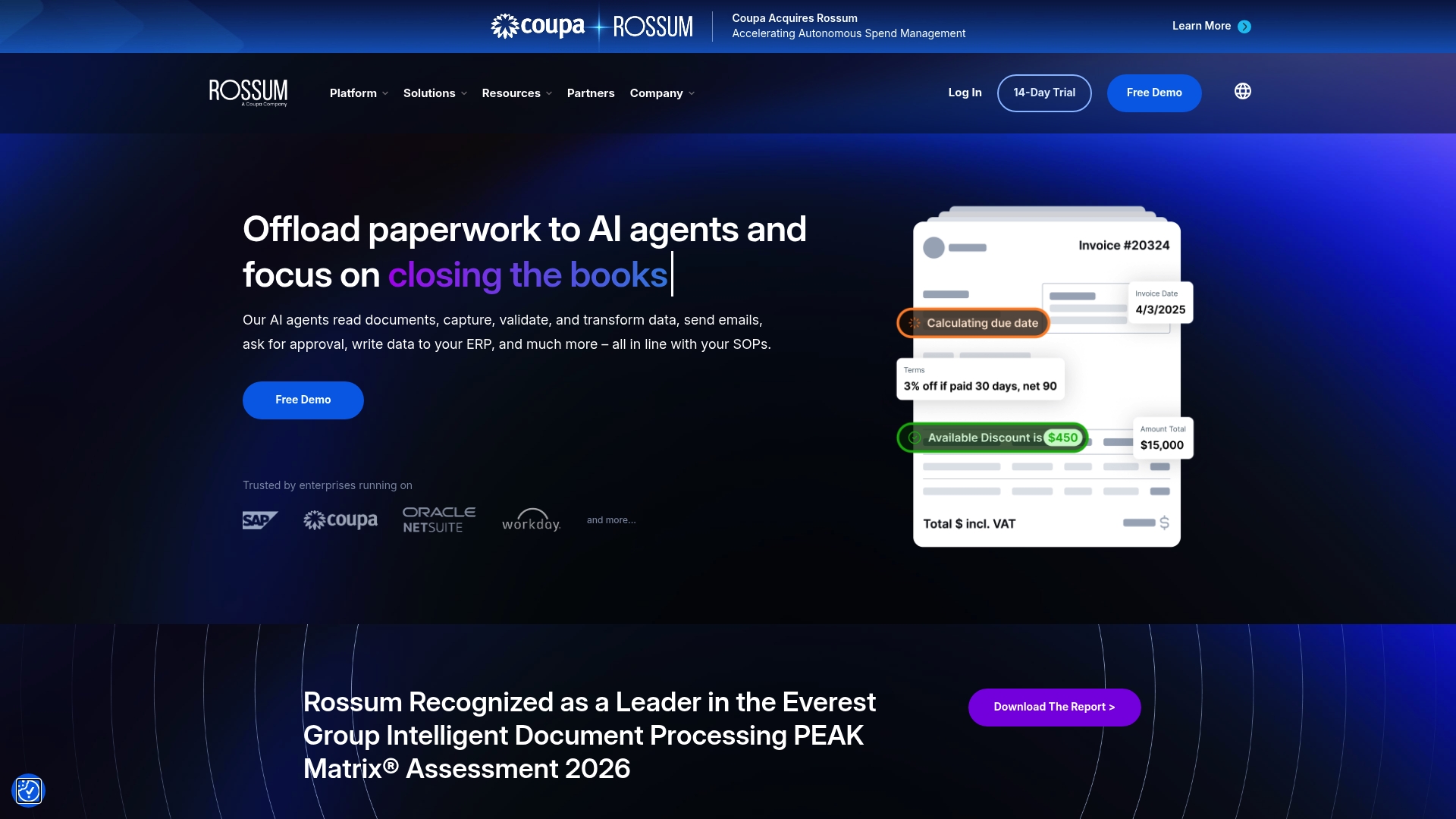
Rossum reports support for 276 languages and handwriting, which helps multinational teams handle invoices and customs documents across markets. The platform pairs proprietary large language models with autonomous AI agents to capture, validate, and route transactional documents. That mix targets high-volume environments where integration with ERPs matters.
Core Features
Rossum ingests invoices, sales orders, and PDFs with optical character recognition and language models that learn from corrections. It cross-validates extracted fields against ERPs and third-party APIs and automates approvals, notifications, and exception handling through AI agents. A real-time dashboard provides metrics, an audit trail, and compliance controls while secure connectors link to major enterprise systems.
Key Differentiator
The standout element is continuous model learning driven by vendor proprietary models. That continuous learning improves understanding of unusual layouts and recurring vendor formats as teams correct extractions. For organizations that process complex transaction documents, this learning loop reduces repeat errors over time.
Pros
Rossum automates data capture across many document formats, cutting obvious manual entry workload and freeing AP and logistics teams to handle exceptions. It supports validation rules and cross-checks that enforce compliance and reduce invoice mismatches. Strong ERP connectors and enterprise security measures make it practical for companies that need tight system integration and an auditable trail.
Cons
-
High cost. The platform may be expensive for small businesses or low-volume users.
-
Complex setup. Implementation can require dedicated technical resources and integration work.
-
Sensitivity to input quality. Low-quality scans or heavily formatted pages can still produce extraction errors.
-
Pricing and usage limits. High-volume operations may need larger plans with custom quotes.
When It May Not Fit
Rossum is a poor match for sole proprietors or very small teams that process a handful of documents monthly. If your organization lacks technical staff for an initial rollout, the implementation effort could delay business value. Firms that rely mostly on low-resolution scans will see limits to accuracy. If budget is constrained, smaller cloud OCR tools may be more cost effective.
Notable Integrations
-
SAP
-
Coupa
-
NetSuite
-
Workday
-
Microsoft Dynamics
Who It’s For
Large enterprises and high-volume organizations that must process transactional documents across countries will get the most from Rossum. Teams running multiple ERPs or dealing with customs and complex supply chain paperwork will benefit from the integration capabilities. If your finance or operations group needs an auditable automation layer, this product fits that requirement.
Real World Use Case
According to the company, a multinational retail company automated invoice processing and reduced manual effort by over 90%. That result delivered faster approvals and clearer visibility into transaction workflows. The example illustrates how continuous learning and ERP cross-validation can cut touchpoints for recurring invoice formats.
Pricing
Pricing starts at $18,000 per year for the Starter plan. The vendor provides detailed quotes for Business, Enterprise, and larger plans tailored to volume and integration needs. Expect licensing plus implementation fees for complex deployments.
Website: https://rossum.ai
elDoc
At a Glance
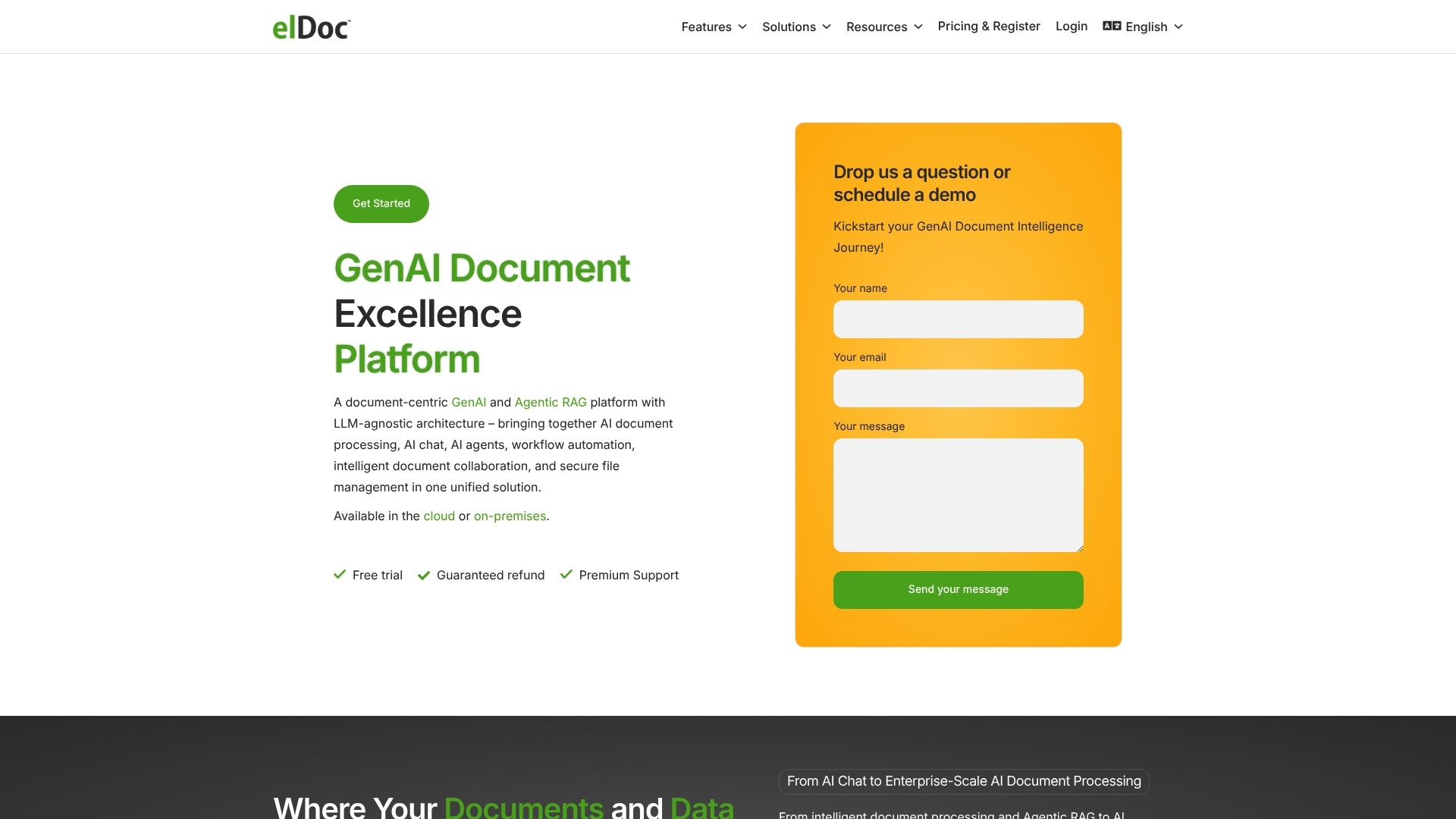
Cloud and on premises deployment options support enterprise scale AI document processing and local data residency. The platform pairs document understanding with chat, workflow automation, eSignature, and secure file management to handle large volumes of enterprise records.
Core Features
elDoc applies AI / LLM document classification, indexing, summarization, and retrieval to large document collections and links those capabilities to workflow automation and chat for faster approvals. The product combines secure file storage and eSignature with role based access and encryption to keep sensitive records under governance. Built for enterprise document management, it also supports document generation and organized search across repositories.
Key Differentiator
The main distinction is a LLM agnostic, unified suite that bundles document processing, automation, and secure collaboration with both cloud and on premises deployment. Where DocuPOW emphasizes autonomous agents and extraction for manufacturers, elDoc prioritizes deployment flexibility and governance for regulated enterprises.
Pros
The interface is user friendly and practical, which shortens onboarding for administrative and legal teams. elDoc supports both cloud and on premises installs, which helps agencies and enterprises that need local control of sensitive data. The product pairs AI / LLM Document Classification and intelligent retrieval with workflow automation and eSignature, so teams can move documents from intake to approval without stitching multiple tools together. Security features such as role based access and encryption back the governance claims and suit regulated environments.
Cons
-
Vendor materials list few user reported weaknesses. That makes independent tradeoffs harder to verify.
-
Public pricing is not published in detail. Assessing cost effectiveness requires direct vendor discussion.
-
Feature set favors organizations with structured document workflows. Small teams with ad hoc needs may find the suite heavier than required.
Who It’s For
Organizations that must process large volumes of regulated documents and keep a clear audit trail will find this a fit. Government agencies, legal departments, and enterprises that require on premises options and strict access controls match the target profile. Teams that need integrated eSignature and approval routing will gain immediate value.
Real World Use Case
A government agency routes incoming forms into elDoc, which classifies and extracts key fields, creates searchable indexes, and routes items to reviewers via automated approvals. Staff collaborate using the built in chat and finalize records with eSignature while encryption and role based controls preserve compliance.
Pricing
Not applicable — informational only. Exact pricing and licensing models are available from the vendor on request and will vary by deployment type and organizational scale.
Website: https://eldoc.online
SenseTask
At a Glance
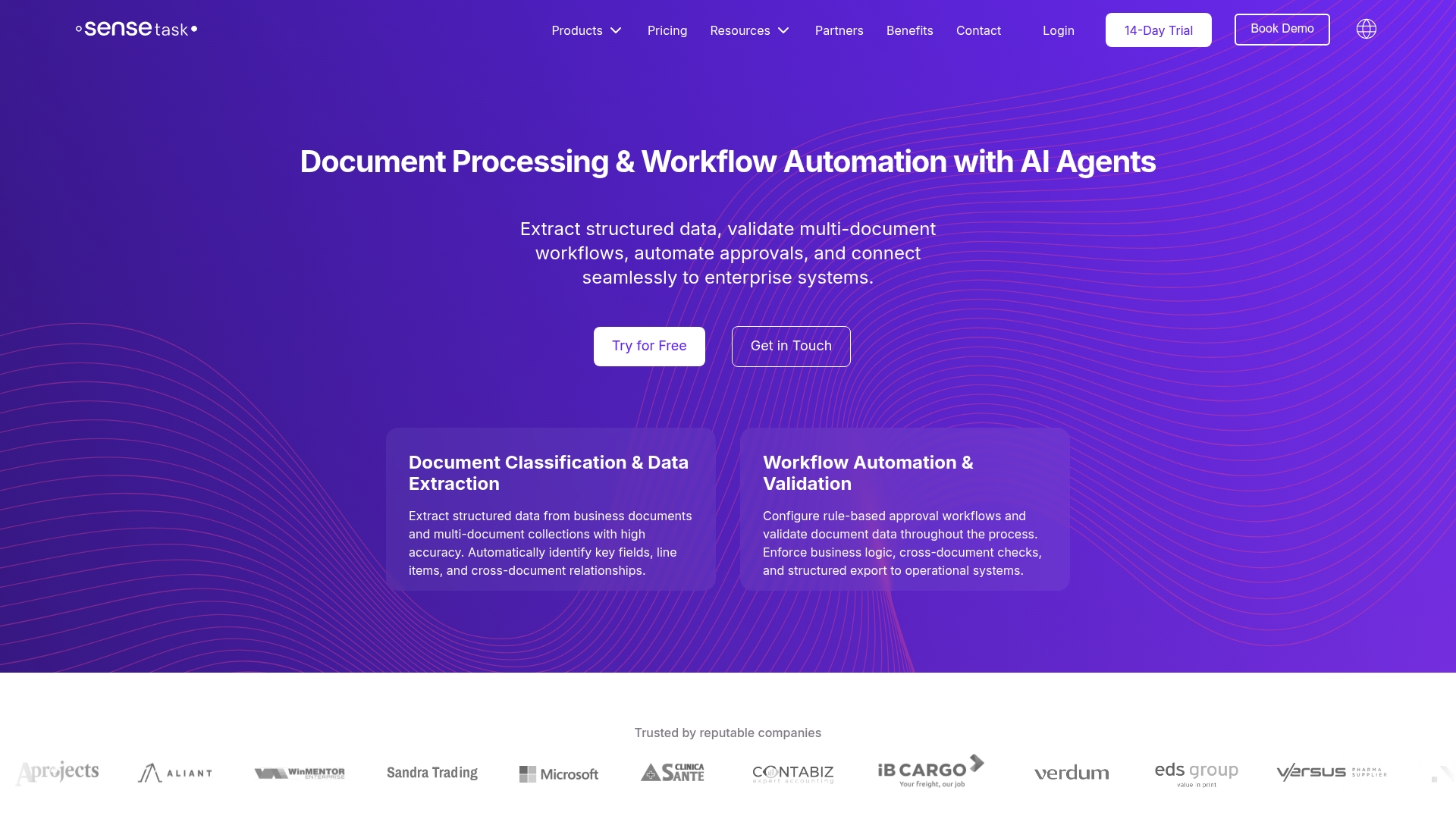
SenseTask reports processing time savings of over 10x for some automated document flows. The platform combines adaptable AI classification with export connectors to ERPs and CRMs. That combination targets governed automation and auditability for mid to large enterprises.
Core Features
SenseTask delivers AI driven document classification and data extraction paired with automated workflows and approval chains. The platform groups related documents into collections, supports customizable validation rules, and offers a digital archive with advanced search and security controls. A flexible API and cloud scaling let teams push validated data into ERP, CRM, and accounting systems.
Key Differentiator
SenseTask adapts its classification models to varied document types and layouts while linking those results directly into enterprise systems. That focus on adaptable extraction plus system integration makes it a fit for organizations that require governed, exportable data flows rather than standalone capture tools.
Pros
SenseTask reduces repetitive manual work across invoices, contracts, and purchase orders, freeing finance and procurement teams to focus on exceptions. The platform supports approval workflows with audit logs and role based access, which helps compliance and control for regulated processes. Users report the platform learns from corrections, improving extraction accuracy over time and reducing review workload.
Cons
-
Market awareness is still developing, so some buyers may hesitate when seeking widely referenced vendors.
-
The product needs further functional expansion to match deep specialty workflows used by very large enterprises.
-
Advanced integrations and niche features may require additional tuning and vendor support during rollout.
When It May Not Fit
If you run a very small business with minimal integration needs, SenseTask may exceed your complexity requirements. Organizations that require out of the box connectors to a niche ERP marketplace may find the integration catalog limited. Teams needing zero setup and no ongoing model tuning should consider simpler capture tools instead.
Who It’s For
Businesses in Dallas and beyond that process large volumes of invoices, contracts, or shipping documents will find SenseTask relevant. You should consider it if your team needs controlled approvals, audit trails, and ERP exports. The platform suits mid sized to large enterprises seeking scalable, governed document automation.
Real World Use Case
A logistics operator used SenseTask to automate invoices, shipping manifests, and customs paperwork. The system classified mixed layout forms, validated key fields, and routed exceptions to approvers. That workflow reduced review cycles and improved compliance with export controls.
Pricing
Starting at $99/month for the Starter plan with a 14-day free trial. Enterprise pricing is customized and includes additional features and support for large scale deployments. Contact the vendor for volume discounts and implementation packages.
Website: https://sensetask.com
Comparison of alternatives
Document processing solutions vary significantly in their features and deployment goals. Below is a comparative assessment to assist in selecting the best platform for your objectives.
Adaptive Processing and Accessibility
DocuPOW excels in its AI-driven zero-shot document field extraction, eliminating the need for pre-defined templates. This makes onboarding and interfacing with new document formats immediate. Rossum offers a strong emphasis on multi-language document processing and handwriting detection, making it suitable for globalized operations with diverse language needs.
Integration and Usability in Regulated Environments
elDoc prioritizes security and governance through local data residency options and role-based encryption, which aligns with requirements in regulated sectors. SenseTask strikes a balance by coalescing adaptable extraction models with ERP integrations, which strengthens compatibility with varied data and operational workflows.
Best fit
-
For enterprises processing high volumes of complex and unstructured documents, DocuPOW minimizes manual intervention and accelerates productivity continuously.
-
Multinational corporations requiring extensive language processing capabilities will find Rossum’s 276 language support.
-
Teams in highly regulated industries, such as government or finance, will appreciate elDoc’s focus on deployment options and strict compliance measures.
-
Businesses reliant on ERP integrations with scalable workflows benefit greatly from SenseTask’s flexible configuration.
Our pick
For flexibility and capability in handling diverse document processing needs, superior scalability, and advanced automation, DocuPOW is the recommended choice. Its template-free extraction and effective workflow integration deliver notable gains in operational efficiency. However, those prioritizing language support or stringent data governance should consider alternatives like Rossum or elDoc.
Choosing the right document processing platform requires evaluating features like automation capabilities, integration, and pricing.
| Product Name | Core Feature | Key Differentiator | Pricing | Notable Limitation |
|---|---|---|---|---|
| DocuPOW | Autonomous AI agents and workflows | Zero shot extraction with adaptive formats | Starting at $99/month for 400 credits | Pricing complexity for very small teams |
| Rossum | Multilingual OCR and validation | Continuous learning-driven extraction | Starting at $18,000/year | High cost for small businesses |
| elDoc | Document classification and storage | Unified LLM-agnostic suite | Price not published | Heavy for small teams with ad hoc workflows |
| SenseTask | Adaptive classification and workflows | Integration with ERP and CRM systems | Starting at $99/month with 14-day free trial | Limited visibility among niche ERP marketplaces |
How Can Virtual Assistant Dallas Teams Reduce Document Processing Challenges?
Many Virtual Assistant Dallas teams struggle with handling vast, complex documents that slow workflows and increase manual work. DocuPOW tackles this by using autonomous AI agents to extract over 100 fields without relying on templates. This approach cuts onboarding time for new document formats and lowers manual data entry errors.
DocuPOW empowers teams by:
-
Automating extraction and approvals through a visual workflow builder
-
Providing real-time validation with confidence scores
-
Offering enterprise-grade security and audit trails
Find out how companies manage document complexity with AI tools at the AI Archives – DocuPOW.
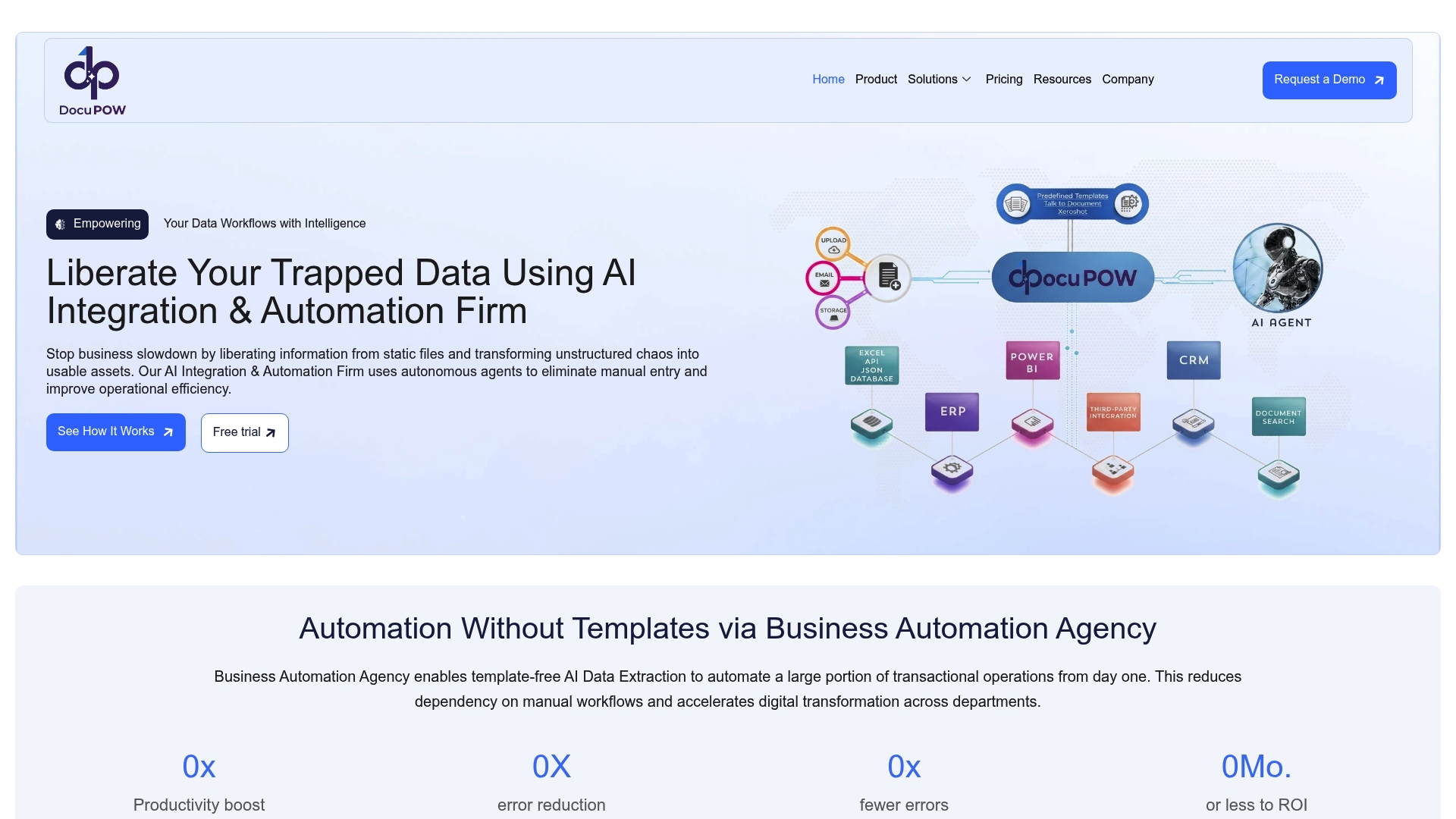
Explore DocuPOW solutions at https://docupow.ai and connect your document workflows to reduce errors and accelerate approvals today.
FAQ
How does DocuPOW handle complex document types?
DocuPOW uses autonomous AI agents to ingest and interpret complex unstructured documents across various fields. The platform’s zero shot extraction capability allows it to operate without predefined templates, making it ideal for diverse document types. If your team processes varied invoices, contracts, or KYC packets, this feature can greatly reduce manual entry work.
What is the difference between Rossum and DocuPOW?
Rossum stands out for its ability to support 276 languages and handwriting, making it suitable for multinational teams handling invoices. In contrast, DocuPOW excels in environments where teams need rapid adaptability to unique vendor documents without creating new templates, particularly beneficial for businesses focused on diverse document processing.
Can I automate approval workflows with DocuPOW?
Yes, DocuPOW links extraction directly to approvals through its Flow visual workflow builder. This allows teams to automate multi-step processes efficiently, eliminating repeated manual handoffs between departments.
Does DocuPOW support security features?
DocuPOW includes enterprise-grade security features such as encryption and role-based access control to ensure compliance. These controls help maintain the integrity and confidentiality of sensitive data during processing.
How does DocuPOW compare in pricing?
Pricing for DocuPOW starts at $99 per month for 400 credits in the Starter tier. Organizations should evaluate their document volumes to assess the most suitable pricing tier before committing.
Recommended
See DocuPOW on your documents.
Stop building templates. Start extracting data.