Top 3 Best Automated Document Processing Services 2026
Compare the top 3 Best Automated Document Processing Services to decide which one improves your efficiency and accuracy in document management.

Managing large volumes of varied documents takes too much manual work for operations, finance, and procurement teams. Template based systems require constant rule mapping and force manual setup for every new document type. This comparison covers extraction method, compliance, and workflow integration so teams can select a service that fits their volume and regulatory needs.
Table of Contents
DocuPOW
At a Glance
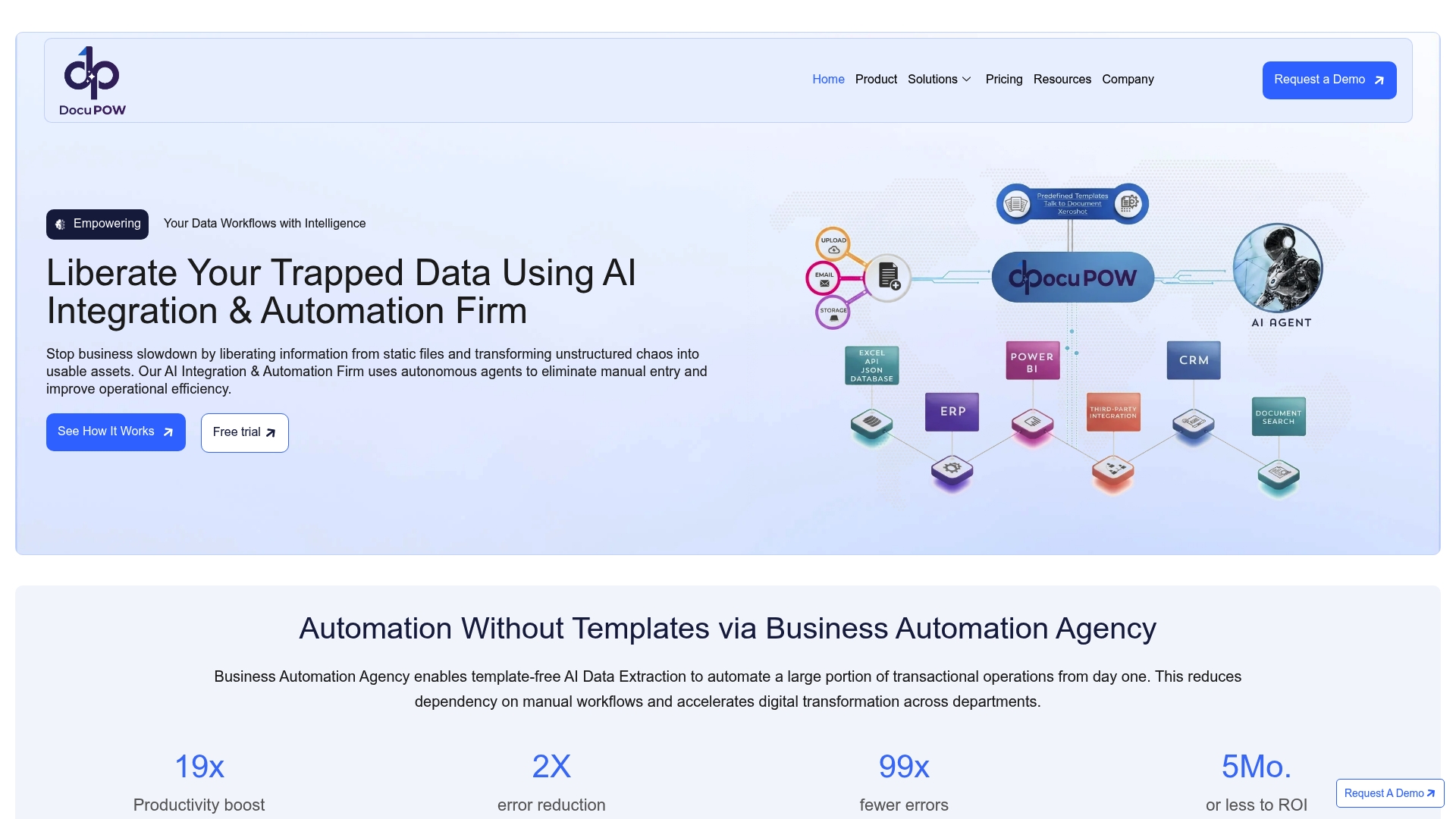
ZeroShot learning lets DocuPOW extract data from new document types without templates or prior training. The system handles handwritten notes and unstructured files while learning to improve extraction accuracy over time. Large manufacturers use its output for near real time spend analytics and faster procurement decisions.
Core Features
DocuPOW uses ZeroShot learning to pull fields from invoices, contracts, and forms with no manual mapping. It includes document search, visual bounding boxes for verification, and a user friendly interface for review and correction. The product follows an API first model so you can connect AI agents, ERP and CRM systems, Power BI, and Power Automate for downstream workflows and analytics.
Key Differentiator
The standout capability is the platform’s ZeroShot approach that removes the need for templates. That reduces upfront setup for new document types and shortens time to value for large volume workloads. Teams that process diverse document formats will spend less time building extraction rules and more time acting on the extracted data.
Pros
DocuPOW improves accuracy through continuous learning, which means extraction quality rises as the system sees more examples. It accepts complex, unstructured, and handwritten documents that break traditional template based tools. The API first design and explicit support for ERP, CRM, Power BI, and Power Automate make it practical for enterprise automation and reporting. Real time analytics and a conversational interface let finance and operations teams query document data without building reports.
Cons
- Complexity in initial setup and integration for highly specialized legacy systems.
Notable Integrations
- ERP systems for posting and reconciliation.
- CRM systems for linkages to sales and contract records.
- Power BI for operational dashboards and spend analytics.
- Power Automate for workflow orchestration.
- APIs for custom system integration and AI agent workflows.
Who It’s For
Large enterprises that process high volumes of varied documents and require template free automation. Procurement, finance, and legal teams that need faster access to accurate document data will benefit. Organizations planning multi system integrations and centralized analytics will see the most value.
Unique Value Proposition
Autonomous agents that understand document context let DocuPOW translate documents into actionable data without extensive manual mapping. That capability reduces manual entry work and improves financial visibility for procurement and operations teams. With real time analytics and predictive insights, teams can shift from reactive fixes to earlier interventions that reduce late fees and process exceptions.
Real World Use Case
A global manufacturer replaced manual document sorting with DocuPOW driven extraction. The company gained real time spend analytics, cut late payment penalties, and sped decision making across procurement and operations. The result came from combining template free extraction, system integration, and live analytics.
Pricing
Pricing follows a tier based model with per page rates. Typical public rates range from $0.15 to $0.25 per page, and the vendor offers custom enterprise options for high volume contracts and bespoke integrations. Detailed quotes require direct engagement with the vendor.
Website: https://docupow.ai
Docparser
At a Glance
The Starter plan begins at $39 per month and includes 100 parsing credits. Docparser extracts data from Word, PDF, image files, and spreadsheets using OCR, pattern recognition, and anchor keywords. That mix targets teams that need high volume, rule driven extraction for predictable document formats.
Core Features
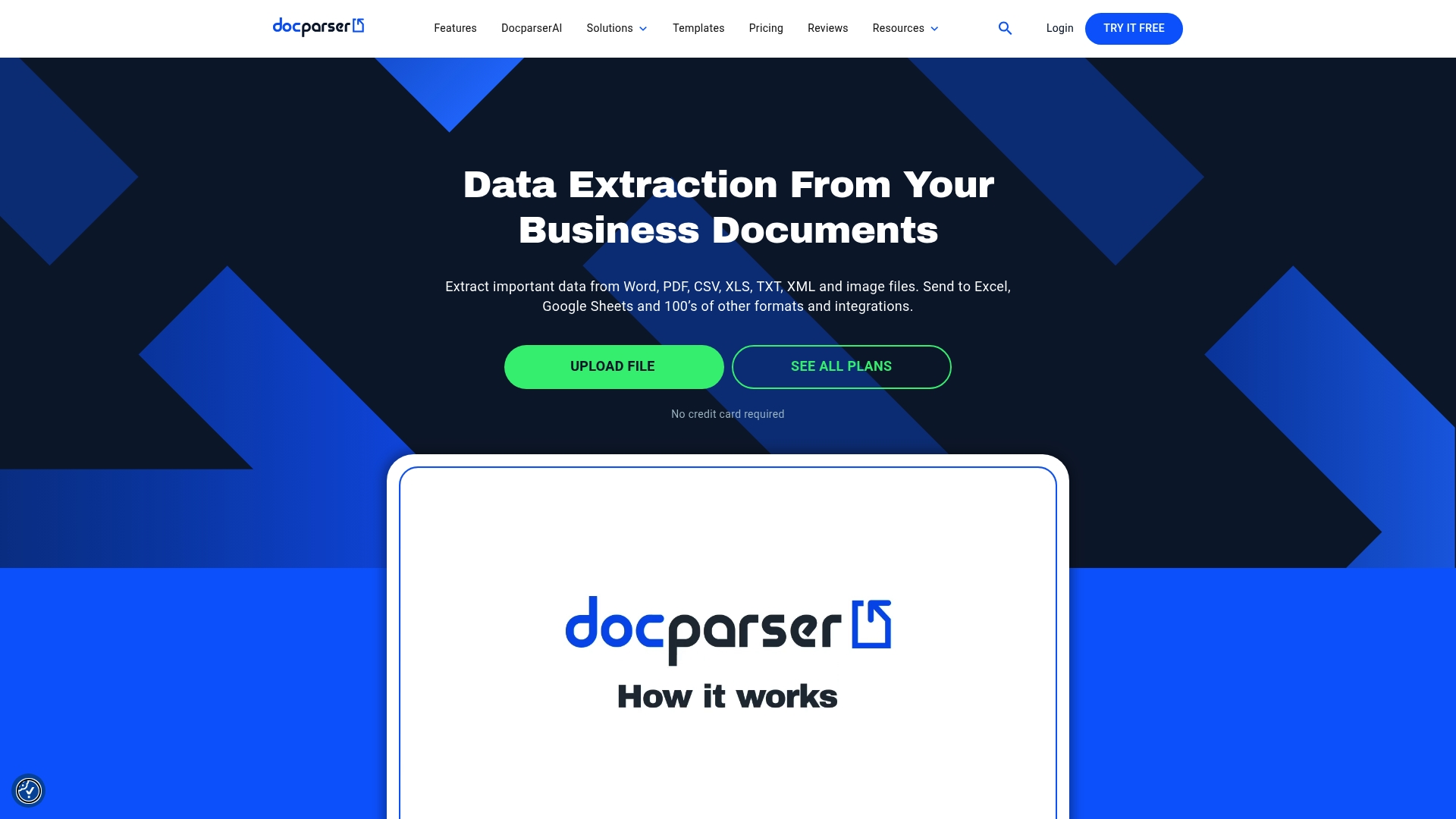
Docparser reads Word, PDF, CSV, XLS, TXT, XML, and image files and applies OCR for scanned documents. The platform offers a visual rules’ builder that needs no code, table and repetition recognition, and image preprocessing for cleaner extraction. Outputs include Excel, CSV, JSON, XML, and Webhooks API for real-time delivery to other systems.
Key Differentiator
The product centers on a no code visual rules builder with advanced pattern recognition and multi layout support for documents that change layout often. That approach favors teams who can define rules and templates rather than teams that need autonomous context aware agents. Compared with DocuPOW, Docparser serves buyers who prefer explicit rule mapping over agent driven interpretation.
Pros
Docparser handles high volumes while supporting many file types, which extends automation beyond invoices to contracts and catalogs. The visual rule editor and pre-built templates let non developers build extraction logic and test results quickly. Integrations with Google Sheets, Zapier, Power Automate, Microsoft Excel OneDrive, and Salesforce CRM allow parsed data to flow into accounting, ERP, and CRM pipelines.
Cons
-
Creating complex rules has a learning curve for teams new to document mapping.
-
Workflows with many steps or highly complex rules can show occasional performance slowdowns.
-
Lower tier plans have limited retained data policies, so long term storage requires external systems.
-
PDF mapping can feel restrictive when documents deviate widely from expected templates.
When It May Not Fit
Docparser is the wrong choice if you need autonomous, context aware extraction that adapts without explicit rules. It also may not fit teams that require long term document retention on entry level plans. Buyers without staff able to build and maintain rules may hit productivity limits quickly.
Notable Integrations
-
Google Sheets
-
Zapier
-
Power Automate
-
Microsoft Excel/OneDrive
-
Salesforce CRM
Who It’s For
Small to large enterprises that need automated data extraction from invoices, purchase orders, bank statements, contracts, and HR forms. Best fit for operations, finance, and logistics teams that can invest in rule building and maintain templates. Also suitable for service providers that process predictable document sets.
Real World Use Case
A logistics company configures Docparser to read delivery notes and shipping orders, extract line items, and push records into inventory and shipment tracking systems. That setup reduces manual entry and updates tracking systems in near real time.
Pricing
Monthly subscription plans start at $39 per month for the Starter plan with 100 parsing credits. Higher tiers and custom enterprise pricing are available for larger volumes and advanced retention needs.
Website: https://docparser.com
Parashift AI
At a Glance
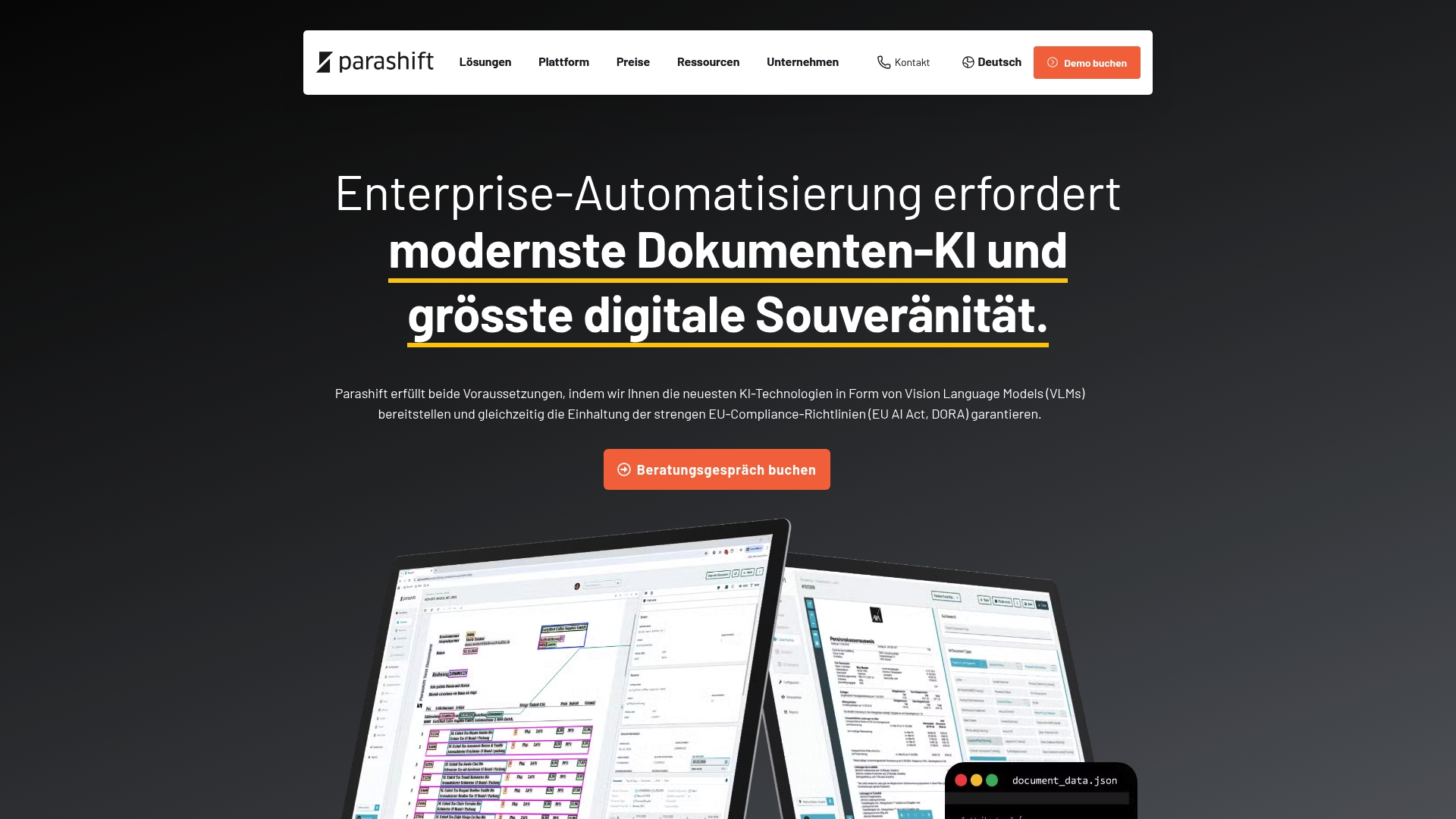
Parashift AI reports over 90% straight-through processing for high volume document flows. The vendor states compliance with EU data sovereignty requirements and alignment with the EU AI Act and DORA regulations. The platform combines proprietary models and third party support to target regulated European environments.
Core Features
Parashift AI delivers intelligent document processing with automated document separation and segregation, AI document classification, and AI data extraction. It exposes an agentic document extraction OCR API for programmatic access and supports trainable, enterprise models alongside third party models. Deployment can run in private cloud or on premise to keep data under customer control.
Key Differentiator
The product uses a tri model strategy that pairs proprietary vision language models, Swarm Learning, and third party model support. That mix aims to keep model training and inference within an EU native infrastructure while allowing hybrid model selection. That compliance claim and the tri model approach serve as the primary technical distinction.
Pros
Parashift AI supports strict European compliance and data sovereignty, which matters for banks and insurers that keep data inside EU borders. The platform reports the high straight through processing figure above, and that accuracy claim suggests material reduction in manual review for common document types. Deployment options for private cloud and on premise give IT teams direct control over data and operations.
Cons
-
Integration can be complex and may require specialized technical expertise, according to third party reviews.
-
Pricing is not fully transparent and requires tailored quotes to get exact costs.
-
Smaller organizations may face a learning curve to exploit advanced AI model features and Swarm Learning.
When It May Not Fit
If you lack internal AI or integration expertise, deployment in private cloud or on premise will likely demand outside help. Organizations with minimal regulatory constraints and simple invoice flows may find the platform more than they need. Firms that require clear list pricing up front will need to budget for a quote based procurement process.
Notable Integrations
Parashift AI connects to established ECM and workflow tools. Notable integrations include:
- d.velop
- JobRouter
- M-Files
Who It’s For
Mid to large European enterprises in regulated sectors will get the most from Parashift AI. Ideal buyers operate in banking, healthcare, logistics, or insurance and need strict EU data control. Teams that must combine vendor models with locally trained models will find the architecture useful.
Real World Use Case
A European bank used the platform to reach the straight through processing rate cited above for incoming invoices and KYC documents. The deployment ran in a private cloud to preserve EU data sovereignty and meet regulatory workflows. That setup reduced manual verification steps while keeping audit trails under bank control.
Pricing
Parashift AI uses a tier based cloud subscription model where costs decrease as volumes scale. Exact pricing requires a tailored quote from the vendor. Expect volume based discounts and scope based estimates for private cloud or on premise deployments.
Website: https://parashift.ai
Comparison of alternatives
Selecting an automated document processing service depends on critical considerations such as data compliance, adaptability, and cost-effectiveness.
Versatility and adaptability
DocuPOW’s ZeroShot learning technology stands as a defining advantage, enabling the platform to extract data from unstructured and handwritten documents without relying on predefined templates. This capability makes it a flexible option for enterprises managing diverse document types, reducing setup time significantly. On the other hand, Docparser utilizes a rule-based extraction approach that excels in predictable document flows, favoring smaller businesses and teams with stable workflows over dynamic variability, but limited in adapting to document structure changes.
Regulatory suitability
Parashift AI is noted for its high compliance with strict European data regulations, including EU AI Act and DORA standards, and supports private cloud and on-premise deployment. This makes it a prime candidate for sectors like finance and healthcare where legal and sovereignty requirements must be adhered to rigorously. While DocuPOW addresses large enterprise needs effectively, it does not exclusively focus on meeting stringent geographical compliance mandates as enforced within the EU, giving Parashift AI a distinct edge in regulated environments.
Best fit
- Large Enterprises with High Document Variability: DocuPOW’s ZeroShot learning excels for teams capturing data from diverse and unpredictable file types, driving significant efficiency.
- Teams Relying on Rule-Based Systems: Docparser offers rule-driven extraction tailored to consistent document layouts and straightforward workflows.
- Regulated Industries: Parashift AI ensures strict compliance within the European Union with its privacy measures and extensive model support.
Our pick
DocuPOW is the recommended choice for its ZeroShot learning capabilities, bypassing the need for templates and facilitating handling of unstructured and handwritten documents. For users requiring flexible, context-aware automation in scalable enterprise settings, DocuPOW delivers operational agility. However, firms in strictly regulated industries or those heavily reliant on predefined rules might benefit more from considering Parashift AI or Docparser, respectively.
Automated document processing services offer efficiency enhancements for enterprises handling diverse file formats. Below is a comparison of leading solutions highlighting key features and considerations.
| Product | Key Feature | Best For | Pricing | Limitation |
|---|---|---|---|---|
| DocuPOW | ZeroShot learning for template-free extraction | Large enterprises with diverse document needs | $0.15–$0.25 per page | Complex integration with specialized legacy systems |
| Docparser | Visual no-code rules builder | Teams needing high-volume structured parsing | Starting at $39/month | Complex rules have a learning curve |
| Parashift AI | EU-regulated compliance and private cloud options | European companies in regulated sectors | Price not published | Requires expertise for integrations |
How Can Large Enterprises Handle Diverse Document Workloads Efficiently?
DocuPOW solves the problem of processing high volumes of varied documents without relying on rigid templates. Many teams struggle with manual entry and slow turnaround, especially procurement, finance, and legal groups that need fast access to accurate data. DocuPOW uses AI-powered autonomous agents that understand document context, reducing manual mapping and increasing operational accuracy.
Organizations gain benefits such as real-time analytics and predictive insights that enhance decision making and cut costs. Learn more about how DocuPOW liberates trapped data and supports multi-system integration at DocuPOW.
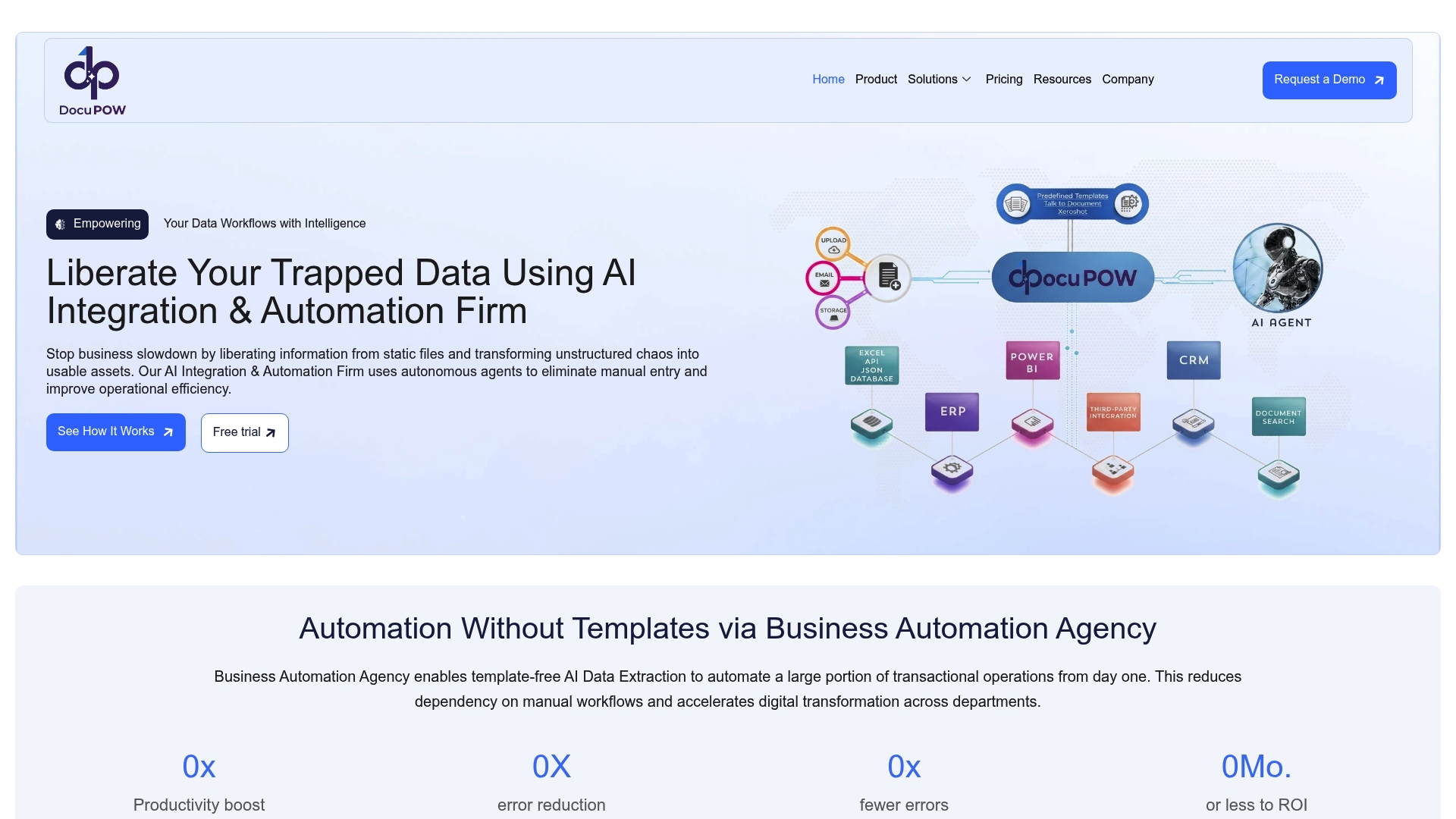
Empower your teams to move from reactive tasks to proactive strategies. Visit DocuPOW and import your documents to see your extracted data ready for actionable analytics in moments.
FAQ
What is unique about DocuPOW’s data extraction capability?
DocuPOW uses ZeroShot learning to extract data without needing templates. This capability allows it to handle handwritten notes and unstructured files effectively, improving extraction accuracy over time. Organizations looking for efficient document processing should consider DocuPOW for its rapid adaptability to new document types.
How does DocuPOW compare to Docparser in terms of rule definition?
Docparser features a no-code visual rules builder that allows teams to define precise extraction rules for various document types. In contrast, DocuPOW’s ZeroShot approach eliminates the need for such rules, making it ideal for organizations that handle diverse document formats. Choose DocuPOW for a faster setup when working with varied documents, while Docparser may suit those needing strict rule definitions.
Can DocuPOW integrate with other enterprise systems?
Yes, DocuPOW follows an API-first model, enabling connections with AI agents, ERP, and CRM systems, as well as Power BI and Power Automate. This integration capability makes it practical for enterprise automation and reporting, ensuring teams can leverage document data effectively across their workflows.
What are the pricing options for DocuPOW?
DocuPOW has a tier-based pricing model with rates ranging from $0.15 to $0.25 per page. Organizations processing high volumes of documents may find custom enterprise pricing options beneficial for better rates and features tailored to their needs.
How does the learning capability of DocuPOW provide value?
DocuPOW improves extraction quality through continuous learning, meaning accuracy increases as the system encounters more document examples. This advancing accuracy enhances the efficiency of procurement and operations teams by reducing manual review and enabling faster decision making.
Recommended
See DocuPOW on your documents.
Stop building templates. Start extracting data.