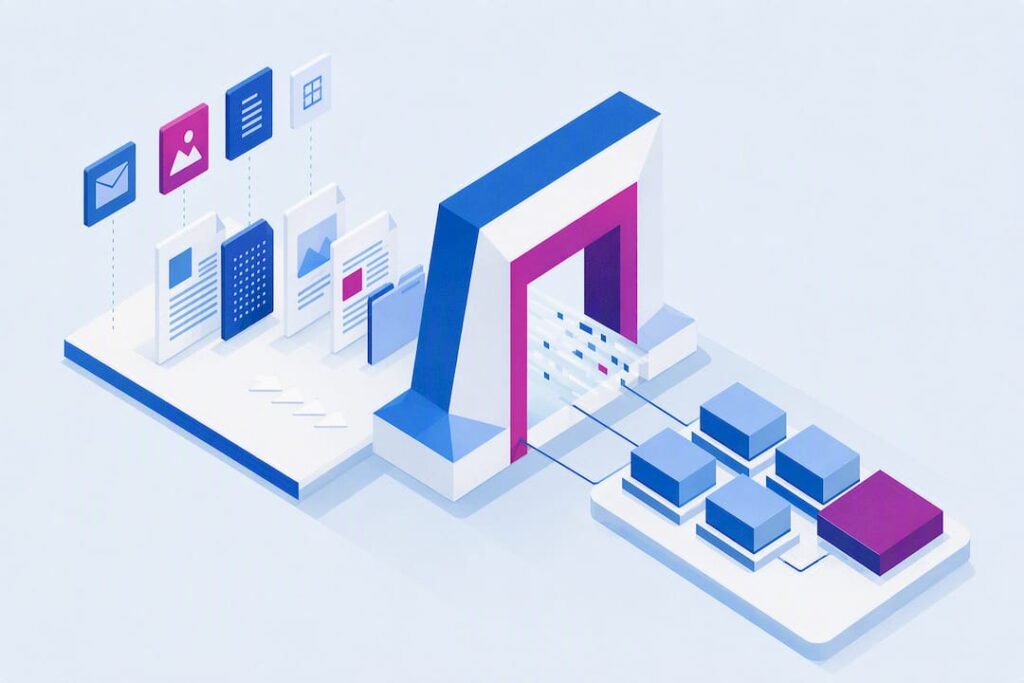
Document Lifecycle Management: A Governance Playbook
<p>Efficiently manage your documents from creation to destruction. Discover how Document Lifecycle Management helps ensure compliance, control costs, and…</p>

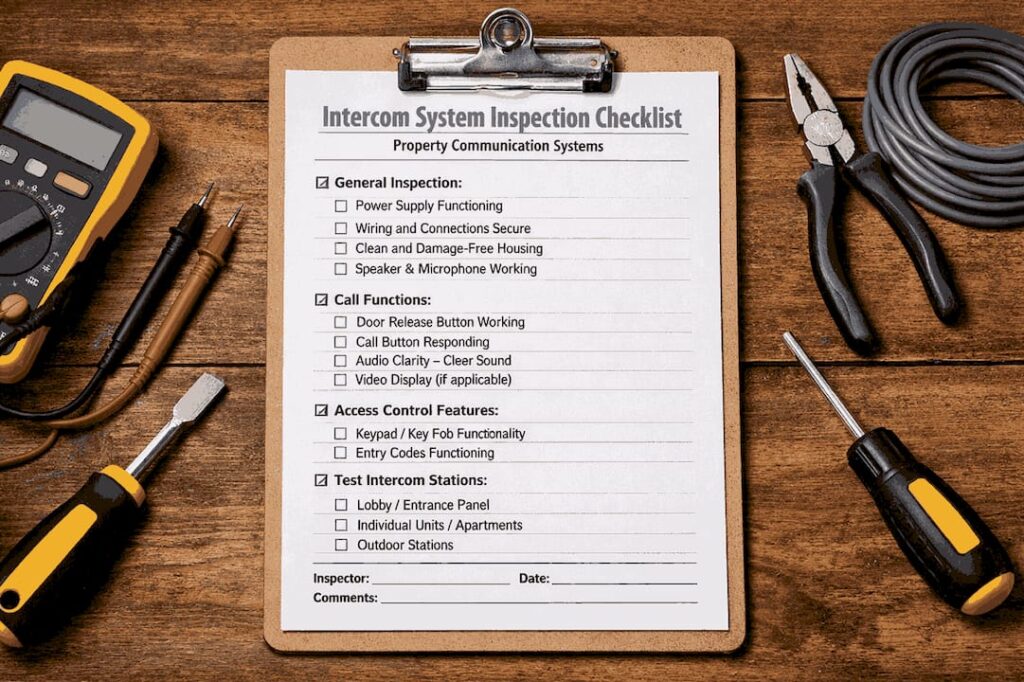
Document lifecycle management is the enforceable governance of a document from the moment it’s created to the moment it’s defensibly destroyed. That’s the whole definition, but the value shows up in three places auditors and executives both care about:
-
Compliance defensibility — you can prove, on demand, who approved a document, when it was reviewed, and why it was retired.
-
Cost control — you stop paying to store, search, and litigate over documents nobody needs anymore.
-
Fewer audit findings — transitions between draft, approved, and obsolete states are enforced by the system, not by someone’s memory.
Regulated industries already treat this as table stakes. 21 CFR Part 11 governs electronic records and signatures for FDA-regulated work, and ISO 13485 requires documented control of medical device records throughout their life. Platforms like DocuPOW are built around the same premise: a document isn’t a static file, it’s a process object that moves through stages, and each move needs a gate.
Key Takeaways
Document lifecycle management works when transitions between stages are enforced automatically, not left to manual follow-through.
| Point | Details |
|---|---|
| Five-stage model | Govern documents through creation, storage, use, archiving, and disposal, each with its own required controls. |
| Transitions are the risk point | Most compliance gaps form at stage changes like draft to approved, not during storage. |
| DLM differs from DMS/ECM/ILM | DMS stores files, ILM spans enterprise data with legal hold and WORM; DLM enforces document-specific lifecycle states. |
| Governance beats tooling | Retention matrices, named owners, and training linkage prevent more failures than any single software feature. |
| DocuPOW enforces the gates | Template-free AI extraction, real-time analytics, and audit trails turn policy into system-enforced practice. |
Table of Contents
What Are the Five Stages of Document Lifecycle Management?
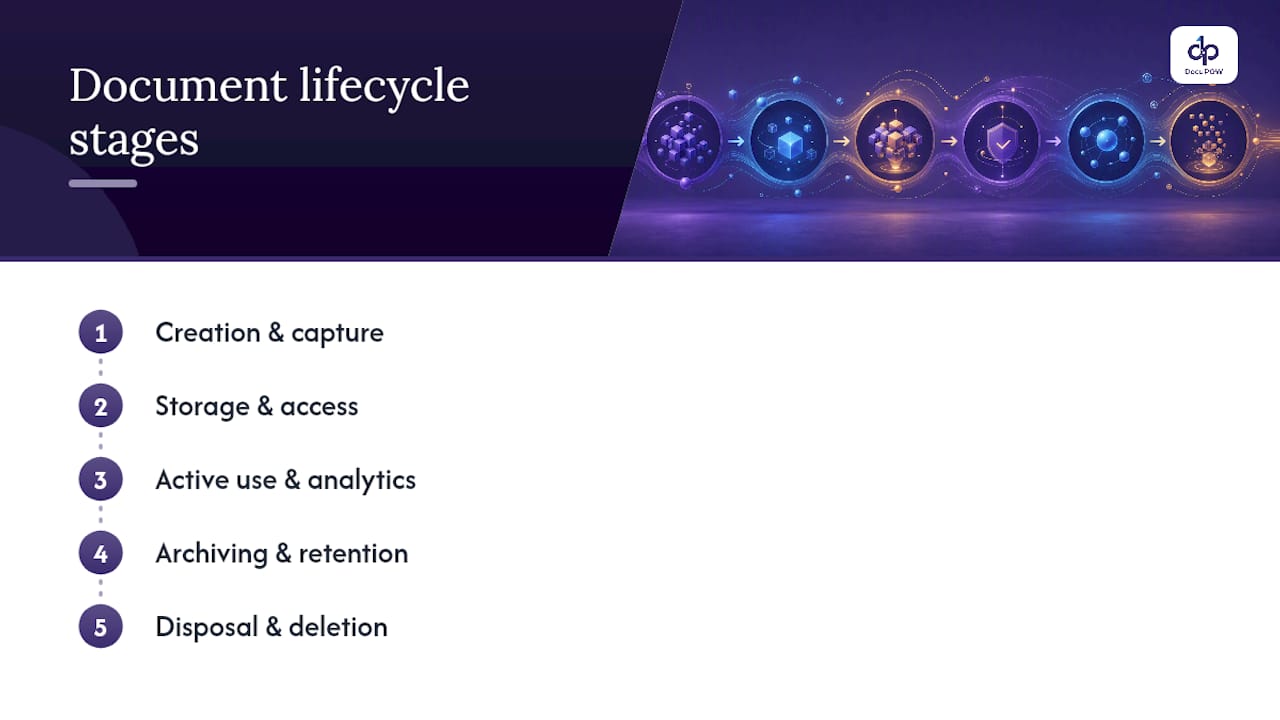
Every mature document lifecycle management program runs on the same five-stage skeleton: creation and capture, storage and access, active use and analytics, archiving and retention, and disposal. This model comes straight from how information lifecycle management frameworks treat data generally, and it maps cleanly onto documents specifically. Skip a stage’s controls and you get exactly the kind of gap auditors flag.
-
Creation and capture. A document is authored or ingested (scanned, emailed, uploaded from a vendor). At this stage you need required metadata (author, document type, effective date, classification level), a named owner, and a unique ID. Systems should reject unclassified uploads rather than let them sit in a general folder.
-
Storage and access. The document lands in a repository with role-based permissions. The common failure here isn’t loss, it’s over-permissioning: too many people can edit a controlled SOP, which quietly breaks your audit trail before anyone even changes the content.
-
Active use and analytics. People reference, revise, and route the document for approval. This is where workflow automation earns its keep, tracking cycle time, flagging stalled approvals, and logging every touch.
-
Archiving and retention. Once superseded or expired, a document moves to a retention schedule rather than getting deleted or, worse, left active. The retention clock should start automatically at the trigger event (publication, contract expiry, project close).
-
Disposal and deletion. Defensible destruction, documented with a certificate of disposition naming who authorized it and how it was executed. Without that record, you can’t prove you followed your own policy.
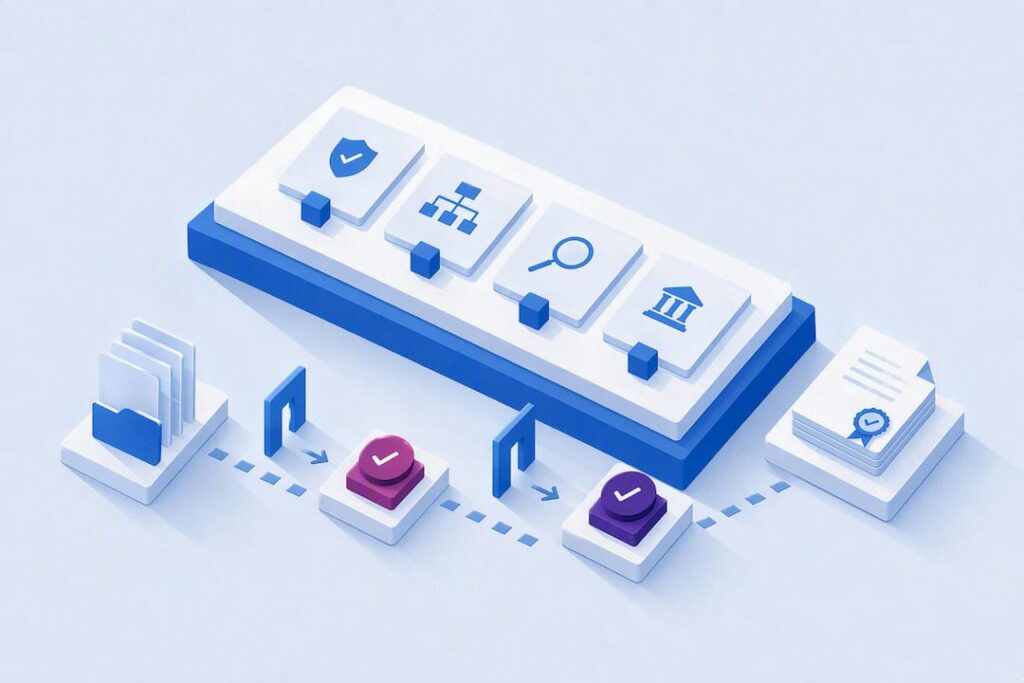
The place these programs actually break isn’t inside a stage. It’s at the gate between stages. A document sitting in “draft” gets emailed around and treated as final. A “review” document gets approved by someone without signature authority. Most compliance gaps form at these transition points rather than during storage, which is why modern platforms enforce state changes as hard rules: no document reaches “approved” without a logged signature from an authorized role, and no “obsolete” document stays visible in active search results.
Pro Tip: Audit your last five approved SOPs and trace who actually clicked “approve.” If any approval came from someone outside the authorized signer list, your workflow isn’t enforcing the gate, it’s just recording that something happened.
How Is DLM Different From DMS, ECM, and Records Management?
These terms get used interchangeably, and that’s exactly how organizations end up with the wrong tool for the job. Each one solves a different problem:
-
Document management system (DMS): stores, versions, and lets people search files. Good for collaboration, weak on enforcing retention or proving a defensible chain of custody.
-
Enterprise content management (ECM): a DMS at scale, often adding content types like images and web pages, plus broader governance features, but still typically light on lifecycle-state enforcement.
-
Document lifecycle management (DLM): governs a document through defined states, with mandatory transitions, retention triggers, and audit trails baked in.
-
Information lifecycle management (ILM): broader still. ILM covers data across multiple systems, not just documents, and adds legal-hold readiness, WORM (write-once-read-many) archival, and disposition defensibility at an enterprise scale.
-
Records management: the discipline of classifying documents as official records and applying legally mandated retention and disposition, often the compliance layer that sits on top of DLM.
You’ve outgrown plain file storage when you start seeing specific symptoms: nobody can produce a clean audit trail for who approved a controlled document, retention rules exist on paper but nothing enforces them, or a legal hold request sends someone scrambling through shared drives instead of triggering an automatic freeze. Any of those is a sign you need lifecycle enforcement, not just a better filing system.
What Governance and Compliance Controls Does DLM Require?
Auditors don’t grade good intentions. They grade evidence. A retention matrix is the backbone: a table mapping each document type (SOP, contract, invoice, quality record) to a retention period, a legal basis, and a disposition action. Build it once, review it annually, and tie every document’s metadata to a row in that matrix so retention isn’t a judgment call made document by document.
Regulated environments raise the bar further. GxP-oriented document control expects periodic review discipline (documents get re-certified as current on a schedule, not left to go stale indefinitely), electronic signatures that meet Part 11 standards, and a tamper-evident audit log that captures every view, edit, and approval with a timestamp.
Three controls tend to separate mature programs from check-the-box ones:
-
Legal hold workflows. When litigation or investigation triggers a hold, the system must freeze disposition automatically for affected documents, not rely on someone remembering to pull them from the deletion queue.
-
Defensible disposition records. Every deletion needs a certificate naming the authorizing person, the method, and the retained proof that destruction happened on schedule and on policy.
-
Training linkage. When a document changes, the system should auto-assign training to the roles affected and supersede the old version into a restricted archive, so nobody can accidentally reference outdated instructions.
Skipping periodic reviews is one of the most common findings inspectors cite, and it’s almost entirely preventable with a dashboard that flags documents approaching their review date before they go overdue.
How Do You Build a Document Lifecycle Management Program?
Most DLM programs fail on policy, not technology. Unclear retention rules, undefined ownership, and no formal criteria for archiving cause more breakdowns than any software gap. Here’s the sequence that actually works, in order:
-
Inventory everything. Catalog document types, where they live, and who currently touches them. You can’t govern what you haven’t counted.
-
Classify by risk and regulation. Sort documents into tiers (public, internal, confidential, regulated) since retention and access rules differ by tier.
-
Assign named owners. Every document type needs one accountable person, not a department. “Compliance owns it” produces no accountability; “Maria in Compliance owns the QMS SOPs” does.
-
Build the retention matrix. Map each classified type to a retention period and disposition method, with the legal or regulatory basis noted.
-
Configure workflows and approval gates. Translate your policy into system rules: who approves what, in what order, with what signature requirement.
-
Monitor and adjust. Set up dashboards for overdue reviews, stalled approvals, and missing owners, then run a governance meeting on a fixed cadence to act on what the dashboard shows.
The minimum artifact set is smaller than most teams assume: a documented SOP for the lifecycle process itself, the retention matrix, and a defined approval workflow per document category. Everything else is refinement.
Ownership should sit with a cross-functional group rather than IT alone, though IT often ends up as the operational backbone because it manages the systems enforcing the rules. A quarterly governance review, with compliance, IT, and the business unit owner in the room, catches drift before it becomes a finding.
Pro Tip: Start your retention matrix with the ten document types that generate the most audit questions, not the ten with the most volume. You’ll get compliance coverage faster than trying to boil the ocean on day one.
What Technology Features Actually Enforce the Lifecycle?
Software alone doesn’t fix a bad policy, but the right platform features make a good policy nearly impossible to violate. The checklist worth holding vendors to: configurable workflows that mirror your approval chain, hard approval gating (no skipping a required signer), tamper-evident audit trails, automated retention triggers, a legal-hold workflow that freezes disposition instantly, and WORM-compliant archival for records that must remain unaltered.

Where this gets genuinely better than the last decade of document software is AI extraction that doesn’t depend on rigid templates. Traditional systems choke when a vendor changes an invoice layout or a contract comes in a new format. Template-free AI extraction reads the document for context, pulls the metadata that matters, and classifies it automatically, which means fewer documents get miscategorized or dropped into a generic folder where retention rules never apply.
Real-time analytics change the nature of periodic review. Instead of a compliance officer combing spreadsheets once a quarter, dashboards surface documents approaching expiry or missing an owner as they happen. That shift, from calendar chore to standing operational alert, is what keeps a review program from becoming theater. Programs that automate transition gates and tie publication directly to downstream obligations like training assignment see less lifecycle drift than programs that just archive documents and hope someone checks in on them.
Which KPIs Show Whether Your DLM Program Is Working?
Track a handful of numbers and you’ll know your program’s health before an auditor does:
-
Percent of documents with a named owner — anything under 100% is a gap waiting to surface.
-
Overdue reviews — count and trend, not just a snapshot.
-
Average time-to-approval — rising cycle times often signal a bottleneck at one approver.
-
Disposition completion rate — how many scheduled disposals actually happened on time, with a certificate on file.
-
Audit findings trend — quarter over quarter, this should decline as your program matures.
Set thresholds that trigger action, not just observation. If there are any overdue reviews of your active document set, that should generate an automatic remediation task, not a note in next month’s meeting.
Why Do Document Lifecycle Management Programs Break Down?
A few failure patterns show up again and again, and each has a fast fix:
-
Skipped periodic reviews. Fix it with a dashboard alert 30 days before the due date, escalating to the owner’s manager if it’s missed.
-
Orphaned obsolete versions. Old files stay discoverable in search. Fix it by enforcing automatic supersession into a restricted archive at the moment a new version is approved.
-
Missing training-on-change. A document updates, nobody trains on it. Fix it by auto-assigning training the instant a revision publishes.
-
Approvals bypassed. Someone routes around the workflow under deadline pressure. Fix it by hard-blocking publication until every required signature is captured, no exceptions.
What Separates Real Programs From Paper Compliance?
Most document lifecycle management failures aren’t technology failures. They’re behavioral: an approver who rubber-stamps under deadline pressure, a manager who lets “temporary” exceptions become permanent. The programs that hold up under audit are the ones where leadership treats a bypassed gate as a real incident, not a rounding error.
Case studies and internal benchmarking data from platforms enforcing gate discipline tend to bear this out consistently.
How DocuPOW Puts These Controls Into Practice
Everything covered above, transition gating, audit trails, training linkage, retention automation, is easier to design on paper than to run day to day. DocuPOW closes that gap by turning your document lifecycle into a system that enforces itself instead of relying on someone remembering the rules.
The platform’s agentic AI reads documents without needing a template, so contracts, invoices, and quality records from different vendors and formats still get classified and routed correctly the first time. Real-time analytics flag overdue reviews and missing owners before they become audit findings, and every approval, revision, and disposition gets logged in a tamper-evident trail you can hand an auditor without prep work. Workflow orchestration means your approval gates aren’t a policy document, they’re a system rule nobody can quietly skip.
If you’re building or fixing a document lifecycle management program, DocuPOW’s platform is built to enforce exactly the governance controls this article walks through. Request a demo and see how your own document types would move through the workflow before you commit to anything.
Sources
-
ILM: Information lifecycle management explained — Splunk blog
-
Information Lifecycle Management explained — Archon Data Store
-
Constraint-driven conversational architecture (deep-knowledge excerpt)
FAQ
What Are the Five Stages of a Document’s Lifecycle?
Creation and capture, storage and access, active use and analytics, archiving and retention, and disposal and deletion make up the standard five-stage model applied to documents and data alike.
What’s the Difference Between DMS and ECM?
A DMS focuses on storing, versioning, and searching documents, while ECM extends that to broader content types and enterprise-wide governance, though neither necessarily enforces lifecycle-state transitions the way dedicated DLM does.
What Are the Best Document Management Systems to Consider?
Rather than one universal answer, the right choice depends on whether you need basic storage (a DMS), enterprise content governance (ECM), or true lifecycle enforcement with audit trails and retention automation, which platforms like DocuPOW are purpose-built to deliver.
What Are the Stages of Records Management?
Records management typically mirrors the document lifecycle: creation, classification as an official record, active maintenance, retention scheduling, and defensible disposition with a documented certificate of destruction.
Does DLM Require Electronic Signatures?
In regulated environments, yes. Standards like 21 CFR Part 11 require electronic signatures that are traceable to a specific authorized individual, tied to an audit trail that can’t be altered after the fact.
Recommended
See DocuPOW on your documents.
Stop building templates. Start extracting data.