Business Efficiency Through AI Starts With Your Documents
Unlock business efficiency through AI by optimizing document workflows. Discover how targeted AI strategies can boost productivity and cut costs.


AI improves business efficiency reliably in one specific scenario: when it’s aimed at high-volume document workflows and measured against the P&L, not just adoption metrics. Point AI at invoice processing, contract review, or PO matching first, track the dollar impact, then reinvest the savings into the next process. That sequence is what separates companies seeing real gains from those still running pilots.
The proof is already in: 66% of organizations report measurable productivity and efficiency gains from enterprise AI adoption. Companies that link AI to cost transformation, rather than treating it as a bolt-on tool, see roughly three times greater cost reduction and 1.6x higher EBIT margins than their peers. And document-heavy processes, still eating up more than 40% of knowledge-worker time according to the Arahi AI 2026 workflow guide, are the fastest place to prove it.
- Enterprise AI adoption correlates with real productivity gains, not just hype.
- Companies that redesign end-to-end processes around AI outperform those bolting AI onto old workflows.
- Document automation (invoices, contracts, PO matching) is the highest-leverage starting point for measurable ROI.
Pick one document workflow. Pilot it in the next 30 to 90 days. Measure the dollar impact before you scale anything further.
Key Takeaways
AI improves business efficiency most reliably when applied first to high-volume document workflows and measured directly against P&L outcomes rather than adoption alone.
| Point | Details |
|---|---|
| Start with documents | Pilot invoice processing, contract approvals, or PO matching before broader automation efforts. |
| Redesign the value flow | Fix handoffs across departments, not just one team’s task, to unlock trapped value. |
| Build the data foundation first | Reliable ingestion, integrations, and a semantic layer prevent fragmented, error-prone automation. |
| Measure against the P&L | Track cycle time, cost per transaction, and EBIT impact, not just tickets automated. |
| Use DocuPOW for template-free extraction | Its agent-based platform pairs human-in-the-loop review with real-time analytics to prove pilot ROI fast. |
Table of Contents
- Why Document Workflow Automation Is Your Best First Move
- From Pilot Wins to Enterprise-Wide Value
- The Technical Foundation AI Efficiency Depends On
- Rolling Out AI Without Losing Track of the Numbers
- Where Agentic AI Fits and What It Requires
- Evaluating a Document Automation Vendor
- How DocuPOW Fits Into This Playbook
- Sources
- FAQ
Why Document Workflow Automation Is Your Best First Move
Every operations leader has a list of processes they’d love to automate. The mistake is starting with the flashiest one instead of the most measurable one. Document workflows win because they are high-volume, rule-based, and generate a data trail you can audit against the P&L within weeks, not quarters.
Invoice processing, contract approvals, and PO/invoice matching are the classic starting points, and for good reason. They repeat thousands of times a month, follow predictable logic, and touch systems that already produce clean before-and-after data. Functional AI adoption for document tasks is already widespread, with 75–95% of employees and executives using some form of AI for redaction, extraction, or summarization, often outside sanctioned tools. That’s a governance risk, but it’s also a signal: your teams already know these tasks are ripe for automation.
Look for tasks with four traits before you commit a pilot budget:
- High volume — hundreds or thousands of instances per month, not dozens.
- Rule-based logic — a human could explain the decision tree in five minutes.
- Data-rich inputs — structured or semi-structured documents like invoices, POs, or contracts.
- High cycle frequency — processes that repeat weekly or daily, so improvements compound fast.
Done right, you should see cycle times drop from days to hours and manual touches fall dramatically, with some finance and legal teams scaling throughput 3 to 5 times on the same headcount.
Pro Tip: Scope your first pilot to a single document type and a single approval chain. Resist the urge to automate an entire department on day one. A narrow, working pilot in production beats a broad one still stuck in testing.
From Pilot Wins to Enterprise-Wide Value
A successful invoice automation pilot feels great until you realize it didn’t move the needle on total operating costs. That’s the trap of functional optimization: fixing one team’s workflow without touching the process it feeds into. Real efficiency gains come from redesigning the entire value flow, not just automating a task inside it.
EY’s analysis found that up to 70 to 75% of potential AI value stays trapped across functional silos, because procurement, finance, and operations each optimize their own slice without coordinating the handoffs between them. An invoice that processes faster in AP but still waits five days for a manager’s manual sign-off hasn’t actually gotten faster.
Scaling past the pilot stage requires organizational moves, not just more automation licenses:
- Executive sponsorship that owns the outcome across departments, not just within one function.
- Cross-functional ownership of the value stream, so procurement and finance share the same success metric.
- OKRs tied directly to P&L line items, not vanity metrics like “tickets automated.”
- Tolerance for early failure, since the first redesign attempt rarely gets the handoffs right.
Choose your next pilot based on which use case can fund the following one. A PO-matching project that frees up $200,000 in working capital should pay for the contract-automation rollout that comes after it.
The Technical Foundation AI Efficiency Depends On
None of this works without a data foundation that can actually feed AI systems clean, structured information. Rushing into automation before this groundwork exists tends to accelerate fragmentation instead of fixing it. You end up with faster processing on top of the same messy data.
Start with the basics: reliable document ingestion through optical character recognition or intelligent document processing, direct integration into your systems of record (ERP, CRM, HRIS), robust APIs that let data move without manual re-entry, and secure storage that meets your industry’s compliance requirements.
Above that sits the intelligence layer, the part most companies underestimate. Ontologies, semantic models, or knowledge graphs let AI agents understand that “vendor” in your ERP and “supplier” in your procurement system are the same entity. Without that layer, agents can extract data perfectly and still make context errors that a human would catch instantly.
Stanford’s Digital Economy Lab found that most scaling failures trace back to process redesign, data quality, and change management, not model performance. Companies that invest in data products and clean integrations before scaling AI report more reliable outcomes than those chasing the newest model.
- Confirm ingestion accuracy before you trust downstream automation.
- Map your systems of record and their integration points early.
- Build the semantic or ontology layer before adding more agents, not after.
- Treat data governance and security review as a prerequisite, not an afterthought.
Rolling Out AI Without Losing Track of the Numbers
A staged rollout beats a big-bang launch every time, mostly because it forces you to prove value before you ask for more budget. Here’s a sequence that works across most mid-size and enterprise operations:
- Days 1–30: Select one high-volume document workflow, define baseline metrics (cycle time, cost per transaction, error rate), and stand up the pilot with a human-in-the-loop review.
- Days 30–90: Run the pilot at production volume, validate accuracy against the baseline, and calculate the realized dollar impact.
- Months 3–6: Present the P&L case to leadership, secure funding for a second workflow, and start redesigning the cross-functional handoffs the first pilot exposed.
- Months 6–12: Scale to two or three additional workflows, reinvesting savings from the first pilot to fund the rollout.
BCG’s research on successful scaling programs shows leaders typically set 1 to 2 year timelines from pilot to full scale, and they track value at the P&L line item, not just at the functional metric level.
Track these before you claim victory:
- Cycle time (days to hours, measured against your original baseline).
- Touch count (how many people handle a document before it’s resolved).
- Cost per transaction (fully loaded, including software and review labor).
- EBIT impact (the number your finance team actually cares about).
Build a simple measurement checklist before launch: document your assumptions, capture a true baseline, and set a validation date 90 days out to confirm the savings are real and not just a temporary dip in volume.
Where Agentic AI Fits and What It Requires
Agentic AI, systems that take multi-step action rather than just extracting data, delivers the biggest jumps in productivity, but only in the right conditions. Stanford’s research found agentic implementations posting median productivity gains well above simpler automation approaches, though they depend on the intelligence layer and governance structure being in place first.
The use cases that compound value fastest are the ones spanning multiple systems: cross-system approvals, multi-step document orchestration, and exceptions routing where an agent decides whether a case needs human review.
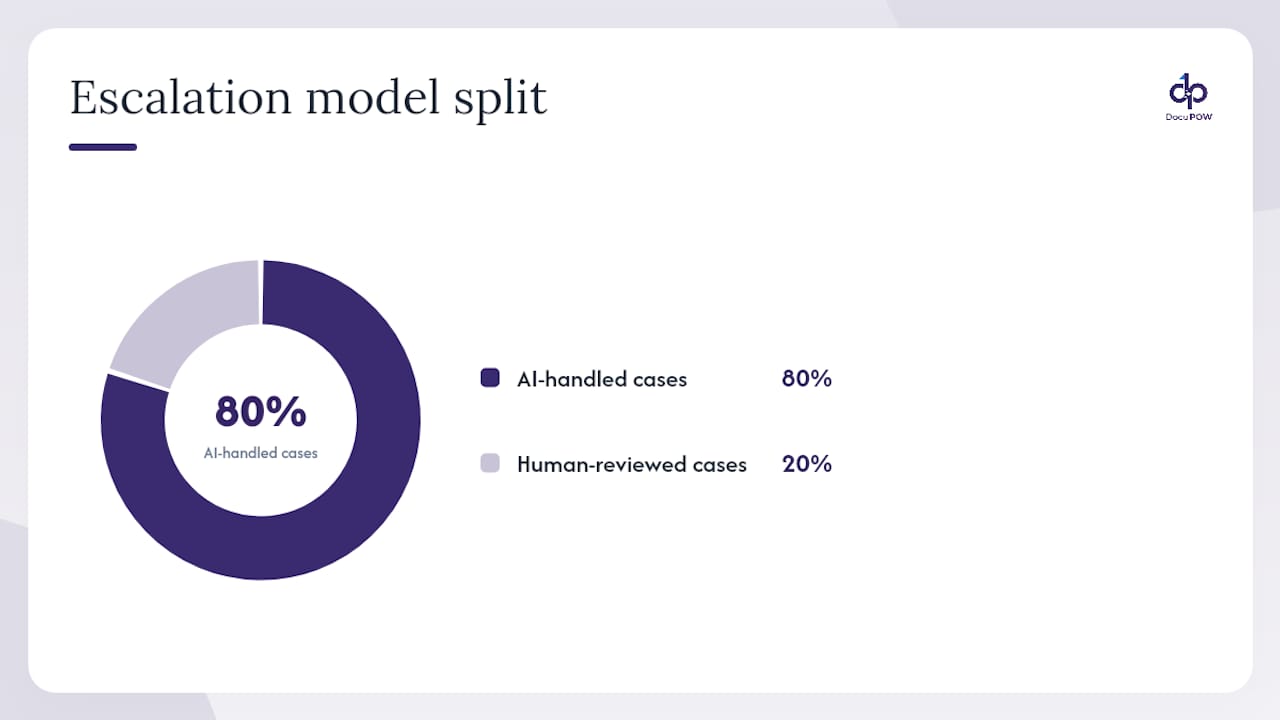
The design pattern that works in practice is an escalation model: AI handles the routine 80% of cases, and humans review the exceptions. This keeps throughput high without sacrificing accuracy on the cases that actually carry risk.
Before you deploy agents at scale, put a governance checklist in place:
- Model monitoring to catch drift in accuracy over time.
- Access controls limiting which systems an agent can act on autonomously.
- Audit trails for every action an agent takes, especially in finance and legal workflows.
- Periodic validation against a human-reviewed sample set.
Pro Tip: Start every new agentic workflow with a 100% human review rate, then reduce it gradually as accuracy data builds. Jumping straight to full autonomy is how a small extraction error becomes a compliance incident.
Evaluating a Document Automation Vendor
Choosing the wrong platform costs you the ninety days you just spent proving the concept works. Run every vendor through three lenses before signing anything.
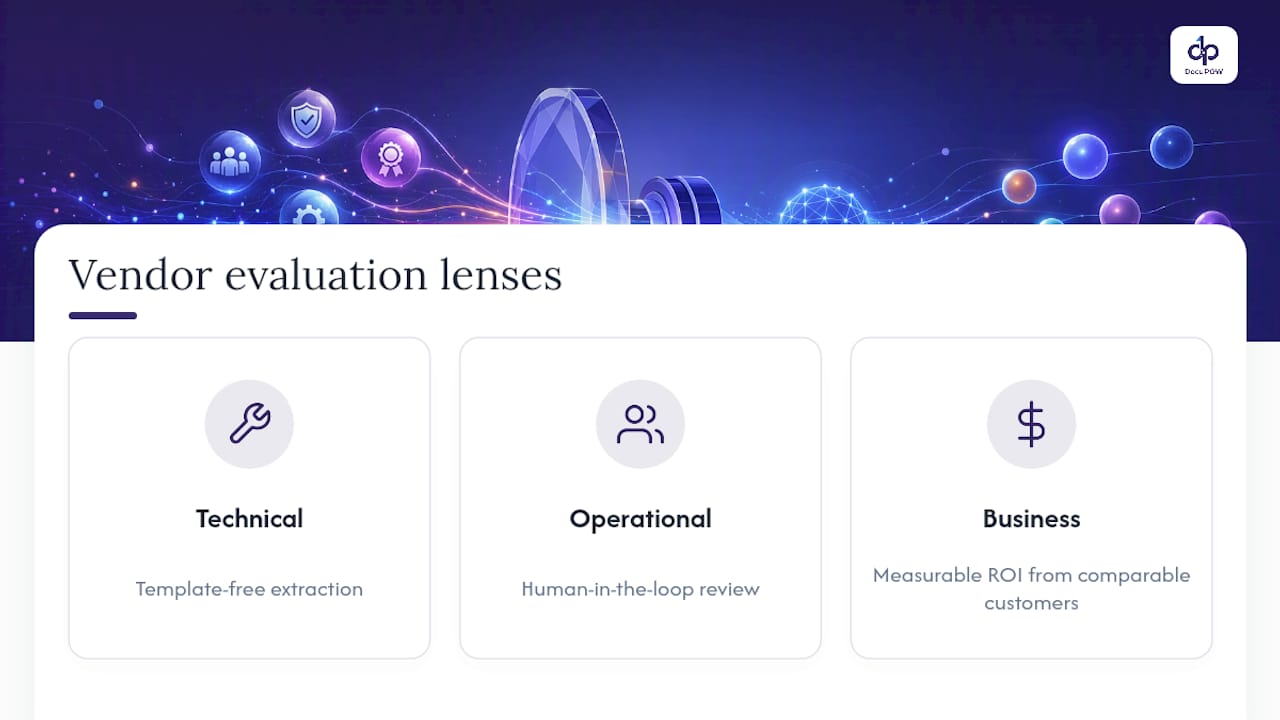
Technical: Does it handle template-free extraction, or does it break the moment a vendor changes their invoice layout? Check its accuracy rate, integration catalog, API depth, and how it performs at your actual document volume, not a demo sample of ten files.
Operational: Does it support human-in-the-loop review for exceptions? What SLA and throughput guarantees back the contract, and what security and compliance certifications does it hold?
Business: Can they show measurable ROI from comparable customers? Is pricing predictable as you scale, and what does implementation actually take, in weeks, with your team’s time included?
Ask during the demo: “Show me how this handles a document type it’s never seen.” “What happens when extraction confidence is low?” “What’s the real timeline from contract signature to production?” A vendor that can’t answer clearly is telling you something.
Author perspective: what successful leaders do differently
The leaders getting real returns aren’t the ones with the most ambitious AI roadmap. They’re the ones disciplined enough to prove value on one document workflow before touching a second. Every dollar saved gets reinvested, every metric gets tied to the P&L. If you lead a team facing this decision, sponsor one document automation pilot in the next 90 days and demand the cost data before you approve anything bigger.
How DocuPOW Fits Into This Playbook
DocuPOW builds around the exact sequence this article lays out: start with documents, prove the P&L impact, then scale. Its agents read documents contextually rather than relying on rigid templates, so a pilot doesn’t break the moment a vendor sends an invoice in a new layout.
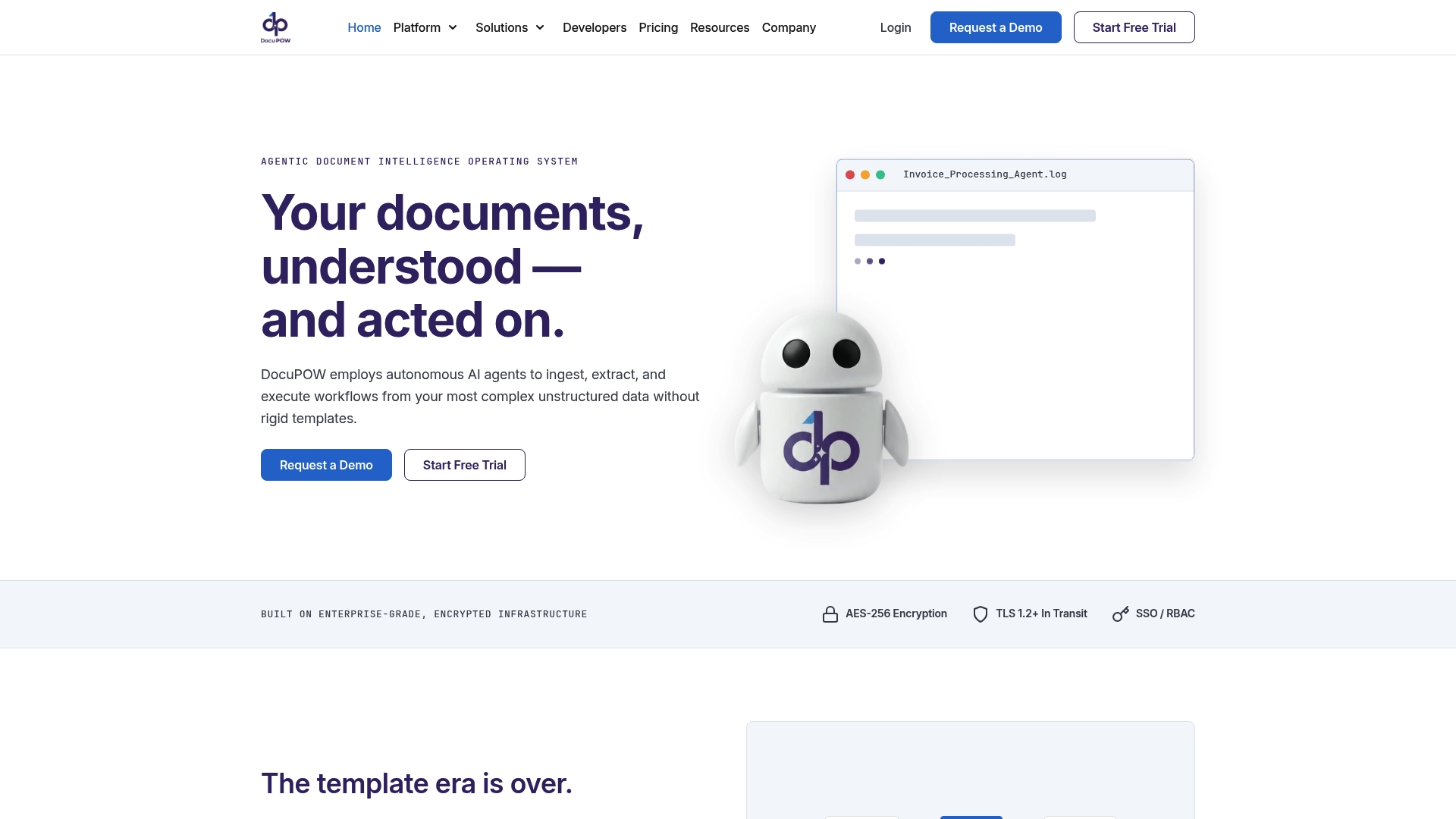
The platform handles template-free extraction, multi-step workflow orchestration, and human-in-the-loop audit review in the same system, which means the escalation model described above isn’t a custom build, it’s already there. Real-time analytics and predictive insights give finance and operations leaders the P&L visibility to justify the next phase of the rollout, instead of waiting on a quarterly report to find out if the pilot worked.
If your first move is invoice processing or PO matching, DocuPOW’s accounting workflow tools and automated three-way matching are built for exactly that starting point. Request a demo and bring one real workflow to it, ideally the same one you’d pilot in the next 90 days, and see how it handles your actual documents rather than a canned sample.
Sources
- State of AI in the enterprise | Deloitte
- How leaders build an AI‑first cost advantage | BCG
- How agentic AI can help unlock enterprise value at scale | EY
- Enterprise AI playbook | Stanford Digital Economy Lab
FAQ
What’s the fastest way to see AI efficiency gains?
Automate a single high-volume document workflow, like invoice processing or PO matching, and measure the dollar impact within 90 days before scaling further.
How long does an AI pilot typically take to show ROI?
Most staged rollouts show measurable pilot results within 30 to 90 days, with full enterprise scaling taking 1 to 2 years according to BCG’s research on scaling programs.
What’s the difference between automation and agentic AI?
Automation typically handles a single task, like extracting data from a form, while agentic AI takes multi-step action across systems, such as routing, matching, and escalating exceptions without manual handoffs.
Does DocuPOW require rigid templates for document extraction?
No. DocuPOW uses context-aware agents rather than fixed templates, so it can adapt to new document formats without requiring reconfiguration.
What KPIs prove AI is actually improving efficiency?
Track cycle time, touch count, cost per transaction, and EBIT impact rather than adoption metrics like the number of automated tasks alone.
Recommended
See DocuPOW on your documents.
Stop building templates. Start extracting data.