High-Volume Document Automation: What You Need to Know
<p>Discover what high-volume document automation is and how it can transform your business efficiency, saving time and money with AI-driven solutions.</p>


Most organizations have no idea how much money they leave on the table processing documents manually. We’re talking about invoice stacks, onboarding packets, delivery notes, and contracts that employees touch one by one, copy-pasting data into systems and chasing approvals through email chains. High-volume document automation, known in enterprise technology circles as intelligent document processing (IDP), is the practice of using AI to automatically extract, classify, validate, and route data from large quantities of business documents at scale. This guide explains exactly how it works, where it delivers the most impact, and how to avoid the mistakes that derail most implementations.
Table of Contents
- Key Takeaways
- What high-volume document automation actually means
- Real document automation benefits you can measure
- Common pitfalls when automating large documents at scale
- Industries and use cases getting the most from IDP
- How to start automating your documents effectively
- My perspective on where the real value lies
- How Docupow powers high-volume automation for your business
- FAQ
Key Takeaways
| Point | Details |
|---|---|
| IDP goes beyond OCR | High-volume automation uses AI, NLP, and machine learning to convert unstructured documents into validated business data. |
| ROI arrives fast | Organizations commonly see 200-300% ROI within the first 12 months of deployment. |
| Start with your highest-volume documents | Piloting with standardized, frequent document types reduces risk and delivers measurable wins within months. |
| Metadata governance is non-negotiable | Setting up audit trails and metadata structure from day one determines whether your automation scales or stalls. |
| Broken processes need fixing first | Automating flawed workflows accelerates errors. Re-engineer your process before you automate it. |
What high-volume document automation actually means
The phrase “document automation” gets applied to everything from a Word mail merge to a full AI-powered processing pipeline. That ambiguity causes real damage when organizations invest in the wrong tool. High-volume document automation, more precisely called intelligent document processing, refers to the automated handling of large quantities of documents using AI to extract, classify, validate, and route the data they contain.
This is categorically different from basic document management or OCR-only scanning tools. A scanner converts a paper page to a digital image. OCR reads the characters on that image. Neither understands what those characters mean or how they relate to your business logic. IDP does. It knows that the number in the upper right of a vendor invoice is the invoice number, not a phone number, and that the line items below it need to be matched against a purchase order in your ERP before any approval can move forward.
The technology stack powering modern IDP combines four capabilities:
- Optical Character Recognition (OCR): Converts scanned or digital documents into machine-readable text
- Natural Language Processing (NLP): Interprets the meaning and context of that text
- Machine learning: Improves extraction accuracy over time by learning from corrections and new document patterns
- Workflow automation: Routes validated data to the right systems and people based on predefined business rules
Together, these components turn what used to be a manual data-entry burden into a structured business data pipeline that feeds your ERP, CRM, or finance platform directly.
| Approach | What it does | What it misses |
|---|---|---|
| Manual processing | Reads and enters data by hand | Slow, error-prone, doesn’t scale |
| Basic OCR | Converts images to text | No context, no validation, no routing |
| Template-based automation | Extracts fields from fixed layouts | Breaks on format changes |
| Intelligent document processing | Extracts, classifies, validates, and routes | Requires initial setup and governance |
Real document automation benefits you can measure
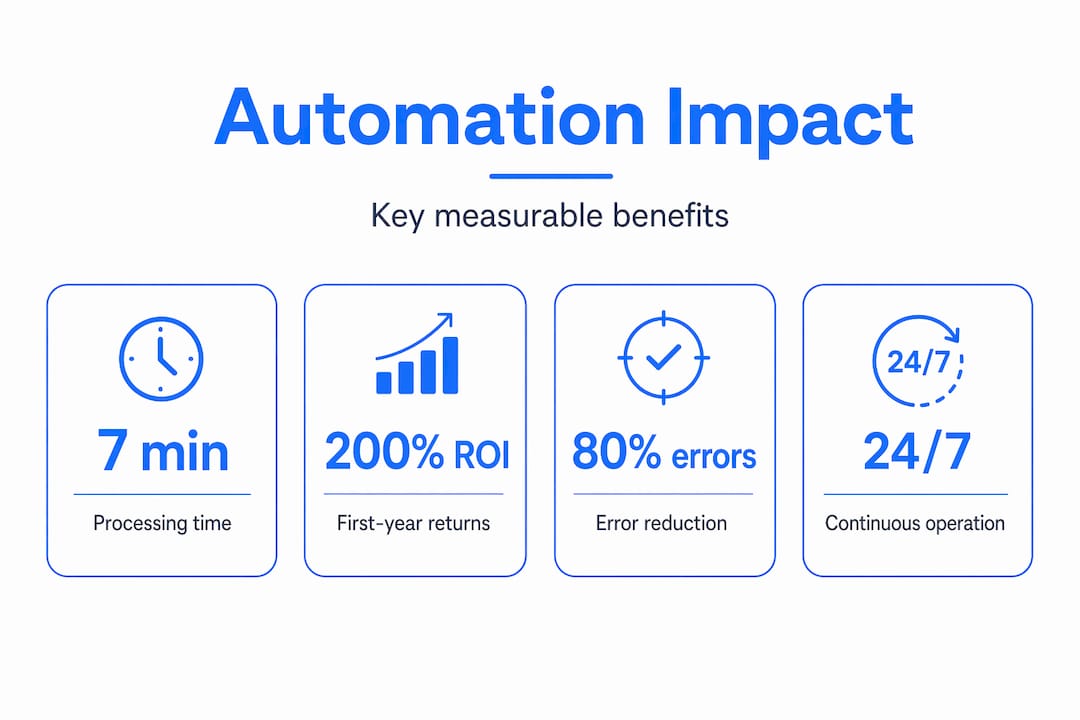
Time savings alone justify most automation investments. Processing time drops from an average of seven minutes per document to under thirty seconds after automation goes live. For an organization handling ten thousand invoices a month, that math is immediate.
The financial case is equally direct. Organizations implementing IDP typically report 200-300% ROI within the first twelve months. That figure accounts for reduced labor costs, fewer exceptions requiring manual correction, and the compounding effect of faster cash cycles and payment processing.
Here is where the document automation benefits show up most clearly:
- Labor cost reduction: Staff hours previously spent on data entry shift to higher-value analysis and exception handling
- Error reduction: Automated validation catches mismatches between invoice amounts and POs before they cause payment errors or audit problems
- Faster retrieval: Knowledge workers spend 20-30% of their time searching for documents. Integrated automation reduces retrieval times by up to 40%
- Scalability: Month-end volume spikes that would overwhelm a manual team get absorbed without additional headcount or overtime
- Compliance readiness: Automated metadata tagging creates audit trails that would take weeks to reconstruct manually
Pro Tip: Before you calculate your projected ROI, count the actual documents your team processes per month across every type. Most decision-makers underestimate this number by 40% or more, which means they also underestimate the returns.
Common pitfalls when automating large documents at scale
The organizations that get the least out of automation share one thing in common. They automate the process exactly as it exists today, broken steps and all. If your current invoice approval workflow involves three redundant sign-offs because nobody trusted the data entry, automating it will just produce three automated redundant sign-offs. The inefficiency survives.
The other consistent failure pattern involves document complexity catching teams off guard mid-project. Documents with tables, handwritten annotations, or non-standard layouts often require more processing effort and cost more per document than standard typed forms. Without clear pricing negotiation upfront, these edge cases cause budget overruns that kill momentum.
Four issues that cause high-volume document solutions to underdeliver:
- Skipping process re-engineering: Map your current workflow before you touch any technology. Identify where errors originate, where approvals stall, and which steps exist only because of a previous manual bottleneck.
- Ignoring metadata governance: Without a structured tagging schema from day one, your digital repository becomes unsearchable. Metadata-driven systems deliver 65% better AI-powered search and 75% higher workflow efficiency, but only if the governance is in place.
- Underestimating format drift: Vendors change invoice layouts. Partners update form templates. Without a system that adapts to layout changes, your extraction accuracy degrades silently over time.
- Treating automation as a one-time purchase: Document automation must be approached as continuous process transformation, not a software install. Teams that stop investing in template expansion and data quality quickly see efficiency gains erode.
Pro Tip: Negotiate volume-based or blended-rate pricing with your vendor before signing. Flat per-page pricing looks simple but becomes punishing at scale, especially with complex document types.
Industries and use cases getting the most from IDP
The organizations with the most to gain from document processing automation share a common profile. They handle large quantities of standardized but information-dense documents, and delays in processing those documents directly delay revenue, compliance, or operations.
The document types with the highest automation ROI tend to be:
- Invoices and purchase orders: High volume, standardized structure, direct financial impact from processing delays
- Contracts and lease agreements: Critical data extraction points that feed CRM and legal review workflows
- Onboarding forms: Identity verification, compliance checks, and system provisioning all depend on accurate data capture
- Delivery notes and bills of lading: Supply chain accuracy depends on matching these against inventory and shipping systems in near real time
Across industries, the impact is concrete. In insurance, claims processing automation reduces cycle times from days to hours. In real estate, lease abstraction tools extract key dates, rent escalation clauses, and tenant obligations without manual review. In manufacturing, automated goods receipt and invoice matching prevents payment errors and keeps supplier relationships intact.
| Industry | Primary document types | Core automation benefit |
|---|---|---|
| Manufacturing | Purchase orders, delivery notes | Faster matching, fewer payment disputes |
| Legal | Contracts, discovery documents | Faster review, compliance tracking |
| Finance | Invoices, statements, reports | Error reduction, cycle time compression |
| Insurance | Claims forms, policies | Faster payouts, reduced fraud risk |
| Real estate | Leases, inspection reports | Accurate data extraction, faster closings |

When automation outputs connect directly to your ERP or CRM through system integration, the data does not just get processed. It drives decisions. Your finance team sees cash flow impacts in real time. Your procurement team gets automatic alerts on contract expirations. The AI workflow automation layer is what separates document processing from genuine operational intelligence.
How to start automating your documents effectively
Getting started does not require overhauling everything at once. The organizations that see the fastest returns take a focused, incremental approach.
-
Identify your highest-volume, most standardized document types first. Invoices, purchase orders, and onboarding forms are prime candidates. Most firms automate their top five document types within two to three months and achieve up to 90% processing time savings on those types alone.
-
Audit your current process before you configure anything. Document where data comes from, where it goes, and where errors or delays typically occur. This step is where you find the broken steps worth fixing before they get automated.
-
Set up metadata governance on day one. Decide how documents will be tagged, classified, and stored. Define who owns each document type and what audit trail data you need for compliance. Changing this schema after thousands of documents are processed is expensive and disruptive.
-
Plan your system integration from the start. Automation that ends with a processed PDF sitting in a folder solves only half the problem. Connecting outputs to your ERP, accounting platform, or CRM is what turns document processing into connected business intelligence.
-
Budget for continuous improvement, not just implementation. Allocate resources for template expansion, exception handling review, and accuracy monitoring after launch. The teams that build this into their operating model consistently outperform those who treat automation as a finished project.
Pro Tip: When evaluating vendors, ask specifically how their system handles format changes and new document layouts. A solution that requires manual reconfiguration every time a supplier updates their invoice template will consume the labor savings it created.
The M-Files TEI study found that context-first systems, where business metadata and logic are embedded into the document management layer, deliver over 300% ROI and significantly improve AI model accuracy. That outcome depends entirely on the governance decisions made at the start of the project.
My perspective on where the real value lies
I’ve watched more automation projects stall at the 60% mark than I can count, and the failure pattern is almost always the same. The technology worked. The business case was real. But the organization treated deployment as the finish line instead of the starting point.
In my experience, the teams that realize lasting value from high-volume document automation are the ones who understood from day one that they were buying a transformation program, not a product. They appointed someone responsible for data quality. They built metadata governance before they processed their first batch. They reviewed exception reports monthly and kept improving their models.
What I’ve learned is that the context embedded in your documents is worth more than the documents themselves. A processed invoice that sits as a PDF is trivia. That same invoice, with its data validated, matched to a PO, tagged with vendor and cost center metadata, and pushed into your finance system, is an input to a business decision. The difference between those two outcomes is not the OCR engine. It is the business logic and governance wrapped around it.
The teams I’ve seen struggle are the ones who automated their broken process and expected better results. The teams winning with this technology did the hard thinking about what the data needs to do before they touched a single workflow setting. That shift in mindset is what separates a cost center from a competitive advantage.
— Vivek
How Docupow powers high-volume automation for your business
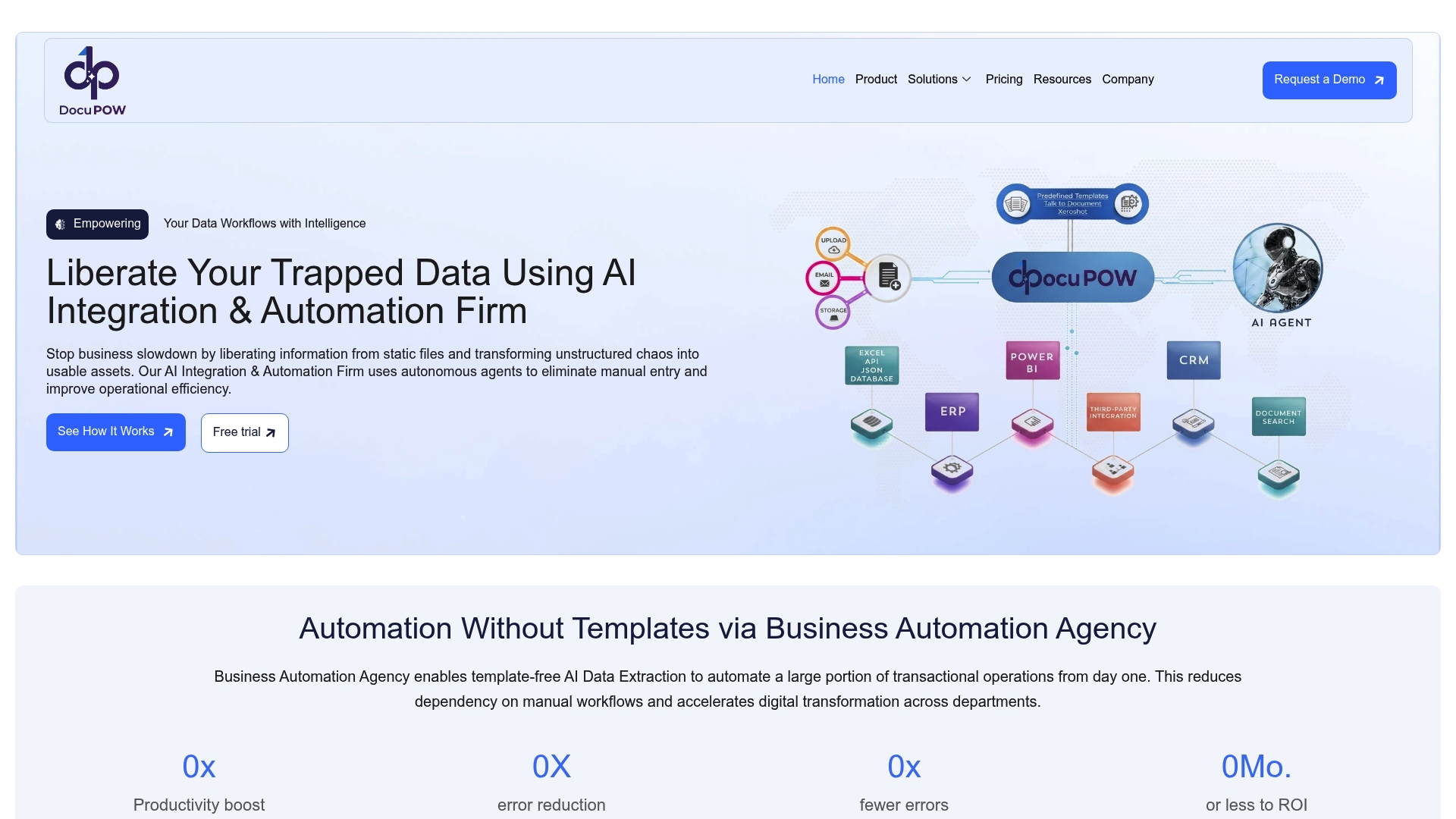
If you’re ready to move from manual document handling to AI-driven processing, Docupow is built specifically for this challenge. The platform uses autonomous AI agents that understand the context and structure of your documents, extracting and validating data without relying on rigid templates. That means format changes from your vendors or partners do not break your pipeline.
Docupow serves teams across manufacturing, real estate, insurance, and financial operations, connecting automation outputs directly to ERP and CRM systems. For organizations managing thousands of documents monthly, the Docupow product platform gives you real-time analytics, predictive insights, and the workflow orchestration layer that turns processed documents into business intelligence. Start with the 2026 best practices guide to understand exactly how to structure your implementation for maximum return.
FAQ
What is high-volume document automation?
High-volume document automation, also called intelligent document processing (IDP), is the use of AI, OCR, and machine learning to automatically extract, classify, validate, and route data from large quantities of business documents without manual data entry.
How is IDP different from basic OCR?
OCR converts document images to text. IDP goes further by understanding the context of that text, validating it against business rules, and routing it to the appropriate system or workflow automatically.
What ROI can businesses expect from document automation?
Organizations typically see 200-300% ROI within the first twelve months, driven by labor savings, error reduction, and faster processing cycles.
Which document types are best suited for automation?
Invoices, purchase orders, contracts, onboarding forms, and delivery notes are the highest-ROI candidates because of their high volume and relatively standardized structure.
Why do some document automation projects fail?
The most common reason is automating a flawed manual process without redesigning it first. Early standardization and metadata governance are what determine whether automation scales or stalls over time.
Recommended
See DocuPOW on your documents.
Stop building templates. Start extracting data.