Top 6 staple.ai Alternatives for Document Processing 2026
<p>Explore 6 staple.ai alternatives to find the best document processing solution that enhances efficiency and reduces manual errors for your business.</p>

Extracting structured data from diverse and complex documents often bogs teams down with manual entry, inconsistent results, or brittle template configurations that break as formats change. Many document processing tools either require labor-intensive setup, keep advanced features behind pricey enterprise tiers, or limit automation and integration flexibility for nontechnical users. This comparison clarifies which intelligent document processing platforms offer accurate extraction, flexible integrations, and approachable pricing so you can pick an alternative that works for your workflows without hidden pitfalls.
Table of Contents
- DocuPOW
- DocuPipe
- DocPlace
- Document.One AI
- Docupath
- Docugami
- Intelligent Document Processing Assessment
DocuPOW
At a Glance
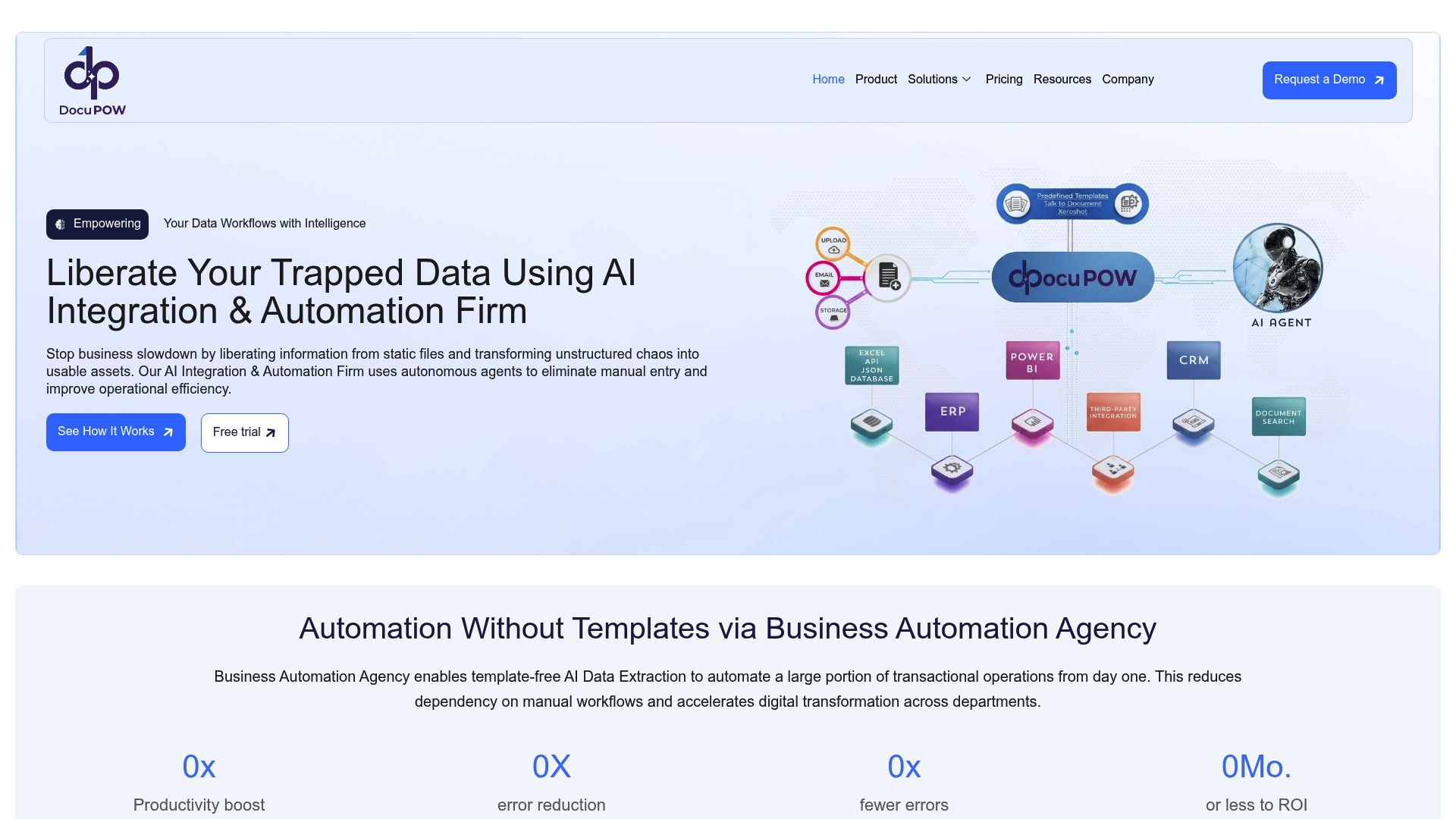
DocuPOW’s marketing materials describe a ZeroShot extraction capability that works without templates and autonomous agents that interpret context to push extracted data into downstream systems. That combination promises template-free handling of PDFs, images, and mixed-format documents at scale.
Core Features
- ZeroShot data extraction from structured, semi-structured, and unstructured documents without templates.
- Autonomous data validation and enrichment that flags anomalies and fills missing fields before export.
- Real-time analytics and insights for live visibility into document flows and data quality.
- API-based integration paths to feed ERP, CRM, and other enterprise systems directly.
- Support for PDFs, JPEGs, PNGs, and common document formats used across finance, healthcare, and logistics.
Key Differentiator
That ZeroShot claim is the single technical hinge. Instead of building templates or training per document type, the vendor positions the model to identify and extract fields immediately across varied formats. For teams that handle dozens of document layouts, that approach removes recurring template maintenance.
Pros
- Highly accurate automation for high-volume document work. The vendor highlights scalable extraction and validation that reduces manual entry across finance and supply chain processes.
- Template-free processing means less ops overhead. You do not need a growing library of layout templates for every vendor or form.
- Deep system connectivity via APIs accelerates handoffs to ERP and CRM systems so extracted data becomes operational data quickly.
- Real-time analytics and predictive insights give visibility into processing queues and data quality, helping prioritize exception handling.
- Built with enterprise controls in mind; the product data lists security and compliance features suitable for regulated environments.
Cons
- Initial setup and customization can be complex; buyer feedback in the product data indicates organizations often need technical support to align connectors and rules.
Who It’s For
Large organizations and enterprise teams that process high volumes of heterogeneous documents and need direct integration into backend systems. Particularly relevant to finance, legal, healthcare, and logistics groups that want to cut manual reconciliation and accelerate data-driven decisions.
Unique Value Proposition
Those autonomous agents that push contextual data straight into ERP and CRM change where value sits: documents stop being a static archive and become live inputs for procurement, billing, and patient workflows. For procurement teams, that means fewer late fees and faster visibility into spend without adding manual reconciliation headcount.
Real World Use Case
A global manufacturer replaced manual document sorting with live spend analytics by routing extracted invoice data into its ERP. The result, as described in the vendor example, was fewer late payments and faster procurement decisions because exceptions surfaced in real time rather than after batch processing.
Pricing
Pricing is not publicly listed. DocuPOW requests prospects contact sales for tailored quotes based on volume, connectors, and required security controls. Expect enterprise licensing and implementation services rather than a per-seat self-serve plan.
Website: https://docupow.ai
DocuPipe
At a Glance
Free users get 100 credits per month, which makes evaluation possible without a credit card. The vendor advertises a 4.9/5 rating on G2, a self-reported satisfaction figure that speaks to early user enthusiasm. DocuPipe targets enterprise document extraction workflows.
Core Features
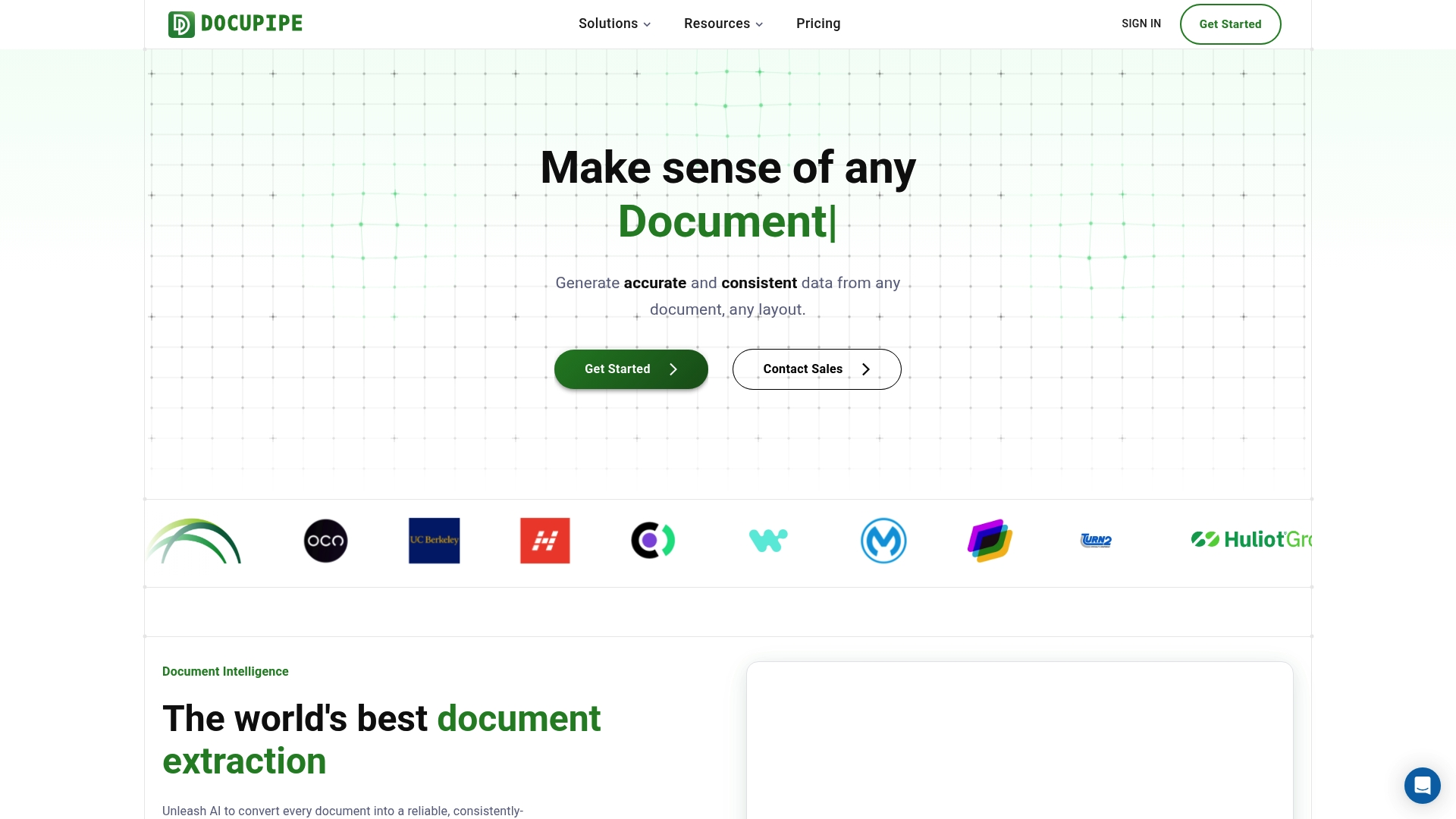
- Accurate data extraction from any document and layout. Handles varied templates, multi-column invoices, and forms with mixed content types.
- Custom definitions for business-specific data. You map fields and enforce schemas so extracted values match finance, clinical, or legal workflows.
- Supports handwritten, complex, and multilingual documents. Useful for claims, medical charts, and international invoices.
- The vendor advertises SOC‑2, ISO 27001, and HIPAA compliant infrastructure, and offers full API access with parse and standardize pipeline steps.
Key Differentiator
DocuPipe centers on schema-based, customizable AI extraction that plugs into existing business rules and downstream systems. Rather than forcing a generic output model, it lets you codify field definitions so the extraction aligns with ERP, EHR, or contract review workflows.
Pros
- Powerful extraction with configurable schemas. Custom field definitions cut manual post-processing and reduce reconciliation work between systems.
- Scalable plans that span from a free tier to enterprise contracts, giving teams a low-friction path from pilot to production.
- The free plan with 100 credits per month lets you validate accuracy on real documents before committing to paid volume.
- Strong security posture and privacy controls. Those certification claims support procurement reviews for regulated buyers.
- Full API workflows for parse and standardize steps make automation practical for engineering teams integrating with back-office systems.
Cons
- Third-party review detail is limited; the review score above is vendor reported rather than independently verified.
- Enterprise pricing for very large volumes is custom and requires direct engagement with sales, which can slow procurement cycles.
- The product description omits interface specifics, so initial setup complexity and the learning curve for nontechnical users are unclear.
When It May Not Fit
If independent user testimonials or public case studies are mandatory for procurement, DocuPipe may feel risky because third-party reviews beyond the advertised rating are sparse. Also, buyers who require published enterprise price brackets will need to budget for a sales discussion.
Who It’s For
Organizations that must extract structured data from diverse document types at scale. Typical buyers include finance teams automating invoice processing, healthcare groups digitizing records, insurers handling claims, and legal teams analyzing contracts.
Real World Use Case
A logistics operator fed varied shipping manifests, bills of lading, and carrier invoices into DocuPipe. The team mapped required fields once, then used the API to push standardized records into the TMS, cutting manual entry and speeding exception handling.
Pricing
Free plan with 100 credits per month. Paid plans start at $99/month for 2,500 credits with overage options. Enterprise volume and customization are available via sales for large deployments.
Website: https://docupipe.ai
DocPlace
At a Glance
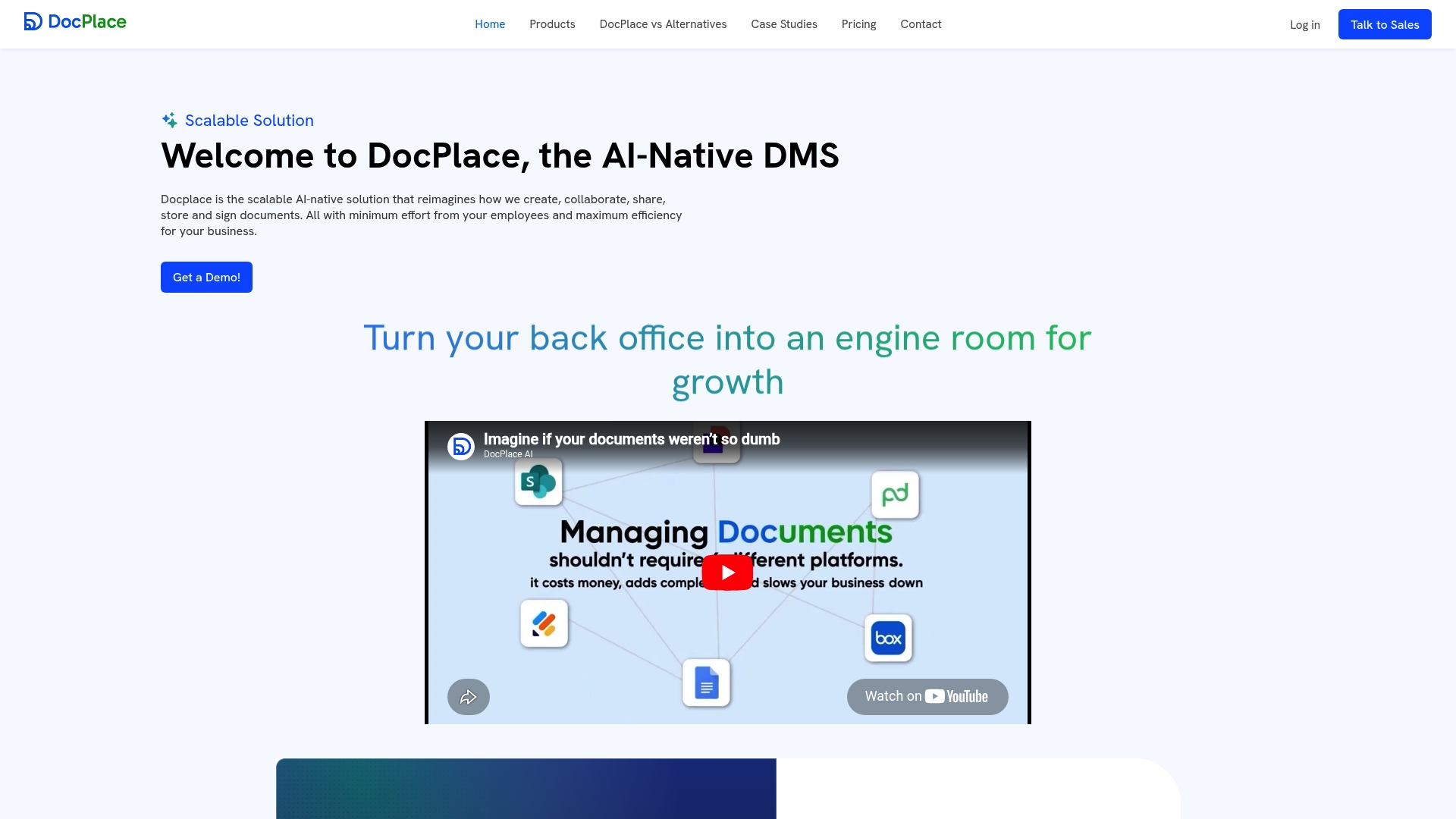
DocPlace’s vendor materials position it as an AI-native document management system that bundles native eSignature with predictive document intelligence. The vendor reports a 50% reduction in document processing time for a deployed customer; that figure is self-reported.
Core Features
Automatic document classification and smart tagging speed filing and discovery across large archives.
Natural language search and AI-driven indexing let teams find context, not just filenames. Version control and audit logs support compliance workflows.
Built-in workflow automation, a forms template builder, and contextual data extraction reduce manual handoffs during approvals.
Key Differentiator
DocPlace combines semantic understanding, workflow automation, and native eSignature in a single platform. That pairing reduces the number of handoffs between signing, storage, and compliance checks compared with a DMS that relies on separate signing tools.
Pros
-
The vendor advertises HIPAA-ready cloud storage and role based access control, which is useful for regulated teams that handle protected data.
-
AI-powered classification and smart metadata extraction cut time spent on manual tagging and findability, especially for large backfiles.
-
Reusable document models and predictive intelligence surface bottlenecks and likely compliance issues before they block approvals.
-
A user-friendly interface with drag-and-drop folder structures makes the platform approachable for non-technical staff.
-
Native integrations with productivity suites reduce export and import steps when moving documents between systems.
Cons
-
Several users in third-party channels report a learning curve when adopting the AI features; initial training investment is often required.
-
Some advanced capabilities are gated behind higher tiers, which can push costs up for smaller teams that need AI compliance checks.
-
Independent, third-party reviews are limited, making external validation of long-term reliability harder to find.
When It May Not Fit
If you need a plug-and-play DMS with minimal setup, DocPlace may not be ideal. Expect a meaningful implementation phase to tune classification rules and workflows.
Small teams with tight budgets could find key automation features inaccessible on lower-cost plans. If your organization requires an independent body of reviews before purchase, the current public record may feel thin.
Notable Integrations
- Google Drive
- Microsoft OneDrive
- Gmail and Outlook
- Slack
- Salesforce
- SharePoint
These integrations support both ingestion and downstream notifications without custom connectors for many common stacks.
Who It’s For
Medium to large organizations that need an AI-forward DMS with compliance controls and enterprise connectors. It suits Legal, Finance, Healthcare, and Procurement teams that handle high volumes of contracts and regulated records.
Real World Use Case
The vendor reports a financial services firm used DocPlace to automate contract approvals, run compliance auto-checks, and enable instant retrieval of client records. According to the company, that deployment cut document processing time by 50 percent.
Pricing
The vendor lists plans beginning at $90 per user per month for Business Essential. Enterprise and government tiers are available for higher security and advanced automation features; exact pricing requires contacting sales.
Website: https://docplace.ai
Document.One AI
At a Glance
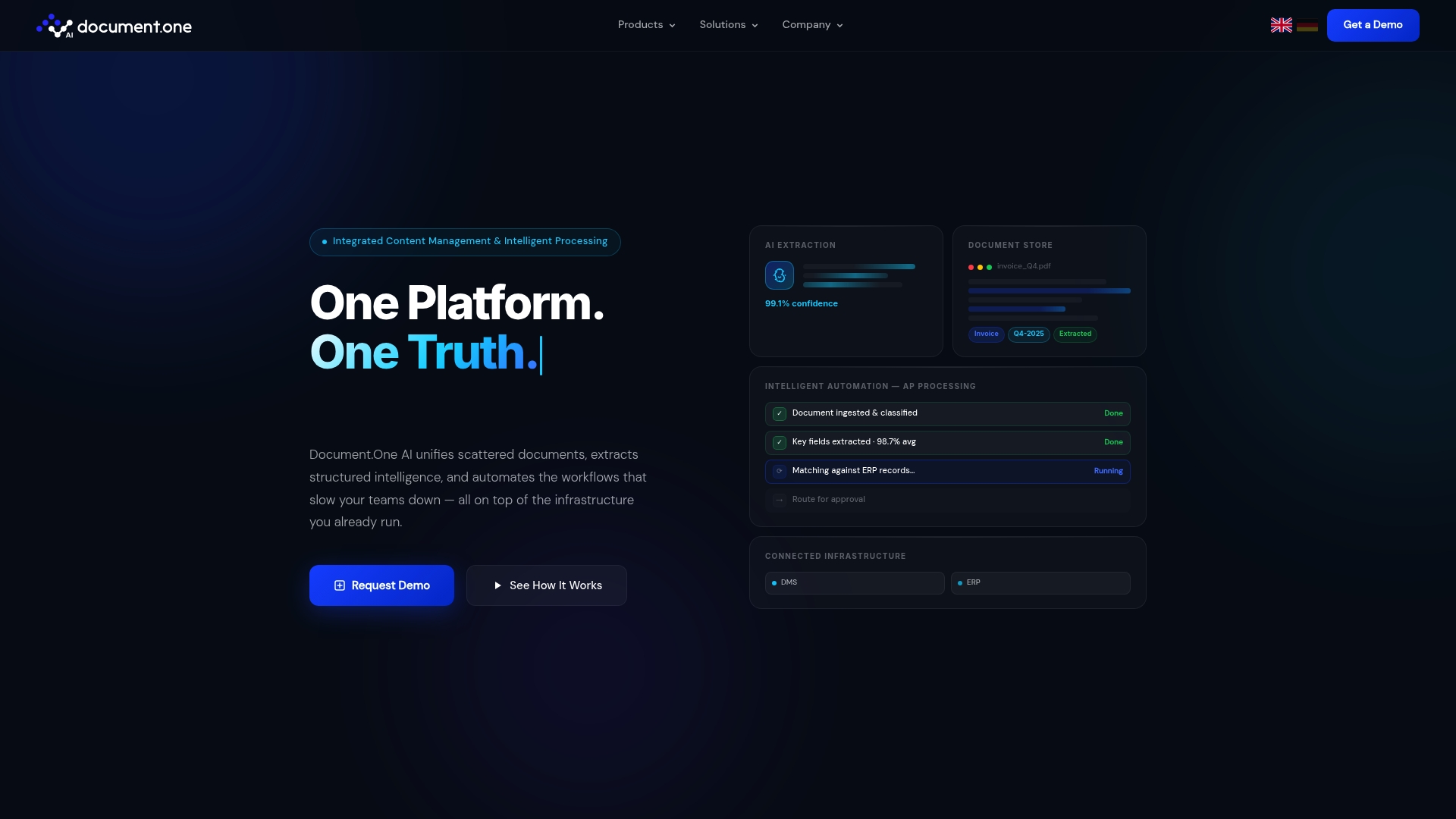
The vendor advertises 99.1% extraction confidence in an industrial invoice automation example, a headline metric that will catch procurement and AP leaders. Document.One AI supports both on-premise and cloud deployment while connecting to existing enterprise systems without replacing them.
Core Features
- Content Hub for centralised enterprise content management that indexes documents, metadata, and media for search and governance.
- AI-powered extraction that pulls structured data from documents, images, videos, and attached metadata to populate downstream systems.
- Purpose-built connectors that link to DMS, ERPs, CRMs, and other enterprise applications without heavy migration.
- End-to-end workflow automation that routes documents, triggers approvals, and logs audit trails across regulated processes.
- Hybrid deployment options letting teams run a POC on cloud then switch parts of workload on-premise if required.
Key Differentiator
Document.One AI’s practical advantage is its integration-first design. The platform is built to integrate directly with existing DMS and ERP landscapes and to run on-premise or in cloud environments, so projects rarely force a full platform replacement.
Pros
-
No public positive third-party reviews were located during our research, which is a transparent gap in available social proof.
-
The product emphasizes integration flexibility and automation efficiencies for regulated workflows, a fit for organizations that cannot lift and shift legacy systems.
-
A single Content Hub plus extraction layer reduces the number of point tools needed to capture and route document data.
-
Hybrid deployment support lets security teams keep sensitive content behind firewalls while scaling less-sensitive flows in cloud environments.
-
Modular licensing lets teams start with one automation use case and expand connectors or modules as ROI is demonstrated.
Cons
-
No substantive negative third-party reviews were found either; overall public evaluation material is sparse, limiting independent validation.
-
The vendor’s public collateral has few case studies and limited third-party benchmarks, so due diligence will require direct references and pilot tests.
-
Pricing is bespoke and based on users, connectors, and scale, which means procurement cycles often include deeper RFP work and vendor engagement to clarify total cost.
Notable Integrations
Document.One AI lists connectors for major enterprise systems: DMS, ERPs, CRMs, plus HCMs and cloud storage providers. These connectors are offered as purpose-built links rather than generic file-transfer adapters.
Who It’s For
Large enterprises and regulated industry organisations that need scalable document automation without ripping out existing infrastructure. Ideal for teams with security or compliance requirements that demand on-premise options alongside cloud pilots.
Real World Use Case
The vendor describes an industrial deployment that cut invoice processing time by 92% while the extraction model hit 99.1% confidence in that project. Those figures come from the company’s account of the deployment and should be validated during a pilot.
Pricing
Licensing is flexible and quoted based on user count, number of connectors, and deployment scale. Options exist for a POC engagement before committing to full deployment, so budgeting typically proceeds after initial pilot sizing.
Website: https://document-one.ai
Docupath
At a Glance
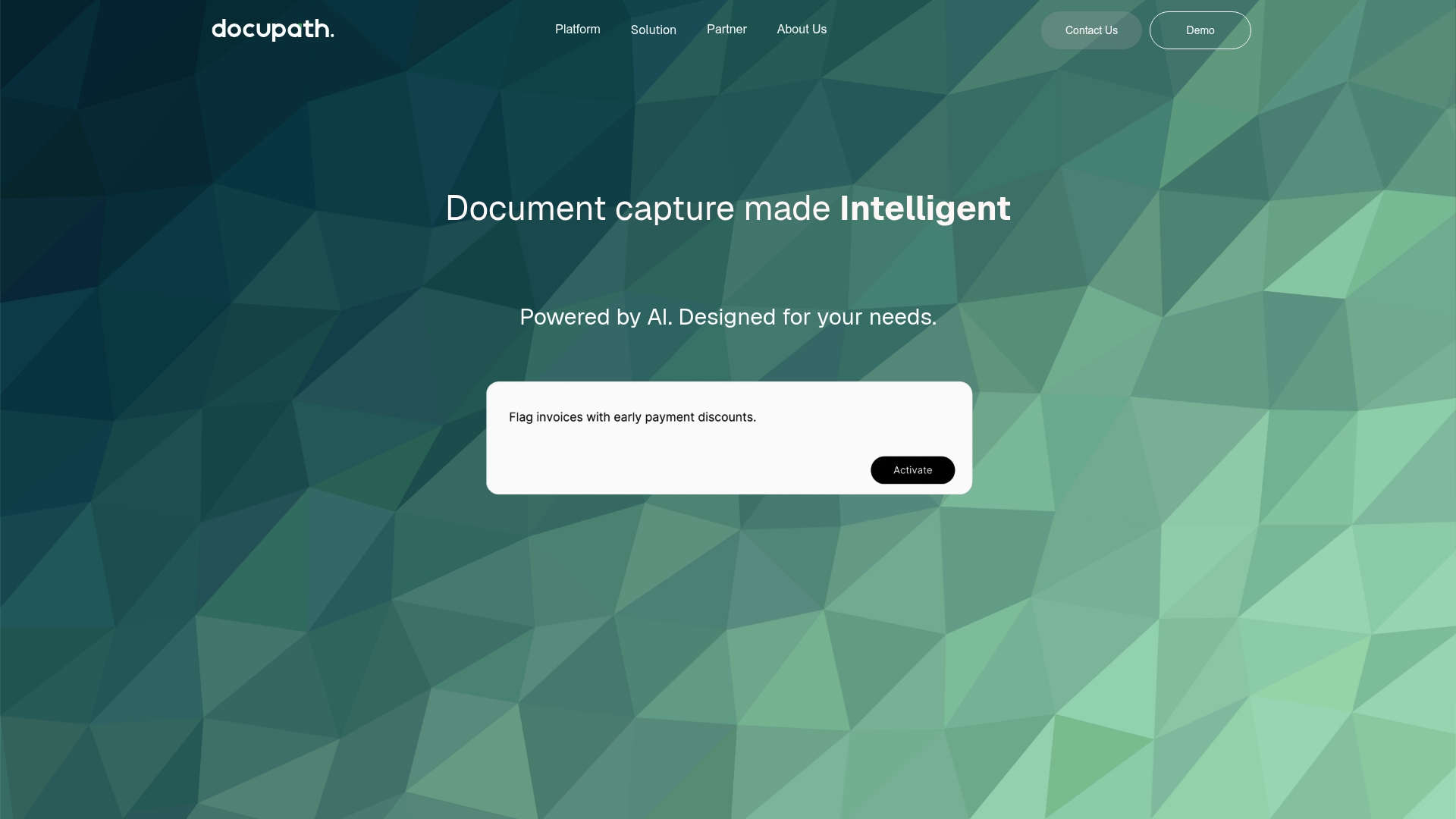
The product’s pricing page returns a 404 error, which is the most immediate operational detail you need to know before evaluating costs. Docupath supports multiple input channels and natural language prompts for on-the-fly corrections, so test intake flows early.
Core Features
- AI-powered document capture that accepts uploads, email, mobile scan, and API intake.
- Extracts data from messy PDFs, scans, and images without templates and offers natural language prompts for corrections.
- Real-time validation with anomaly alerts, fraud detection, and automated routing of approvals into workflows.
Test each input method and prompt-driven correction during your trial period.
Key Differentiator
Docupath’s angle is practical flexibility: it handles a broad set of intake methods and lets nontechnical users correct or enrich data using plain-language prompts. That makes it useful where documents arrive from many channels and business users need to tweak extractions without engineering help.
If your team needs centralized capture plus ad hoc corrections from finance or legal staff, put Docupath high on the shortlist.
Pros
- The vendor’s site includes user testimonials that describe the product as modern and easy to set up, suggesting a short ramp for business teams.
- Tailored solutions for finance, legal, and customer service mean prebuilt mappings and validation rules for common workflows.
- Natural language prompts let reviewers transform or correct fields without editing extraction templates, reducing back-and-forth with engineers.
- Real-time validation combined with fraud detection provides immediate flags and automated routing for exceptions, which speeds exception handling.
Run a short pilot with sample invoices or contracts to verify setup time and prompt accuracy.
Cons
- There are no detailed third-party user reviews on major platforms, which limits independent verification of long term reliability.
- Several product pages, including pricing, are inaccessible; the 404 error on pricing makes cost modeling impossible without a sales conversation.
- The public listing shows no integrations, so you will need to confirm connectors to your ERP or DMS directly with the vendor.
Ask for a reference call, an integration checklist, and a sample run on your documents before contracting.
Who It’s For
Teams that need AI-driven document automation for finance, legal, or customer service workflows and that receive documents from email, mobile, or APIs. Docupath fits groups that want prompt-based corrections from domain experts rather than heavy template engineering.
Compare against Docupow if you need autonomous agent behavior and deeper contextual understanding across large, heterogeneous document fleets.
Real World Use Case
A finance team routes vendor invoices via email and a mobile scanning kiosk into Docupath. The system extracts line items, validates totals, flags anomalies with fraud rules, and pushes cleaned data into accounting. Manual entry falls sharply and approvals move faster.
Request a demo that processes a representative batch of your invoices.
Pricing
The vendor’s site shows the pricing page as a 404 error, so public pricing is not available. Docupath requires a direct sales engagement to get quotes, tiers, and SLA details.
Contact sales and request a written price quote plus a proof-of-value trial before budgeting.
Website: https://docupath.ai
Docugami
At a Glance
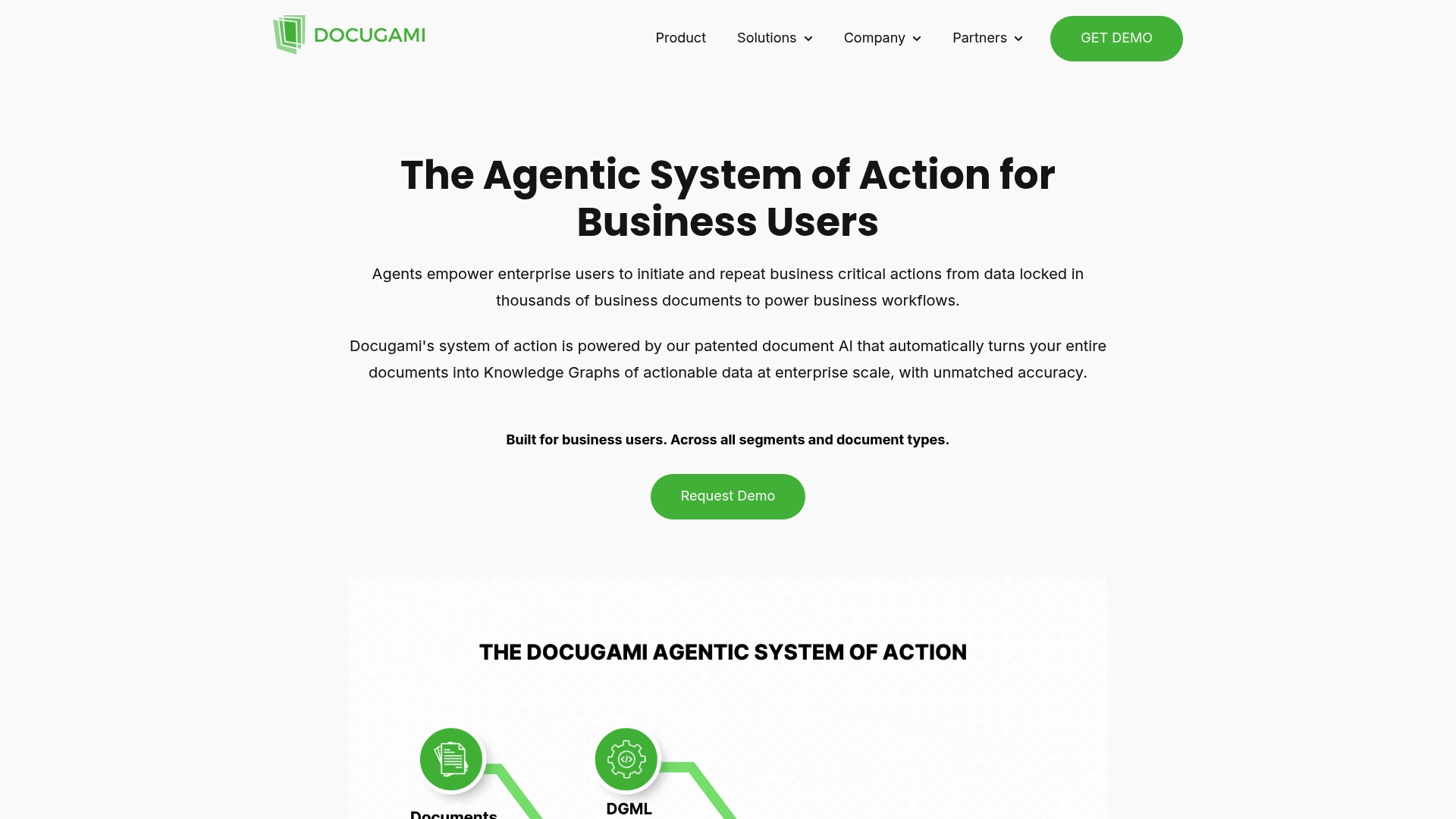
Docugami converts whole, complex documents into interconnected knowledge graphs that map relationships inside contracts, policies, and forms. The vendor’s marketing materials state the platform scales across thousands of document types and industries, which is central to its enterprise pitch.
Core Features
-
Transforms documents into data graphs that preserve context and relationships, not just flat key value pairs.
-
Autonomously learns business rules so templates need less manual tuning over time.
-
Extracts structured fields from contracts, insurance forms, invoices, clinical trial files, HR records, and property documents.
-
Provides no-code interfaces aimed at business users and connectors for enterprise file systems and automation platforms.
Key Differentiator
Docugami’s standout mechanism is its emphasis on document-level knowledge graphs rather than isolated extractions. That design helps teams query relationships across documents, for example linking clauses, dates, and counterparties across a contract corpus. The approach favors enterprise cases where context and interdocument links matter.
Pros
-
The product positions itself for enterprise scalability, with features targeted at high-volume, multi-document projects and sector-specific needs.
-
Business users can use the no-code interfaces to set rules and corrections without constant engineering support, which lowers handoffs between teams.
-
Strong connector coverage keeps files where they already live; built-in links to common enterprise tools reduce migration friction.
-
The vendor highlights industry focus areas such as commercial real estate, insurance, and life sciences, which shortens time to value when you have domain-specific documents.
Cons
-
Independent, third-party user reviews were not located on major platforms; this gap makes independent assessment of UX and long term reliability harder.
-
The platform’s emphasis on knowledge graphs adds modeling complexity; smaller teams with simple one-off extraction needs may find it heavier than necessary.
-
Pricing details are not published in the provided data, so procurement teams will need vendor conversations to understand total cost and deployment model.
When It May Not Fit
If you need a lightweight extractor for a handful of templates or you require public reviews to validate vendor claims, Docugami may not be the best match. Teams that prefer per-field OCR tooling without interdocument reasoning will likely find the graph approach overengineered.
Notable Integrations
Docugami lists connectors for SharePoint, Word, Excel, Google Drive, OneDrive, Zapier, Power Automate, and Box. Those integrations support ingest, export, and automation with common enterprise storage and workflow tools.
Who It’s For
Medium to large enterprises in insurance, healthcare, real estate, and professional services that need deep document understanding across many file types. Useful when relationships across documents drive decisions, compliance, or underwriting.
Real World Use Case
A commercial insurance team feeds thousands of policy and claim documents into Docugami to extract policy terms, quotes, and claim attributes. The output links clauses to claim records, speeding underwriting decisions and reducing manual reconciliation.
Pricing
The product data lists pricing as informational only and does not provide public tier or per-seat numbers. Expect procurement discussions to surface licensing, deployment, and implementation costs for enterprise deployments.
Website: https://docugami.com
Intelligent Document Processing Assessment
Organizations seeking efficient and scalable ways to automate document workflows encounter varied options, each tailored to specific use cases and user needs. Here, we weigh the strengths and tradeoffs of several competitors in this space.
Integration and Template-Free Operation
DocuPOW distinguishes itself with its ZeroShot extraction technology, enabling immediate utilization across diverse document layouts. This capability proves essential for teams managing unstructured information where predefined templates can limit agility. In contrast, while competitors like DocuPipe allow custom schemas, the reliance on manual field definitions may introduce operational overhead.
Customization and Industry Focus
Competing solutions such as DocuPipe and DocPlace emphasize configurable schemas and domain-specific features. This customization meets compliance needs for finance or healthcare sectors but may require a steeper onboarding period compared to DocuPOW’s template-free approach, which minimizes initial setup.
Best Fit Scenarios
- Choose DocuPOW for enterprises needing agile, template-free document extraction without predefined configurations.
- Opt for DocPlace when native eSignature integration and advanced compliance auditing fit within your workflow priorities.
- Utilize DocuPipe’s free-tier credits to conduct pilot projects geared toward validating AI capabilities at lower entry costs.
Our Pick
For teams requiring scalable, autonomous document processing suitable for various formats and structures, DocuPOW’s technology offers a compelling package. However, organizations valuing on-demand customization or extended compliance features may explore DocuPipe or DocPlace for their nuanced offerings.
Intelligent Document Processing Platforms Comparison
The following comparison outlines key features, differentiators, and considerations to help organizations select an intelligent document processing platform that meets their operational needs.
| Platform | Core Feature | Key Differentiator | Best for | Pricing | Notable Limitation |
|---|---|---|---|---|---|
| Docupow | ZeroShot data extraction | Autonomous data processing agents | Multi-format document processing | Not disclosed | Initial setup requires technical support |
| DocuPipe | Extensive document type support | Schema-based customizable AI extraction | Organizations with varied templates | Free tier, $99/month paid plans | Vendor-reported reviews without external validation |
| DocPlace | AI classifications and eSignature | Bundles document intelligence and eSignature | Teams needing integrated compliance | $90/user/month | Advanced features gated behind higher-tier plans |
| Document.One AI | Hybrid cloud and on-premise deployment | Integration-first design | Enterprises with existing infrastructures | Custom quotes based on project scale | Sparse public evaluations |
| Docupath | Multi-channel AI capture | Supports natural language corrections | Finance, legal, and service workflows | Not disclosed | Pricing information is inaccessible |
| Docugami | Knowledge graph creation | Deep context and relationship mapping | Enterprises needing interdocument context | Informational only | Modeling complexity for smaller teams |
Choose Docupow for Smarter Document Processing Beyond Staple.ai Alternatives
Organizations facing complex document workflows often struggle with managing diverse formats and layouts, causing frustrating template maintenance and manual data entry. Docupow solves this by using autonomous agents that extract data without templates, delivering accurate results across PDFs, images, and mixed documents. This eliminates bottlenecks in your financial or procurement processes and provides real-time analytics to anticipate and resolve exceptions faster.
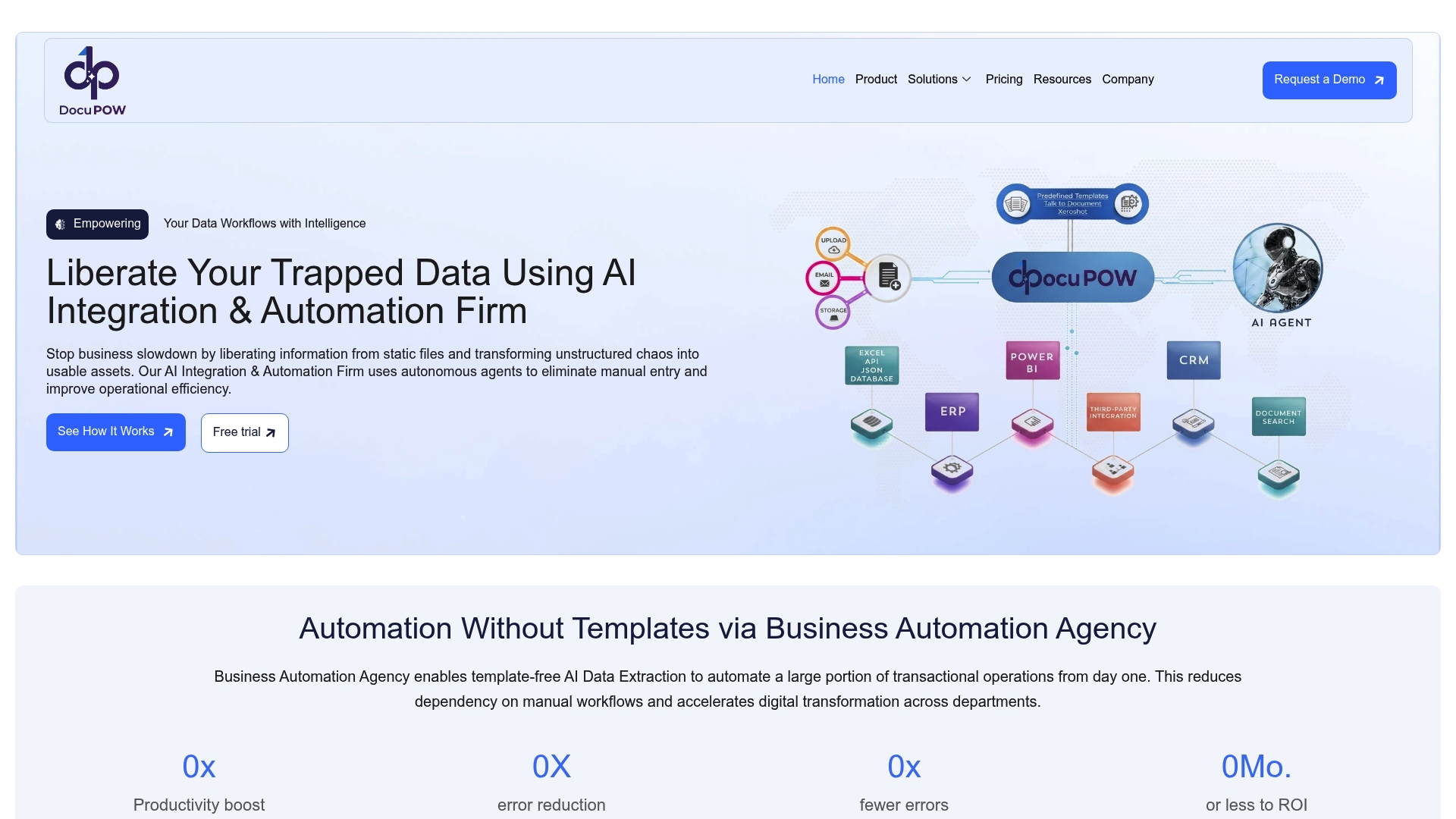
Explore how Docupow’s AI-driven automation can reduce errors and accelerate your document operations starting now. Visit Docupow to see how you can integrate autonomous extraction and predictive insights that deliver faster spend visibility and minimize manual reconciliation.
Frequently Asked Questions
How does Docupow’s ZeroShot extraction capability benefit users?
Docupow offers a ZeroShot data extraction capability that enables processing without templates, making it particularly useful for teams managing diverse document layouts. This feature allows rapid identification and extraction of data from structured, semi-structured, and unstructured documents, reducing operational overhead significantly. Prospective users can expect streamlined document handling and less manual intervention.
What is the difference between Docupow and DocuPipe in terms of customizability?
DocuPipe allows users to create custom definitions for business-specific data, which can be beneficial for specialized workflows. In contrast, Docupow’s strength lies in its template-free processing, which simplifies handling large volumes of heterogeneous documents without the ongoing maintenance of custom schemas. Buyers should evaluate their needs; if customizability is a priority, DocuPipe may be advantageous, while Docupow simplifies extraction across varied formats.
Which platform offers better API integration for enterprise systems?
Docupow features API-based integration paths, enabling swift transfers to ERP, CRM, and other systems, which is ideal for users needing rapid deployment into existing infrastructures. This compatibility is pivotal for ensuring extracted data is quickly operationalized across enterprise environments. Companies planning to integrate document processing into existing software should consider this feature in their selection process.
Can I trust Docupow for compliance and security needs?
Docupow includes enterprise controls and highlights its security and compliance features, making it suitable for regulated industries. This aspect is crucial for organizations that require not only effective document processing but also adherence to stringent data protection regulations. Users can rely on Docupow for secure handling of sensitive information while automating their document workflows.
How does the setup complexity of Docupow compare to that of Document.One AI?
Setting up Docupow can be complex and often requires technical support to align connectors and rules, making initial implementation potentially daunting for some users. In comparison, Document.One AI emphasizes the ability to integrate with existing systems without needing a complete overhaul, which may reduce setup friction in legacy environments. Evaluating team technical capabilities can help users choose the right platform for their integration needs.
Recommended
See DocuPOW on your documents.
Stop building templates. Start extracting data.