AI Integration Service for Business Document Workflows
<p>Boost your business efficiency with our AI Integration Service. Automate document workflows to improve accuracy and save time.</p>


TL;DR:
- AI integration embeds trained models into business systems to automate workflows and improve accuracy. Most projects stall in production due to operational gaps like poor observability, fallback logic, and data readiness. Starting with no-code platforms and following a structured lifecycle enhances success and sustainability.
An AI integration service is the process of embedding trained artificial intelligence technologies, including machine learning models and AI agents, into existing business systems to automate and improve operational accuracy. The industry term for this practice is AI system integration, and it is distinct from AI development. AI integration focuses on operationalizing models within live workflows, not building them from scratch. For businesses managing high volumes of documents, this distinction matters enormously. Getting AI into production inside your ERP, CRM, or document processing platform is where real efficiency gains appear. Yet 70–80% of AI and ML projects never reach production, most often because of poor integration planning rather than weak models.
What are the key technologies in an AI integration service?
AI integration covers far more than plugging a model into an app. A full integration layer includes API integration, authentication, data flow design, latency management, cost engineering, and production deployment. Each of these components must work together before your AI delivers measurable value.
The systems most commonly connected through AI integration include:
- ERP platforms (such as SAP or Oracle) for financial and supply chain data
- CRM systems for customer interaction and sales pipeline data
- Document processing platforms for invoice capture, contract review, and compliance checks
- Cloud AI services from providers like Google Cloud AI, AWS AI Services, and Azure AI
- Machine learning pipelines that handle data preprocessing, model inference, and output routing
Model registries and version control sit at the center of any production-grade setup. A centralized model registry with multiple versions allows safe testing, staged rollouts, and full audit trails. That auditability is not optional for enterprise teams. Regulators and internal compliance teams expect it.
Observability tools track model behavior after deployment. Cost controls cap API spend before it spirals. Authentication layers protect sensitive document data at every handoff point. These are not afterthoughts. They are the engineering disciplines that separate a working prototype from a production system your finance or operations team can rely on daily.

Pro Tip: Before selecting an AI service provider, ask specifically about their observability stack and fallback logic. If they cannot explain both clearly, the integration will likely stall before it reaches your users.
Why do most AI integration projects stall before reaching production?
The failure rate for AI projects is not a secret, but the reason behind it surprises most teams. Eight out of 10 AI projects experience significant delays or stalls during the transition from prototype to production. The model itself is rarely the problem.
The real causes cluster around operational gaps:
- No observability plan. Teams build the model but skip telemetry. Without visibility into what the model is doing in production, errors compound silently.
- Missing fallback logic. When an AI model returns a low-confidence result or fails entirely, the system needs a defined fallback. Without one, the workflow breaks.
- Poor data readiness. Documents fed into AI systems are often inconsistent in format, quality, or completeness. The model cannot compensate for bad input data.
- Cost management gaps. Cloud AI inference costs scale with usage. Teams that do not set cost controls early face budget overruns that freeze projects mid-deployment.
- Governance gaps. No version control means no audit trail. Regulated industries cannot accept that.
“Operational surface areas like telemetry, fallback mechanisms, and cost controls need to be designed early and owned end-to-end to avoid the common six-week stall in AI production deployment.”
The six-week stall is a real pattern. Teams reach a near-production state and then spend weeks firefighting issues that should have been designed out from the start. The fix is not more engineering hours after the fact. The fix is treating observability, fallback logic, and cost controls as first-class requirements from day one, not features to add later.
Pro Tip: Map your operational surface areas before writing a single line of integration code. Define who owns telemetry, who owns fallback behavior, and who owns cost alerts. Assign those owners in week one.
How do AI integration services connect with existing business systems?
Connecting AI to your existing systems happens through three main approaches, and the right choice depends on your technical capacity and timeline.
API-based integration
API-based integration is the most common method. Your business system calls an AI model through a standardized API endpoint, receives a structured response, and routes that output into the appropriate workflow step. This approach works well for document classification, data extraction, and approval routing. The challenge is that raw API integration requires engineering work to handle authentication, error states, and data transformation.
No-code and low-code platforms
No-code AI agent platforms have changed the speed equation for many teams. Top-tier platforms support 100 to 1,500+ pre-built application connectors, which means your team can wire AI into existing apps without writing custom integration code. This matters for document workflows where speed of deployment directly affects how quickly you recover costs. No-code platforms also support multi-agent orchestration, allowing multiple AI agents to handle different document types or workflow stages in parallel.
Custom integration layers
Custom integration is the right choice when your document workflows involve proprietary systems, unusual data formats, or compliance requirements that pre-built connectors cannot meet. Custom work takes longer and costs more upfront, but it gives your team full control over data flow, security, and performance tuning.
The table below compares these three approaches across the factors that matter most for document workflow teams:
| Factor | API-based integration | No-code platforms | Custom integration |
|---|---|---|---|
| Speed to deploy | Moderate | Fast | Slow |
| Engineering required | Medium | Low | High |
| Flexibility | Medium | Limited | Full |
| Cost to start | Low | Low to medium | High |
| Best for | Standard document tasks | Rapid deployment | Complex or regulated workflows |
For most organizations starting their AI technology implementation journey, a no-code or API-based approach delivers the fastest path to a working system. Custom integration becomes necessary as document complexity and compliance requirements grow.
Pro Tip: Start with a no-code platform to prove the workflow concept. Once you know exactly what the AI needs to do, you can decide whether a custom layer is worth the investment.
What are the best practices for a successful AI integration deployment?
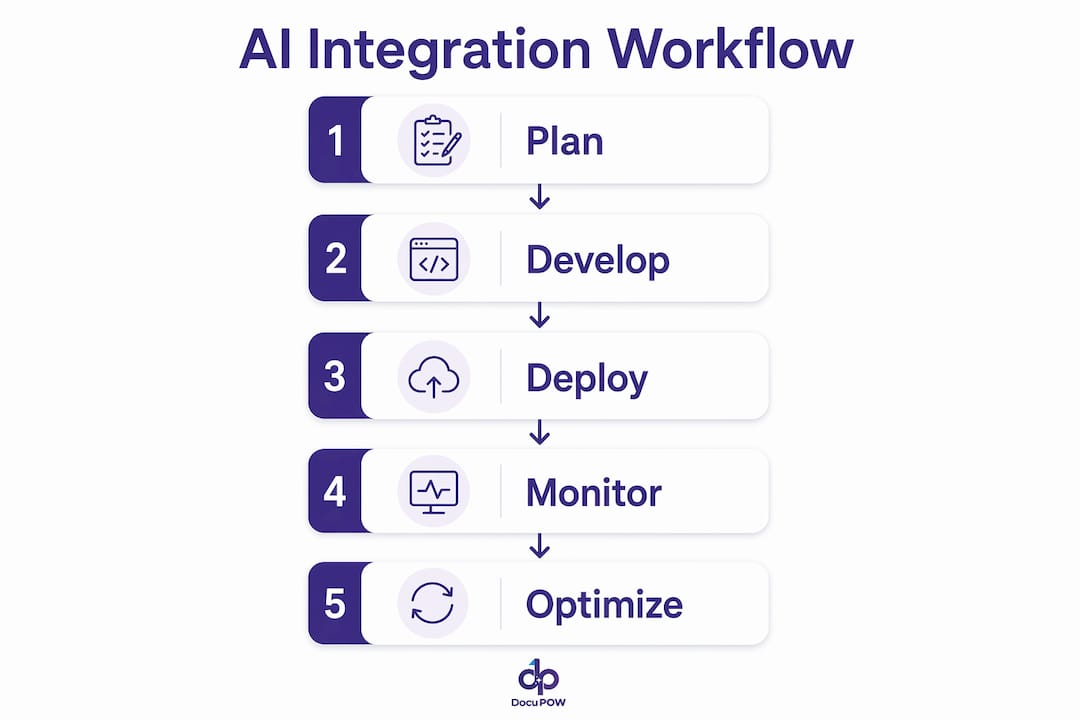
A structured lifecycle is the single most reliable predictor of a successful AI integration. The ML lifecycle covers development, staging, and production, and each stage has specific requirements that teams skip at their peril.
- Development stage. Build and test your AI model against representative document samples. Define your success metrics before you start. Accuracy alone is not enough. Measure latency, cost per inference, and error rate.
- Staging stage. Deploy to a staging environment that mirrors production. Run the full integration layer, not just the model. Test authentication, fallback logic, and observability tools here. Fix issues before they reach live documents.
- Production stage. Deploy with version control active from day one. Register your model in a central registry so you can roll back instantly if performance degrades. Set cost alerts and latency thresholds.
- Continuous monitoring. AI models drift over time as document formats and business rules change. Schedule regular performance reviews. Treat model monitoring as an ongoing operational task, not a one-time setup.
- Auditability and governance. Every model version, every inference decision, and every configuration change should be logged. For teams in regulated industries, this is a compliance requirement. For everyone else, it is the fastest way to diagnose problems when they appear.
The AI data extraction guide from DocuPOW covers how these lifecycle stages apply specifically to document processing workflows, including invoice capture and contract data extraction. The principles are the same, but the document context adds specific data quality and format considerations that generic ML guides often miss.
Key Takeaways
Successful AI integration requires operational discipline at every stage, not just a well-trained model.
| Point | Details |
|---|---|
| Integration differs from development | Embedding AI into live systems is a separate discipline from building AI models. |
| Most projects stall in production | 70–80% of AI/ML projects fail to reach production, primarily due to operational gaps. |
| Observability is non-negotiable | Design telemetry, fallback logic, and cost controls before writing integration code. |
| No-code platforms accelerate deployment | Platforms with 1,500+ connectors cut deployment time without sacrificing core functionality. |
| Lifecycle structure drives success | Development, staging, and production stages with version control prevent costly late-stage rework. |
What I have learned from watching AI integration projects succeed and fail
Working across multiple AI integration projects, the pattern that separates success from failure is almost never about the AI model itself. Teams spend months selecting the right model, fine-tuning it, and benchmarking its accuracy. Then they hit production and discover the real problem: nobody designed the observability layer, the fallback logic is missing, and the cost per inference is three times the budget estimate.
The uncomfortable truth is that most AI integration failures are project management failures dressed up as technology failures. The technology works. The operational discipline does not.
I have also watched the no-code AI agent space mature faster than most enterprise teams expected. Two years ago, connecting AI to an ERP required a dedicated integration engineer and weeks of custom work. Today, platforms with extensive pre-built connectors let a technically capable operations manager wire up a document extraction workflow in days. That shift is real, and it is accelerating.
My recommendation for teams just starting their AI integration work: resist the urge to build everything custom from day one. Use a no-code or API-based approach to get something working in production quickly. Learn from real document data. Then invest in custom integration where the workflow genuinely requires it. The teams that try to design the perfect system before deploying anything are the ones still in planning mode two years later.
The other thing I would push back on is the idea that AI integration is a one-time project. It is an ongoing operational function. Models drift. Document formats change. Business rules evolve. The organizations that treat AI integration as a living system, with monitoring, versioning, and regular review cycles, are the ones that compound their efficiency gains over time instead of watching them erode.
— Sameer
DocuPOW and AI integration for document workflows
Document workflows create some of the most demanding AI integration challenges in any business. Invoices, contracts, purchase orders, and compliance forms arrive in dozens of formats, and the data inside them drives financial decisions.
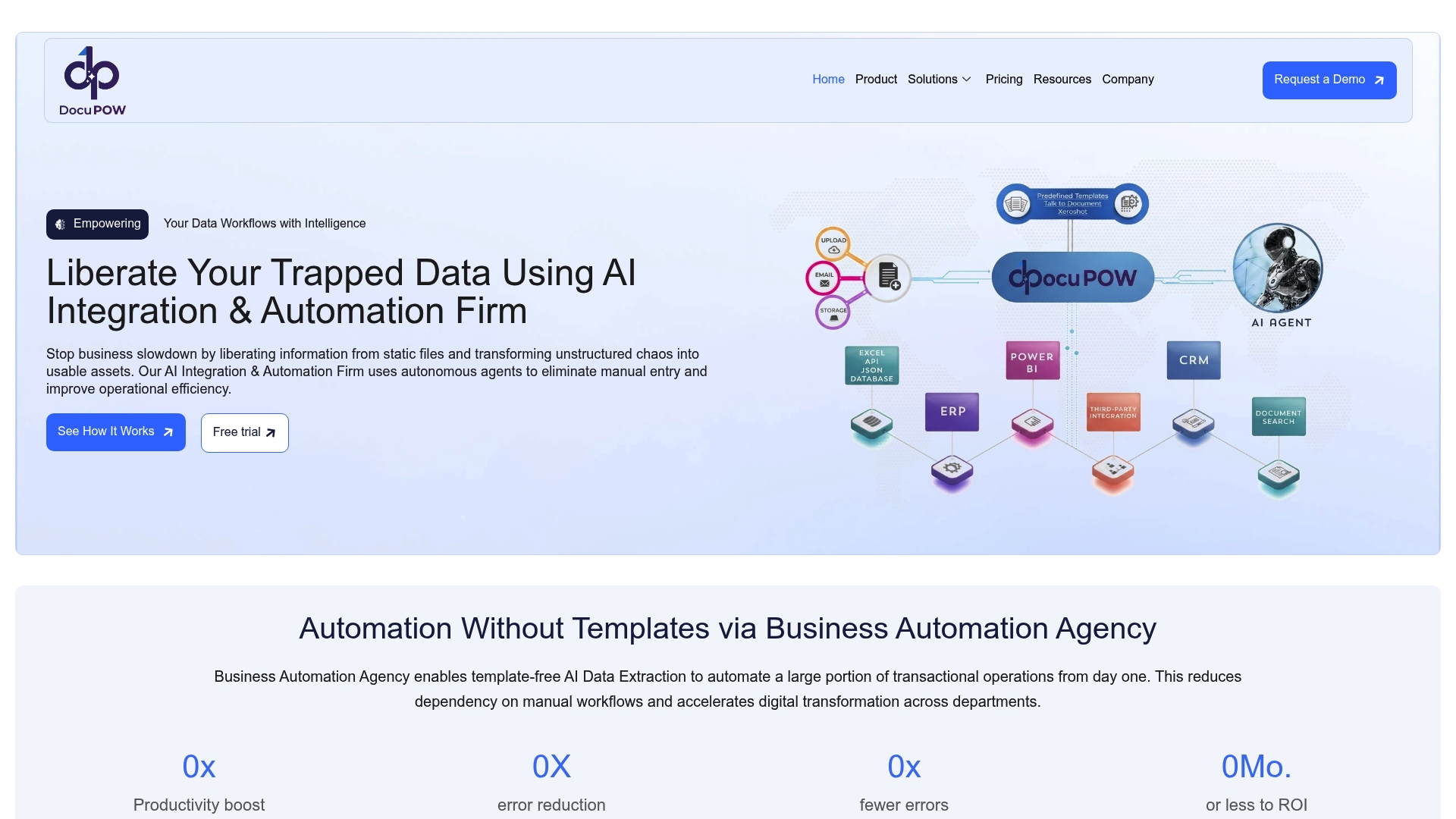
DocuPOW addresses this directly. Its autonomous AI agents understand document context without relying on rigid templates, which means the system adapts to new document formats without manual reconfiguration. The platform includes built-in observability, cost controls, and version management, covering the operational surface areas that cause most AI projects to stall. For teams ready to move from manual document processing to a production-grade AI system, the AI automation services guide outlines exactly how to plan and execute that transition. You can also explore document process automation benefits to see how AI integration translates into measurable operational gains for your team.
FAQ
What is an AI integration service?
An AI integration service embeds trained AI models and agents into existing business systems, such as ERPs, CRMs, and document platforms, to automate workflows and improve operational accuracy. It is distinct from AI development, which focuses on building models rather than deploying them into live systems.
Why do AI integration projects fail so often?
70–80% of AI and ML projects fail to reach production, most often because of missing observability, poor fallback logic, and inadequate data quality rather than model performance issues.
How long does AI integration take?
A no-code AI integration using pre-built connectors can reach production in days. A custom integration for a complex or regulated document workflow typically takes weeks to months, depending on system complexity and data readiness.
What systems can AI be integrated with?
AI integration works with ERP platforms, CRM systems, document management platforms, cloud storage, and workflow automation tools. Enterprise AI API integration examples show how these connections are structured at scale.
What is the role of a model registry in AI integration?
A model registry stores and versions every AI model deployed in a system. It enables safe rollbacks, staged rollouts, and full audit trails, which are requirements for enterprise governance and regulatory compliance.
Recommended
See DocuPOW on your documents.
Stop building templates. Start extracting data.