I-9 Document Automation: Produce I-9 Records for ICE in 3 Business Days
Automate Form I-9 workflows for USCIS compliance, E-Verify, retention, and remote review. Prepare records for ICE within three business days.

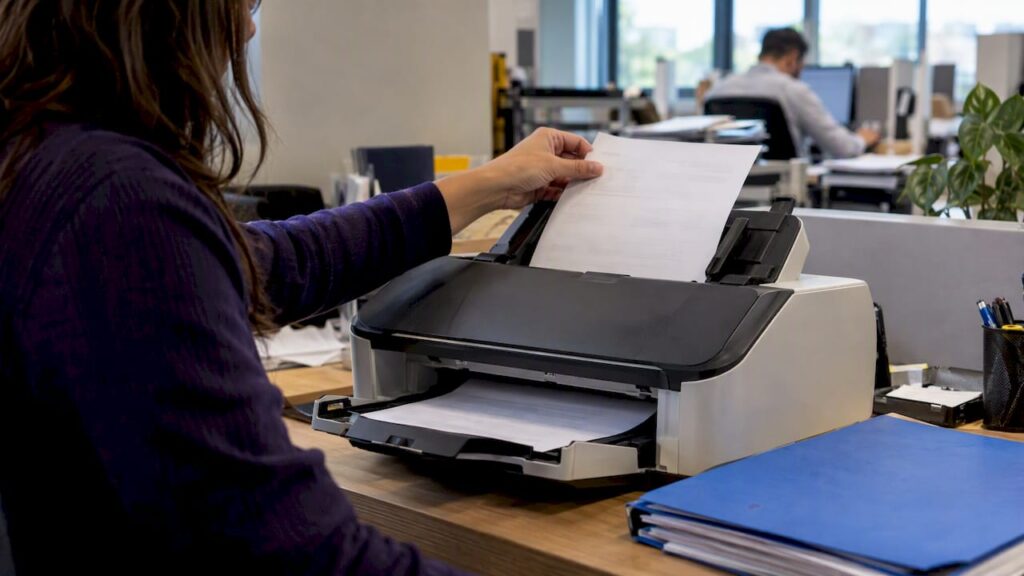
Yes, U.S. employers can automate I-9 completion and verification while staying audit-ready, as long as the workflow preserves Section 2 timing, retention requirements, and DHS/E-Verify rules. Done right, automation cuts completion time, reduces data entry errors, and produces the kind of audit trail that ICE inspections expect to see. Done wrong, it just moves paper errors into a digital file.
TL;DR:
- Section 1 is due by the employee’s first workday; Section 2 follows promptly, but hires working fewer than three business days need same day completion.
- Remote examination requires enrollment and good standing in the federal employment verification program, live video review, and consistent retention of both sides of each document.
- ICE gives employers at least three business days to produce requested forms, plus a separate 10 business day window to correct technical or procedural errors.
- Because employers remain liable for designated document examiners, require systems to record each representative’s identity and signature and export a timestamped log of edits.
Table of Contents
- What Form I-9 requires and the critical timelines employers must meet
- How digital I-9 automation works: features HR should require
- Remote document examination, E-Verify, and what audits look for
- Benefits HR can measure after automating I-9s
- Implementation checklist: evaluate, pilot, and scale I-9 automation safely
- How DocuPOW supports compliant I-9 document automation
- Author perspective: compliance-first automation for HR
- DocuPOW: how to get started
- FAQ
- Sources
What Form I-9 requires and the critical timelines employers must meet
Every employer must complete a Form I-9 for each person hired after November 6, 1986, under the Immigration Reform and Control Act. Section 1 is the employee’s responsibility, completed by the first day of work. Section 2 is the employer’s job: an authorized representative must physically or remotely examine original documents and complete this section promptly after the employee’s start date. Employees hired for fewer than three business days must have Section 2 completed by their first day.
Employers stay on the hook for mistakes made by whoever they designate to examine documents, even a notary or coworker standing in for HR, according to USCIS guidance on Section 2. That liability is one reason automated workflows need to capture the representative’s identity and signature on every form, not just the employee’s.
Retention follows a simple formula, but it trips up a lot of teams:
- Keep each Form I-9 for a period required by federal recordkeeping standards, which is generally several years after hire or termination, whichever is later, per the M-274 Handbook for Employers.
- Electronic copies can replace paper originals if the system preserves the original signature and meets federal recordkeeping standards.
- When ICE issues a Notice of Inspection, employers get three business days to produce requested I-9s, with a 10-business-day window to fix technical or procedural errors.
How digital I-9 automation works: features HR should require
Automation only helps if it enforces the same rules a well-trained HR coordinator would. That means the software has to understand what “compliant” actually looks like on a government form, not just digitize a PDF.
- Guided completion flows that block submission until required Section 1 and Section 2 fields are filled correctly, catching the kind of date mismatches and missing document numbers that trigger technical violations.
- Tamper-evident storage that logs every edit, timestamp, and signature, producing the audit trail examiners look for during a Notice of Inspection.
- Remote examination support that handles live video interaction and stores front-and-back document images, matching what USCIS requires for the alternative procedure.
- E-Verify case management that submits cases automatically and tracks outcomes, reducing the manual handoffs where errors creep in.
- Integrations with ATS and HRIS platforms so hire data flows into the I-9 workflow without rekeying names, dates, or document numbers.
Electronic signature systems also need to meet the federal standard under 8 C.F.R. § 274a.2, which means the platform cannot alter the form’s data sequence or instructions, a requirement spelled out in USCIS’s own guidance on electronic I-9s.
Pro Tip: Ask any vendor to show you an audit export before you sign a contract. If it does not clearly separate who signed what and when, it will not hold up during an inspection.
Remote document examination, E-Verify, and what audits look for
Remote examination is only available to employers enrolled in E-Verify and in good standing. Under the DHS-authorized alternative procedure, that means a live video interaction with the employee, plus retained copies of the front and back of every document examined. Once an employer starts retaining those copies for any hires, it has to apply the same practice consistently across that hiring site. Stopping for some employees and not others creates a discrimination risk under the same USCIS guidance.
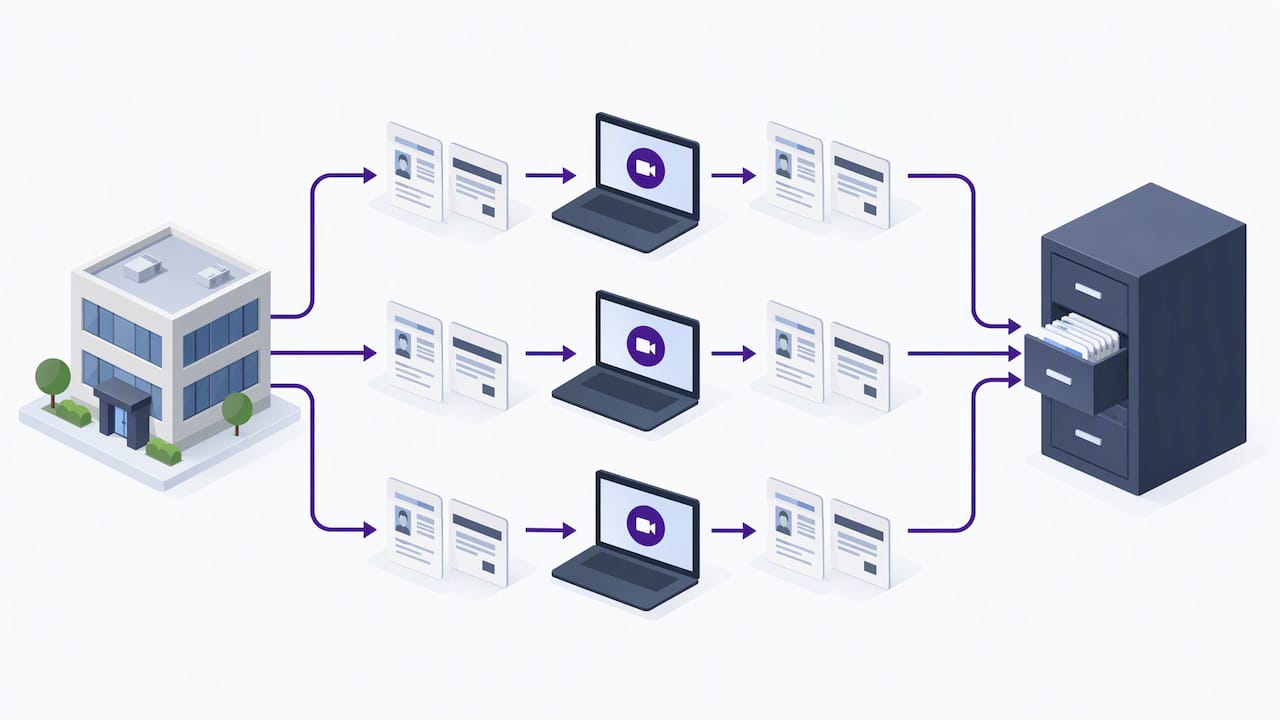
When ICE opens an inspection, it issues a Notice of Inspection and typically requests I-9s along with supporting payroll and business records. Employers get at least three business days to produce the requested Forms I-9, and a separate 10-business-day window applies if ICE flags technical or procedural failures that need correcting, per the ICE factsheet on Form I-9 inspections.
Automated workflows that combine guided forms, E-Verify submission, and audit logging materially reduce the risk of substantive violations and speed up NOI responses, according to E-Verify’s guidance on integrated compliance tools.
Internal audits, while not mandatory, help catch problems before ICE does. The ICE guidance on internal I-9 audits recommends neutral selection criteria, employee notice before corrections, and documented remediation, never retaliatory action against the employee flagged.
Benefits HR can measure after automating I-9s
Automation only earns its budget line when HR can point to numbers that moved. A few worth tracking:
- Time-to-complete Section 2, from hire date to signed form, should shrink once guided flows replace manual data entry.
- I-9 error rates, especially missing dates and document number mismatches, drop when the system blocks incomplete submissions.
- Audit findings per inspection cycle become easier to track when every form has a consistent, exportable trail.
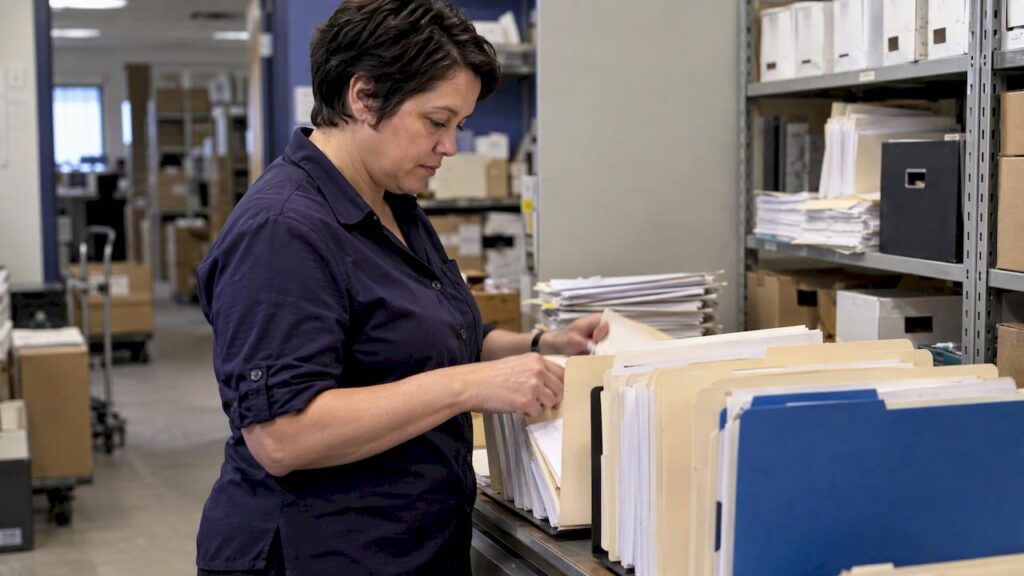
- NOI response time improves when records are centralized instead of scattered across file cabinets or shared drives.
These metrics double as the business case for renewing or expanding a platform contract, and they give HR leadership something concrete to report besides “it feels faster.”
Implementation checklist: evaluate, pilot, and scale I-9 automation safely
Rolling out I-9 automation works best as a staged project, not a single switch-flip.
- Map your current process first: who serves as authorized representative at each hiring site, how documents are examined today, and what your retention policy already looks like.
- Set selection criteria around E-Verify support, secure storage with exportable audit trails, remote exam capability, and integration with your existing HRIS or ATS.
- Run a pilot at one hiring site, tracking completion time, error rate, and staff feedback before expanding further.
- Train everyone who touches Section 2, including temporary or rotating authorized representatives, on the new workflow and its documentation requirements.
- Build an incident process for corrections, discovered errors, and employee notifications that matches the neutral, documented approach ICE recommends for internal audits.
- Assign ongoing ownership across HR, Legal, and IT so SOPs get updated when rules change and someone owns the NOI response plan.
Pro Tip: Keep your pilot small enough that a mistake stays contained, but long enough to cover at least one full hiring cycle, including reverification for any expiring work authorization documents.
Teams building out onboarding workflows more broadly may find it useful to look at employee onboarding automation practices alongside the I-9-specific steps above.
How DocuPOW supports compliant I-9 document automation
We built our platform around the same problem this checklist solves: getting data out of documents accurately without forcing HR teams into rigid templates. Our autonomous agents handle template-free extraction, so a scanned passport, a state ID, or a receipt for a pending document all get processed without manual reconfiguration.
For I-9 workflows, that translates into:
- Guided capture that adapts to different document types without a new template for every form.
- Secure, auditable storage with the kind of trail an NOI response needs.
- Human-in-the-loop review for cases that need a second set of eyes before submission.
- Integration paths into existing HR systems through our platform’s workflow orchestration.
Teams evaluating custom connectors for E-Verify or HRIS integration may also find value in this partner guide on automating compliance workflows.
Author perspective: compliance-first automation for HR
Automation does not transfer liability. Employers stay responsible for their authorized representatives, so the technology only helps if it enforces good habits, not just faster ones. I favor a pilot-first rollout with HR, Legal, and IT at the same table from day one, measuring real compliance KPIs before scaling anywhere. The goal is not speed for its own sake. It is a record you would not mind showing an inspector.
— Syed Naveed Abbas
DocuPOW: how to get started

If you are evaluating I-9 automation, ask any platform to show you live extraction on a real document, a full audit export, and how it handles retention policies before you commit. We built our platform to answer all three clearly.
- See current plans on our pricing page for the latest pricing details.
- Request a walkthrough of audit trail exports and human-in-the-loop review before your next hiring cycle.
- Check Enterprise pricing directly with our team for larger, multi-site rollouts.
FAQ
Do US citizens need I-9 verification?
Yes. Every employee hired in the United States after November 6, 1986, including U.S. citizens, must complete Form I-9, and the employer must complete Section 2 within the required timeframe. Citizenship status does not exempt anyone from the verification requirement.
Are there new I-9 requirements for 2026?
The most significant recent shift is the normalization of remote document examination for E-Verify-enrolled employers in good standing, which requires live video interaction and retained copies of examined documents. Employers using this alternative procedure must apply it consistently across a hiring site rather than selectively.
Can ICE ask for I-9 documents?
Yes. ICE can issue a Notice of Inspection and request Forms I-9, giving employers at least three business days to produce them. A separate 10-business-day window applies for correcting technical or procedural failures identified during the inspection.
Can I-9 documents be verified remotely?
Employers enrolled in E-Verify and in good standing can use the DHS-authorized alternative procedure to examine documents remotely, provided they use live video and retain copies of the documents reviewed. This procedure must be applied consistently to avoid discrimination concerns.
Sources
- Form I-9 Inspection Under Immigration and Nationality Act § 274A | ICE
- Remote Examination of Documents (Optional Alternative Procedure to Physical Document Examination) | USCIS
- E-Verify guidance and features | E-Verify
Recommended
See DocuPOW on your documents.
Stop building templates. Start extracting data.