Receipt Data Extraction for Finance: Catch OCR Errors, Meet IRS Rules
See how finance teams extract receipt fields, catch OCR errors, meet IRS substantiation rules, and automate unfamiliar layouts without vendor templates.


Receipt data extraction turns receipt images and PDFs into structured fields, merchant name, date, tax, total, and line items, ready to drop into your ERP or accounting system. It pairs OCR with parsing, validation, and exception review to produce audit-ready records instead of raw text. Finance operations, accounts payable, and expense management teams are the primary beneficiaries.
TL;DR:
Test any system with a representative batch of messy, varied receipts, then measure accuracy for each field and exception volume before scaling.
Set a confidence threshold that sends uncertain fields to human review; loose settings risk posting errors, while tight ones can overwhelm reviewers.
Clean and validate images before OCR, since blurry or skewed receipts can multiply recognition errors and trigger avoidable manual corrections downstream.
IRS acceptance of electronic receipts depends on preserving records that software can process, edit trails, and supporting details, especially for unclear expenses over $75.
Table of Contents
-
What receipt data extraction is and how it differs from basic OCR
-
Compliance and audit readiness: meeting IRS substantiation rules
What receipt data extraction is and how it differs from basic OCR
Basic OCR reads a receipt and hands back plain text: a jumble of words and numbers in the order they appeared on the page, with no sense of what each piece means. Receipt data extraction goes further. It takes that raw text and assigns meaning to it: this string is the merchant name, this one is the tax amount, this one is the total. That labeling step, often called semantic parsing or entity extraction, is what makes the output usable by an accounting system rather than just readable by a human.
The distinction matters because a finance team doesn’t need a transcript of a receipt. It needs fields it can map directly into a general ledger or expense report.
-
Raw OCR output is unstructured text with no field labels or relationships.
-
Structured extraction assigns each value to a named field (merchant, date, total) with a data type.
-
Template-based extraction works well for known, repeating formats but breaks when a new vendor or layout appears.
-
Template-free, zero-shot extraction adapts to unfamiliar receipt layouts without a pre-built template for every vendor.
Template-free extraction can be a practical choice for teams processing receipts from many different merchants, since building and maintaining a template library for every possible layout is not realistic at scale.
Which fields receipt extraction typically captures
Most extraction systems are built around a core set of fields that accounting and ERP systems expect, plus a set of optional fields that matter for itemized expense review.
-
Core fields: merchant name, transaction date, subtotal, tax amount, total, currency, and payment method.
-
Optional fields: line items (description, quantity, unit price), store location, receipt or transaction ID, tip amount, and invoice number.
-
Field-level confidence scores that flag low-certainty reads before they reach your books.
-
Validation rules that check totals against subtotal plus tax, catching arithmetic mismatches automatically.
NIST research on scanned-text retrieval shows that downstream accuracy is highly sensitive to OCR error rates, which is the reason field-level confidence scoring matters more than an overall “looks accurate” impression. A receipt that reads correctly at a glance can still have one misread digit in the tax field, and that single error is exactly what a confidence score and a validation rule are built to catch before the record is posted.
How a receipt extraction workflow works, step by step
A production-grade extraction workflow is a sequence of checkpoints, not a single scan-and-done action. Understanding each step helps you plan a pilot, test a vendor, or troubleshoot why exception rates are high.
-
Capture: receipts enter the system through a phone camera, an email forward, a desktop scanner, or bulk PDF ingestion.
-
Image cleanup: the system corrects skew, reduces noise, adjusts contrast, and checks that resolution is high enough to read small print.
-
OCR and recognition: the cleaned image is converted into raw text.
-
Parsing and entity extraction: the raw text is segmented and labeled into named fields.
-
Validation: business rules check that totals reconcile and that required fields are present, each with a confidence score.
-
Exception routing: low-confidence or failed records are sent to a human reviewer instead of posting automatically.
-
Export and integration: validated records move into your ERP or accounting system, with an audit log recording what changed and who approved it.
Pro Tip: Run a small batch of your messiest, most varied receipts through any system you’re evaluating. Clean, well-lit receipts tell you almost nothing about how a tool handles the edge cases that actually drive exception volume.
Skipping the cleanup step is a common shortcut that backfires: feeding a blurry or skewed image straight into OCR multiplies errors downstream, which means more exceptions, more manual correction, and less trust in the automated output. The steps that look optional, image cleanup and validation, are usually the ones separating a workflow that scales from one that quietly accumulates bad data.
Benefits and finance use cases for receipt data extraction
Receipt extraction shows up most visibly in a handful of recurring finance and operations workflows, each with its own reason to automate.
-
Expense reimbursement: employees submit receipts and get reimbursed faster, with less manual keying by finance staff.
-
Accounts payable automation: receipts tied to purchase orders or vendor invoices get matched and posted without manual data entry.
-
Travel and T&E audits: extracted fields make it easier to spot policy violations, duplicate submissions, or missing itemization before reimbursement.
-
Spend analytics: structured data from receipts feeds category-level reporting that a pile of paper or PDFs never could.
The operational payoff can be fewer manual touches per receipt and a shorter cycle time between purchase and posted record. For finance teams specifically, that translates into closing periods faster, having audit-ready documentation on hand instead of scrambling to find it, and getting a clearer, more current view of spend by category or department. Our invoice data capture and AI billing services page covers how this extends into broader accounts-payable mapping.
How to implement receipt extraction in your finance stack
A pilot that proves out field accuracy before you scale is far cheaper than discovering gaps after rollout. A practical implementation sequence looks like this.
-
Choose your ingestion channels and confirm supported file formats: JPEG, PNG, TIFF, multi-page PDF, and email attachments.
-
Define the exact fields you need and map each one to the corresponding field in your ERP or accounting system before writing any integration code.
-
Design exception-handling service levels: who reviews a flagged receipt, how fast, and what happens if it can’t be resolved.
-
Run sample testing on a batch of real receipts, not synthetic ones, and measure field-level accuracy before moving to production.
-
Establish retention, backup, and access controls so every record stays auditable later.
Within that sequence, a few details tend to determine whether the rollout holds up under real volume.
-
Multi-page PDF handling matters for bundled travel receipts and folio-style hotel invoices.
-
Field mapping should account for currency and tax fields that vary by region if you operate internationally.
-
Access controls should log who edited a field and when, not just who approved the final record.
Our guide to automating financial data extraction walks through a fuller enterprise checklist for teams scaling past a pilot.
Common challenges and practical mitigations
Most extraction exceptions trace back to a small number of recurring problems, and each one has a workable fix.
-
Poor image quality: blurry or low-light photos can contribute to low-confidence reads. Set a minimum resolution guideline for mobile capture and reject images that fall below it.
-
Handwritten values: handwritten tips or corrections on a printed receipt are harder to parse reliably. Route anything with handwriting straight to human review rather than trusting an automated read.
-
Missing itemization: some receipts, particularly lodging folios, omit line-item detail entirely. Cross-reference vendor master data or apply a policy threshold that flags any receipt over a set amount for manual itemization review.
-
Reconciliation drift: small errors can compound across receipts if nothing catches them early.
Pro Tip: Set your confidence-score threshold deliberately rather than accepting a vendor’s default. A threshold tuned too loose lets errors slip into your books; one tuned too tight floods your reviewers with exceptions that didn’t need a human.
Compliance and audit readiness: meeting IRS substantiation rules
The IRS confirms that electronic receipts can satisfy substantiation requirements under section 274(d), provided the system maintains the integrity of the record and keeps it available when requested. That acceptance comes with conditions worth building into your controls from the start.
-
Preserve machine-sensible records, not just scanned images: the IRS automated recordkeeping guidance specifies that records must remain capable of being processed, with formats and field definitions documented.
-
Keep an audit trail of every edit, approval, and export, since the IRS FAQ on electronic accounting software records notes that examiners may request machine-readable backup files and administrator-level access during an audit.
-
Retain supplemental records, such as vendor master data or itemized descriptions, when a digital receipt lacks the detail section 274(d) requires, particularly for expenses over $75 where the nature of the expense isn’t clear on its face.
-
Document your retention period, who has access, and how human edits to extracted data are logged, so an auditor can trace a record back to its source without guesswork.
Digitizing a paper receipt is not, by itself, sufficient. The system behind it has to preserve integrity, remain available, and fill in the detail a bare image sometimes leaves out.
Why context-aware AI outperforms legacy OCR
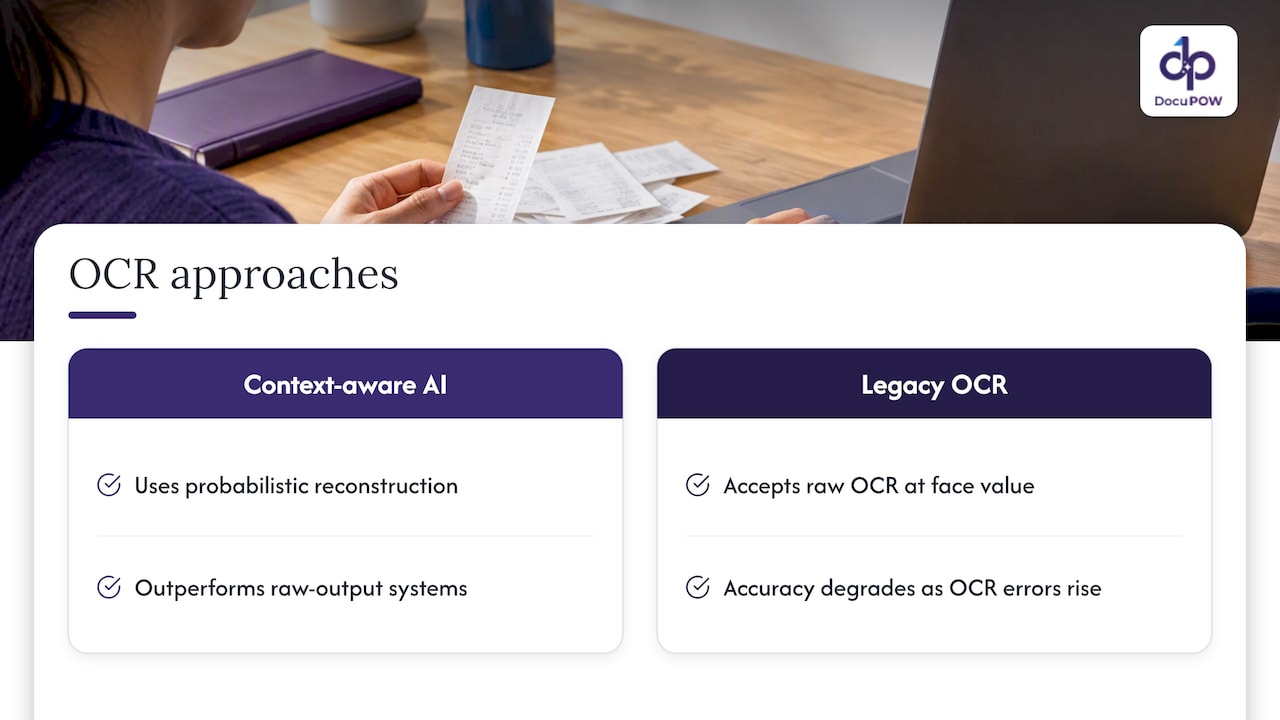
NIST’s TREC-5 confusion track found that retrieval and downstream accuracy degrade sharply as OCR error rates rise, and that probabilistic, context-aware reconstruction consistently beats systems that simply accept raw OCR output at face value. Segmentation errors, where a system misreads how a form or receipt is laid out, can contribute to OCR errors. Image quality and segmentation are among the factors that affect accuracy. Measuring field-level error rates and routing anything below a confidence threshold to a human reviewer is the practical way to keep those research-backed accuracy risks from showing up in your books.
Why template-free extraction fits modern receipt volume
Legacy template libraries demand a template for every vendor layout, and that library needs constant upkeep as merchants redesign receipts or new vendors appear. Agentic, template-free extraction sidesteps that maintenance burden by adapting to unfamiliar layouts without a pre-built match, which matters more as receipt sources multiply across travel, procurement, and expense channels. Human-in-the-loop review stays necessary regardless of the extraction method; no automated system should post a low-confidence field without a person checking it first. The practical next step for most teams is a small pilot on representative receipts, measuring field accuracy and exception volume before committing to a full rollout.
— Syed Naveed Abbas
Automating receipt extraction with DocuPOW
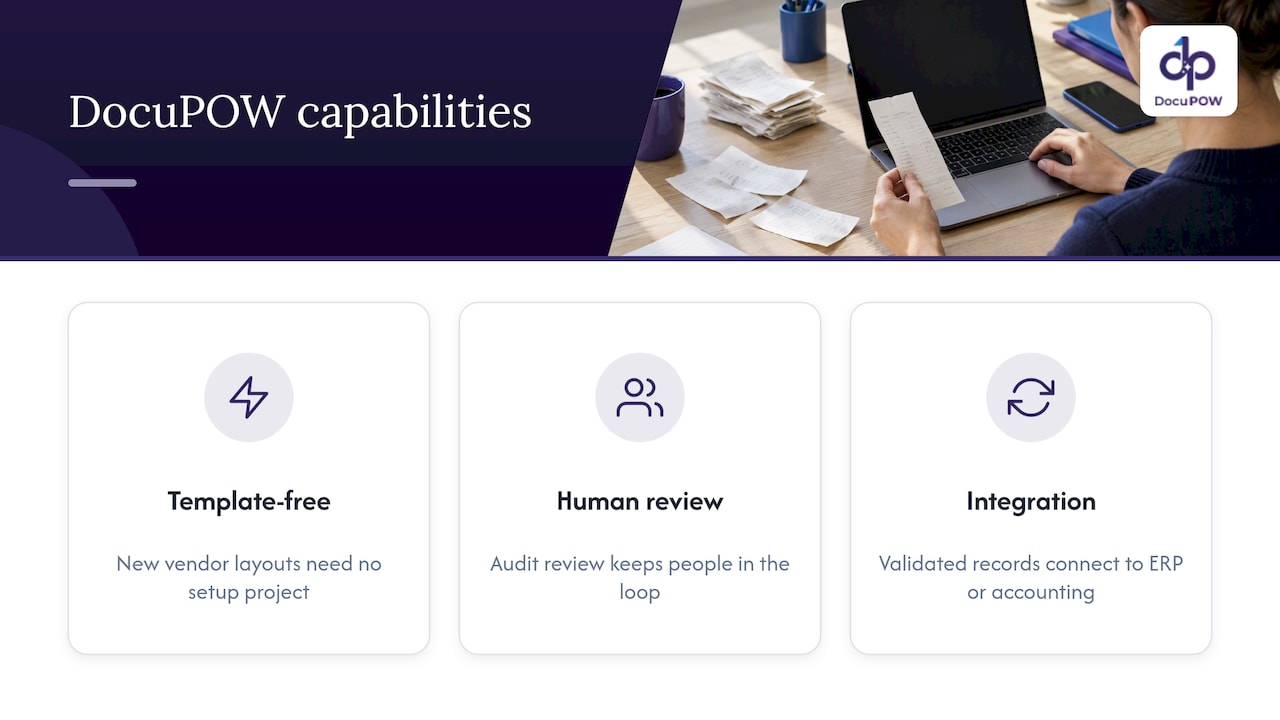
We built our platform around agentic, template-free extraction, so a new vendor layout or an unfamiliar receipt format doesn’t require a setup project before it can be processed. Our platform includes human-in-the-loop audit review, and validated records can be integrated with your ERP or accounting system.

Our platform includes real-time analytics. If you’re ready to see how this fits your receipt volume, view our pricing plans and start with the tier that matches your team’s scale.
This article is general information, not a substitute for advice from a qualified financial advisor. Consult a qualified financial professional about your own circumstances before acting on anything here.
FAQ
What are the two types of data extraction?
Data extraction is generally split into unstructured, where a system pulls raw text or values with no labeling, and structured, where extracted values are assigned to named fields like merchant or total. Receipt data extraction specifically falls into the structured category, since its output is meant to map directly into accounting fields.
How can I scan receipts into Excel?
Capture the receipt as a clear image or PDF, run it through an extraction tool that outputs labeled fields rather than raw text, and export the result as a CSV or spreadsheet file that Excel can open directly. Checking that totals reconcile against subtotal and tax before import helps catch misread values early.
Can you actually make money from scanning receipts?
Scanning your own receipts for expense reimbursement or tax substantiation saves time and reduces errors, but it is an operational efficiency gain rather than a revenue source. Some cashback or rewards apps pay small amounts for submitted receipts, though that is a separate consumer use case from business receipt data extraction.
What is the best app for storing receipts?
The right choice depends on whether you need simple storage or structured extraction tied to an accounting system: a basic storage app keeps images organized, while a finance-grade extraction platform also validates fields and exports them to your ERP. Teams handling receipt volume for audits or reimbursements typically need the latter to keep records both searchable and substantiation-ready.
Sources
-
What kind of records should I keep | Internal Revenue Service
-
The TREC-5 Confusion Track: Comparing Retrieval Methods for Scanned Text | NIST
Recommended
See DocuPOW on your documents.
Stop building templates. Start extracting data.