Handwritten Document Recognition: How It Works and Where It Fits
Learn how handwritten document recognition turns handwriting into structured data, what drives accuracy, how HTR differs from OCR, and when humans still review.

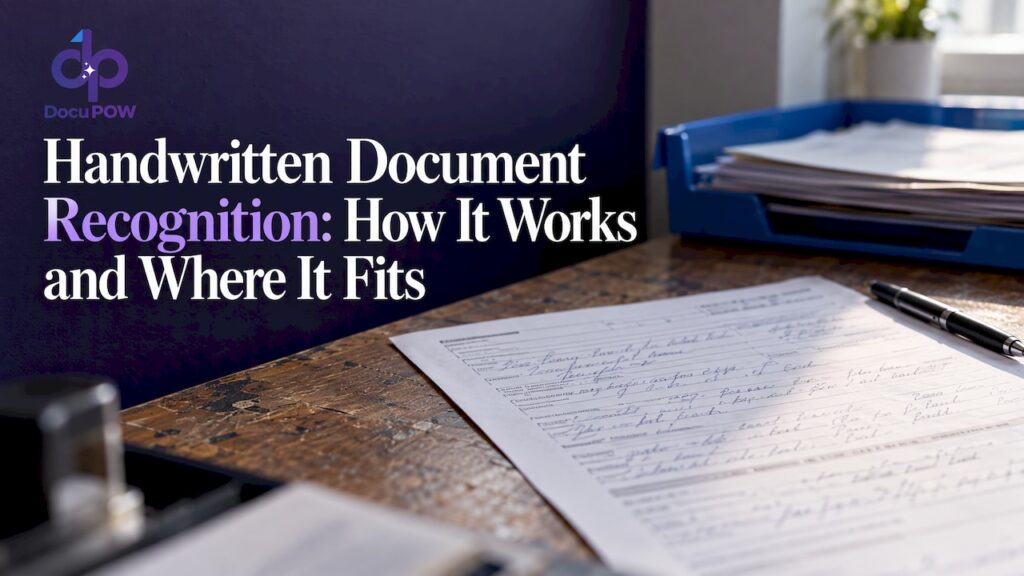
Handwritten document recognition is software that reads handwriting in scans or photos and turns it into machine-readable text and structured fields. For a business, the useful version does more than transcribe. It finds the right field on a form, checks the value against your rules, flags what it is unsure about, and sends clean data into your systems. This guide explains how that works, what drives accuracy, how HTR differs from OCR, and how to handle security.
TL;DR
- Handwritten text recognition (HTR) is the machine learning field built to transcribe handwriting. Classic OCR was designed mainly for printed characters.
- Accuracy depends less on the model alone and more on image quality, scan resolution, form design and how much you know about each field in advance.
- Test the whole workflow end to end on a representative sample of your own documents, not on a vendor demo.
- Keep a human review step for anything the machine cannot read with confidence.
- If the documents hold health data, a cloud vendor needs a HIPAA business associate agreement before it touches them.
Table of Contents
- What handwritten document recognition actually is
- HTR vs OCR: how the terms relate
- How the recognition pipeline works
- What affects accuracy
- How accuracy is measured
- When to automate and when to keep people involved
- Security and compliance for handwritten records
- Our perspective
- How to evaluate a solution
- See it on your own documents
- FAQ
- Sources
What handwritten document recognition actually is
The IEEE describes handwritten text recognition as a machine learning field concerned with automatically transcribing handwriting from images or from pen-input streams. The second case, where a stylus records strokes as they are written, is called online recognition. In business, you almost always deal with the first: a scanned page or a phone photo of something already written, usually called offline recognition.
The phrase document recognition adds a second layer. A page of transcribed words is rarely the goal. You want the date, the signature block, the quantity on a delivery note, the dosage on an intake form, the amount on a claim. That means the system has to understand where each piece of information sits and what it means.
Typical business material includes:
- Insurance claim forms and policy applications
- Patient intake and consent forms
- Delivery receipts, bills of lading and inspection checklists
- Field service tickets and construction site logs
- Handwritten notes and corrections on printed invoices or purchase orders
- Employee onboarding paperwork
Most of these are mixed documents: printed text with handwriting filled in. That mix is where simple tools stumble and where the design of the whole pipeline matters.
HTR vs OCR: how the terms relate
Optical character recognition (OCR) is the broader, older term for converting images of text into characters a computer can handle. HTR is the part of that territory aimed at handwriting, where the shape of a letter changes from writer to writer, strokes join together, and the same person writes the same word differently twice.
A practical way to think about it:
| Classic OCR | HTR | |
|---|---|---|
| Main target | Printed, consistent fonts | Handwriting, print-style or cursive |
| Main difficulty | Poor scans, odd layouts | Variation between writers, joined letters, ambiguous shapes |
| Typical approach | Recognize characters or words by shape | Learn from large sets of handwriting samples, often reading whole lines in context |
| Context use | Limited | Heavy: surrounding words and field type help decide what a squiggle means |
In practice the line has blurred. Modern products run both together, because a single page usually holds both kinds of text. When a vendor says OCR, they may well include handwriting. When you evaluate a tool, ignore the label and ask for results on your own handwritten samples.
NIST makes a related point in its work on forms processing: recognizing handprint and cursive writing is highly interdependent, which argues for designing the system end to end rather than tuning isolated parts. That advice is nearly three decades old and still holds.
How the recognition pipeline works
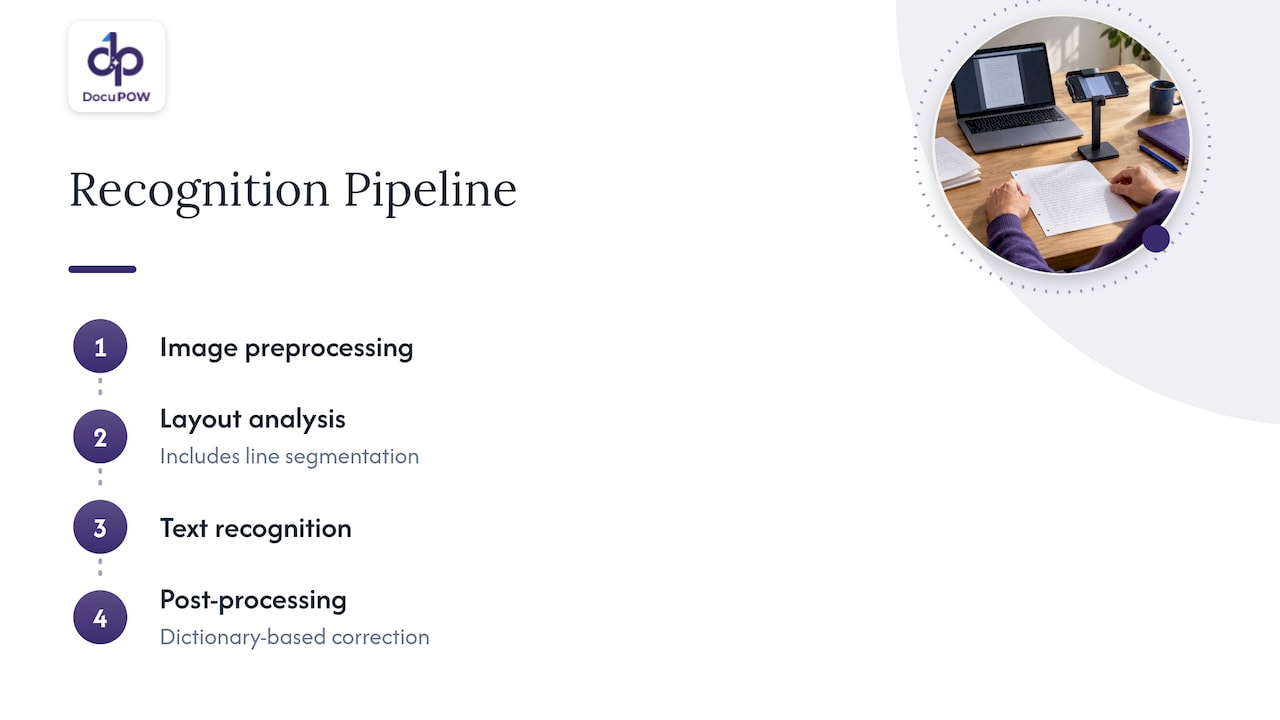
The stages are consistent across older and newer systems. A practical guide from the University of Zurich describes modern automated text recognition as image preprocessing, layout analysis and line segmentation, text recognition, and post-processing such as dictionary-based correction. NIST’s earlier description of form-based handprint systems lists preprocessing, character segmentation, feature extraction, recognition and word or phrase correction. The vocabulary changed, the logic did not.
1. Preprocessing
The image is straightened, cleaned and normalized. Skewed scans get rotated, shadows from phone photos get reduced, and background noise is removed. Bad input here limits everything downstream.
2. Layout analysis
The system works out what is on the page: printed labels, handwritten entries, boxes, tables, stamps, signatures. It separates lines and regions so each can be read in the right way.
3. Recognition
The core model converts each handwritten region into text. Current systems typically read a whole line at once so that neighboring letters provide context, rather than judging each character alone.
4. Post-processing and validation
The raw text is corrected against dictionaries and field rules. A field that must hold a date should not return a word. A policy number with a known format can be checked against that format. This step turns a decent transcription into data you can trust.
5. Delivery
Validated values are mapped to fields and pushed to the ERP, CRM, claims system or database. A recognition engine that stops at a text file leaves the hardest part, the data entry, to people.
What affects accuracy
Accuracy is not a fixed number a vendor owns. It depends on your documents. NIST’s work on forms processing is clear that systems can handle tax, census and insurance forms and some checks, and that success depends on form design, legible images, sufficient scanning resolution and known field content.
Form design
If you control the form, you control a large share of the outcome. NIST research found that character-specific bounding boxes and clear demarcations improve machine recognition rates. Practical consequences:
- Give each field its own clearly marked space.
- Use separate boxes for characters in short codes and ID numbers.
- Keep handwriting away from lines, stamps and printed text it could overlap.
- Label fields unambiguously so the system knows what to expect in each.
Image quality and resolution
Blurry phone photos, low-resolution faxes and heavily compressed scans lose the thin strokes that separate a 1 from a 7 or an e from a c. Set a consistent scanning standard and apply it at every site that sends you paper.
Known field content
A field that can only hold a state abbreviation is far easier to read than a free-text comment. Constrain what you can: pick lists, formats, check digits, lookups against vendor or customer master data.
Writer variation
Cursive, mixed print and cursive, and rushed field notes are harder than careful block capitals. You cannot fix a technician’s handwriting, but you can plan review capacity for the documents that come from the messiest sources.
Document variety
Template-based tools need a configured layout for each form version. If your inbound documents come from many customers, suppliers or clinics, that maintenance burden grows quickly. Template-free extraction, where the system reads an unfamiliar layout without a prepared template, avoids it. It is the approach we build around, and the extraction overview on our zero-shot extraction page describes how it works.
How accuracy is measured
Vendors quote character error rate or word error rate, which count the share of characters or words that were wrong. These numbers are useful but easy to misread, because the test set decides everything. Clean block capitals in labeled boxes score very differently from rushed cursive on a crumpled delivery slip.
For context, NIST-sponsored digit recognition evaluations reported error rates as low as 3% and below 5% on isolated characters, while noting that real-world form processing is more complex than isolated characters. Treat any single headline accuracy figure the same way: ask what was measured, on what documents.
The same NIST report recommends end-to-end evaluation using statistically representative samples for training and for choosing confidence thresholds, instead of relying only on component-level metrics. Here is how to apply that:
- Pull a few hundred real documents, covering your best and worst sources.
- Have staff key the correct values once, as the reference.
- Run the candidate system on the same documents.
- Measure field-level accuracy on the fields that matter, such as amounts, dates and identifiers, not just overall text accuracy.
- Record how many documents went to human review at each confidence threshold, and what the remaining error rate was.
The last point is the one that decides cost. A system that is slightly less accurate but knows when it is unsure can be safer than one that is confidently wrong.
When to automate and when to keep people involved
NIST’s assessment of form-based systems is blunt and still sensible: such processing may be economically useful when the work volume is large enough to cover system costs, and human checking is needed for material the machine fails to recognize.
That gives you a workable rule set.
Automation fits when:
- Volume is high and recurring, such as thousands of claims, delivery slips or intake forms each month.
- The fields that matter are limited and can be validated by rules or lookups.
- Errors in the data are costly enough that consistent checking is worth building.
Keep a person in the loop when:
- The system’s confidence on a field falls below your threshold.
- A value affects payment, legal standing or patient care.
- A validation rule fails, for example a total that does not equal the sum of its lines.
- The document is unusual: a new form version, a damaged page, an unfamiliar writer.
Manual transcription still makes sense when the volume is a handful of documents a year, or the material is something like an archive of difficult historical letters where each page needs expert judgment.
Human review is not a failure of automation. It is part of the design. The goal is that people spend their time on the small share of fields that need judgment instead of retyping every page. For the wider picture of how high-volume pipelines are run, our guide to high-volume document processing best practices goes into queue design and exception handling.
Security and compliance for handwritten records
Handwritten documents often carry the most sensitive information you hold: patient details, signatures, financial figures, personal identifiers. Two US considerations come up repeatedly.
Health records and HIPAA
If a cloud service creates, receives, maintains or transmits electronic protected health information for a covered entity or business associate, HHS guidance says a HIPAA-compliant business associate agreement must be in place, along with the applicable safeguards and risk analysis. The same guidance notes that a business associate remains directly liable for protecting ePHI even if it only stores encrypted data and has no access to the keys. Before you send intake forms or clinical notes to any recognition service, get the agreement signed and run your own risk analysis. Our page on healthcare document processing covers how we approach that sector.
The scanning step itself
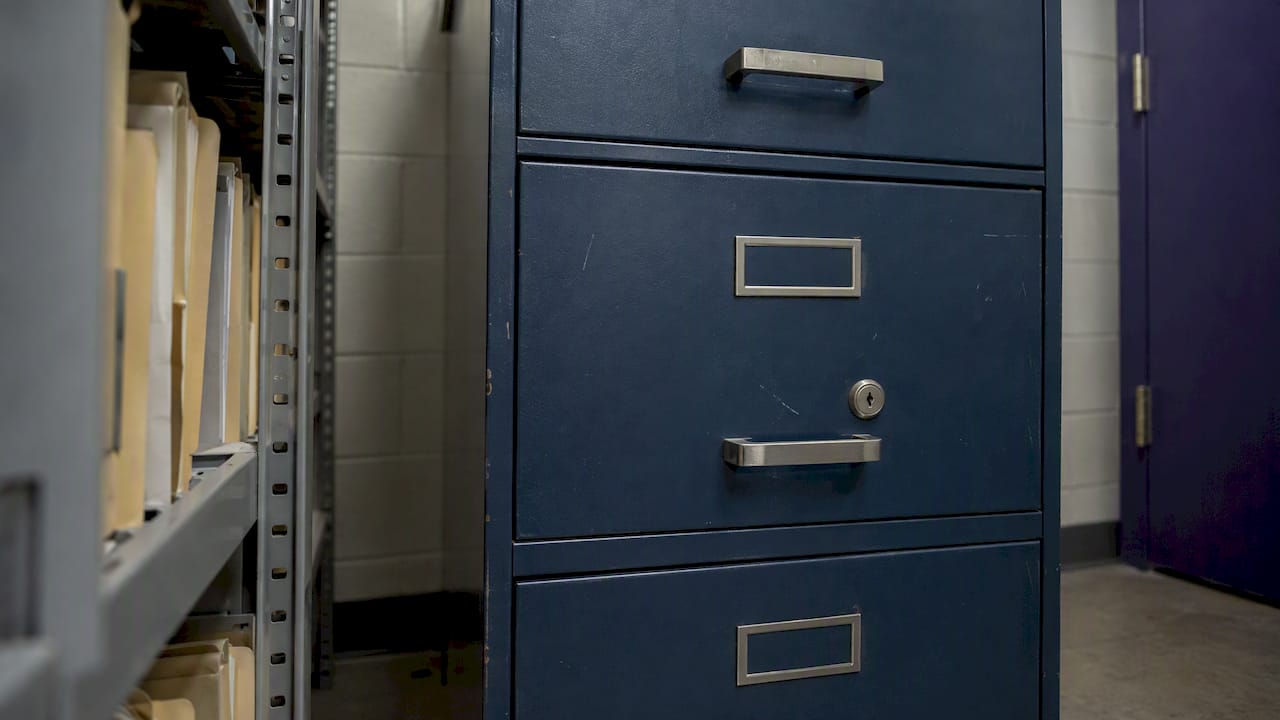
Security does not begin when the file reaches the cloud. Paper sits in trays and cabinets, and scanners and multifunction copiers sit on your network. FTC guidance warns that networked digital copiers can store data from scanned or printed documents on internal hard drives and recommends overwriting those drives so sensitive documents cannot be reconstructed. The FTC also advises keeping sensitive paper files secured, for instance in a locked cabinet that only a few named people can open.
If you are digitizing a large backlog, planning the whole chain matters: who handles the paper, how the devices are configured, how files are indexed and kept. Resources on document digitization with legal value show how that chain can be organized around compliance and auditability.
On the software side, look for encryption in transit and at rest, access controls, audit trails and clear data-retention terms. Our security page lays out how we handle these, and our guide to document security for organizations is a good checklist for vendor reviews.
Our perspective
Most handwriting projects do not fail because the model cannot read a scrawl. They fail because the team treated recognition as a transcription task instead of a workflow task.
The page is only the start. What the business needs is a correct value in the right field of the right system, with a record of how it got there. That is why we build DocuPOW as a set of cooperating agents rather than a single reader. One agent understands the layout, another extracts and interprets the entries, another validates them against schema and business rules, and the results flow into your ERP or CRM through the API.
We designed the extraction to be template-free. A new supplier form or a new clinic intake sheet should not mean a week of template setup. And because no recognition is perfect, we put human-in-the-loop audit review into the process, so uncertain values are routed to a person and every decision stays traceable. Conversational querying over your documents, with source citations, lets people verify an answer against the original page.
Our view is simple: the best handwriting recognition is the one that makes your team’s review work small, fast and auditable.
Syed Naveed Abbas
How to evaluate a solution
Use this checklist when you compare approaches, whether you buy a platform, build on an API or run a pilot.
- Test on your own handwriting. Include your worst sources, not just clean samples.
- Measure field accuracy, not page accuracy. Amounts, dates and IDs matter most.
- Check confidence handling. Can the system tell you which values to review, and can you set the threshold?
- Look at validation. Can it enforce a schema, check totals, and match against master data?
- Ask about new layouts. What does it take to handle a form version it has never seen?
- Confirm integrations. Will the data reach your ERP, CRM or database without a manual export step?
- Review security terms. Encryption, retention, audit logs and, for health data, a signed business associate agreement.
- Calculate total cost. Include review labor and exceptions, not only the subscription.
If you want a broader frame before shortlisting, our overview of intelligent document processing for decision-makers explains the category, and the OCR automation guide covers the older technology your team may already use.
See it on your own documents
DocuPOW reads handwritten and printed content without templates, validates it, routes uncertain fields to human review and sends the result into your systems. Plans on our site are listed at $99 per month for Starter and $499 per month for Professional, with Enterprise available on request. You can compare them on the pricing page.
If you would rather see the platform first, start with the product overview, then try it with a sample of your own forms.
FAQ
Is handwriting recognition the same as OCR?
Not exactly. OCR is the broad term for turning images of text into characters, and it began with printed text. HTR is the specialized area that deals with handwriting. Modern tools usually combine both, since most business documents mix printed and handwritten content.
Can software read cursive?
Yes, to a degree. Cursive is harder than neat block capitals because letters join together and vary between writers. Reading whole lines in context helps, and so does knowing what a field should contain. Expect lower confidence on cursive and plan human review for it.
How accurate is handwritten document recognition?
It depends on your documents. Form design, image quality, scan resolution and how well the field content is constrained all move the result. Test a representative sample of your own paperwork and measure accuracy field by field before you commit.
Do I still need people to check the output?
Yes, for the values the system is unsure about and for fields that carry financial, legal or patient-care consequences. A good setup sends only those exceptions to a reviewer, so people stop retyping everything and check only what needs judgment.
Is it safe to send patient forms to a cloud recognition service?
It can be, if the vendor signs a HIPAA business associate agreement and you complete your own risk analysis. Ask about encryption, access controls and audit logging too, and check with your compliance officer or counsel before going live.
Sources
- Design, integration, and evaluation of form-based handprint and OCR systems, NIST
- Form Design for High Accuracy Optical Character Recognition, NIST
- Ad fontes: Automated Text Recognition practical guide, University of Zurich
- Handwriting recognition, IEEE Technology Navigator
- Guidance on HIPAA and Cloud Computing, HHS
- Copier Data Security: A Guide for Businesses, FTC
- Stick with Security: Secure paper, physical media, and devices, FTC
Recommended
See DocuPOW on your documents.
Stop building templates. Start extracting data.