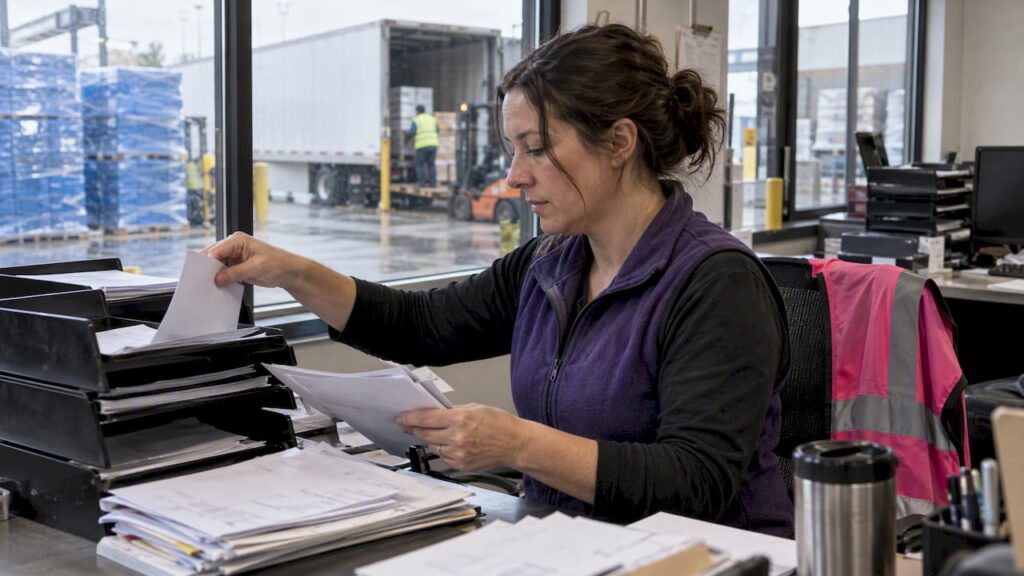
Logistics Ops: Proof of Delivery Automation for Claims Ready Evidence
Operations teams: turn delivery signatures into claims ready evidence with proof of delivery automation. Learn which signals to capture, KPIs to watch,...

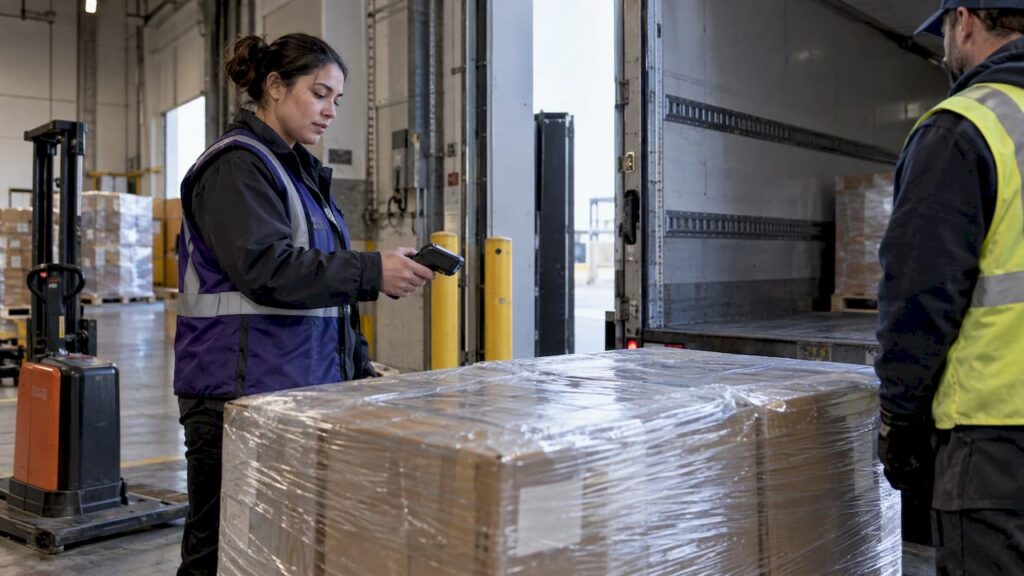
Proof of delivery automation replaces manual, paper-based delivery confirmation with digital capture of signatures, GPS, timestamps and photos, verified the moment a shipment arrives. The direct payoff is faster order-to-cash and a defensible evidence package for freight claims, backed by legal footing under the E-SIGN Act and operational timelines like the Carmack claims window.
TL;DR:
- Signal and evidence collection should include GPS validation, photos, and sensor data to prevent single-point failures in disputes.
- Integration with TMS, ERP, and factoring platforms enables instant evidence transfer, speeding invoice and claim processes.
- Pilot programs must define mandatory signals, offline backup, and retention rules to prevent rollout failures.
- Complete proof sets with signatures, GPS, timestamps, photos, and telematics improve claim success and operational KPIs.
- Starting with small-scale plans and testing the full workflow reduces errors and ensures proof validity before wider deployment.
Table of Contents
- 1. What proof of delivery automation covers and the main solution types
- 2. Core signals and evidence every automated POD should capture
- 3. How POD automation integrates with TMS, ERP, factoring and claims processes
- 4. Operational benefits and KPIs to track after deploying POD automation
- 5. Implementation checklist: pilot, rollout, and operational rules
- 6. How DocuPOW’s agentic, template-free automation supports evidence assembly
- 7. Practitioner perspective: common pilot mistakes and corrective actions
- 8. DocuPOW offers and next steps for your rollout
- FAQ
- Sources
1. What proof of delivery automation covers and the main solution types
Teams run into three shapes of ePOD, and picking the wrong one for your operation creates friction fast.
- Mobile capture apps collect a signature and photo on a driver’s phone or handheld, suited to small carriers and owner-operators who need a quick digital upgrade from paper.
- TMS-integrated ePOD ties delivery confirmation directly into dispatch and billing systems, fitting brokers and mid-size carriers running on an existing transportation management platform.
- Evidence-package automation assembles signatures, GPS, photos and sensor data into a structured file the moment delivery closes, built for shippers and factoring companies that need claims-ready documentation without manual assembly.
Whichever you choose, build in offline-capable capture with a paper-backup rule for dead zones. A driver without signal still needs to record delivery, and the data should sync automatically once connectivity returns.
2. Core signals and evidence every automated POD should capture
A signature alone rarely survives a disputed claim. Effective ePOD systems stack independent signals so no single point of failure can undermine the record.
- Signed proof with signer identity metadata, capturing who signed, not just that something was signed.
- GPS and geofence validation confirming the device was physically at the delivery address, paired with a server-side timestamp that cannot be edited on the device.
- Photos, including a contextual shot of the delivery location, a close-up of goods condition, and a signed bill of lading overlay, each file named to the shipment ID for retrieval.
- Sensor or telemetry data such as temperature or shock logs, linked back to the BOL or waybill for cold chain and fragile freight.
- Server-side validation that automatically flags a delivery missing any expected signal for manual review before it closes out.
Pro Tip: For high-value loads, require every signal before the system releases the record; a delivery missing even one piece should quarantine itself for review rather than pass silently.
3. How POD automation integrates with TMS, ERP, factoring and claims processes
The value of a signed delivery record depends entirely on how fast it reaches billing, claims and analytics without someone re-keying it.
- API and EDI connections push the completed POD straight into the TMS or ERP, attaching it to the load record as the single source of truth.
- Portal integrations feed factoring companies directly, and practical ePOD guides show this can unlock same-day funding when the evidence is complete at delivery.
- Automatic invoice triggers fire the moment POD evidence clears validation, cutting the gap between delivery and billing that manual paperwork used to stretch out, as outlined in purchase order automation strategies.
- Evidence-package assembly for claims links the BOL, photos and telematics into one export, matching the documentation a formal freight claim requires within the claim’s filing window.
- Retention and access controls keep the record auditable, since a factor or claims adjuster may request it months after delivery.
This pattern mirrors what order-to-pay automation already does on the invoice side: close the loop between a confirmed event and the financial action it should trigger, without a human in the middle.
4. Operational benefits and KPIs to track after deploying POD automation
The first KPI worth watching is time between delivery and invoice. Integrating digital POD capture directly into TMS or ERP lets billing teams invoice the moment delivery confirms, instead of waiting for paper to travel back to the office.
Attaching the signed POD directly to the load record lets that single file trigger both invoicing and claims evidence exports, cutting the chase time operations teams usually spend hunting down paperwork.
Track these alongside order-to-cash time:
- Claims cycle time, from incident to resolution.
- Successful claim rate, tied to how complete the evidence package was at filing.
- Percentage of loads with a complete evidence set at delivery close (monitored as an operational KPI).
- Exceptions flagged per 1,000 stops, as a proxy for driver training gaps or signal failures.
Run a before and after comparison over a fixed window, say 60 days pre-rollout against 60 days post, holding route mix roughly constant so the numbers reflect the system change rather than seasonal shifts. Document benefits further in our guide to operational gains from document process automation.
5. Implementation checklist: pilot, rollout, and operational rules
Most failed rollouts skip a step rather than choose the wrong software. Work through these in order.
- Design the evidence schema and exception rules first. Decide which signals are mandatory, which trigger a hold, and who reviews a flagged delivery before any pilot starts.
- Run a short pilot on a defined route set with clear success metrics: completion rate, exception rate, and time to invoice.
- Test offline behavior and paper backup in known dead zones, and confirm your factoring partner’s portal actually accepts the ePOD format and photo quality, not just the signature.
- Train drivers and receivers on a standardized photo and signature sequence so evidence looks the same across every load, not just the ones a supervisor happens to review.
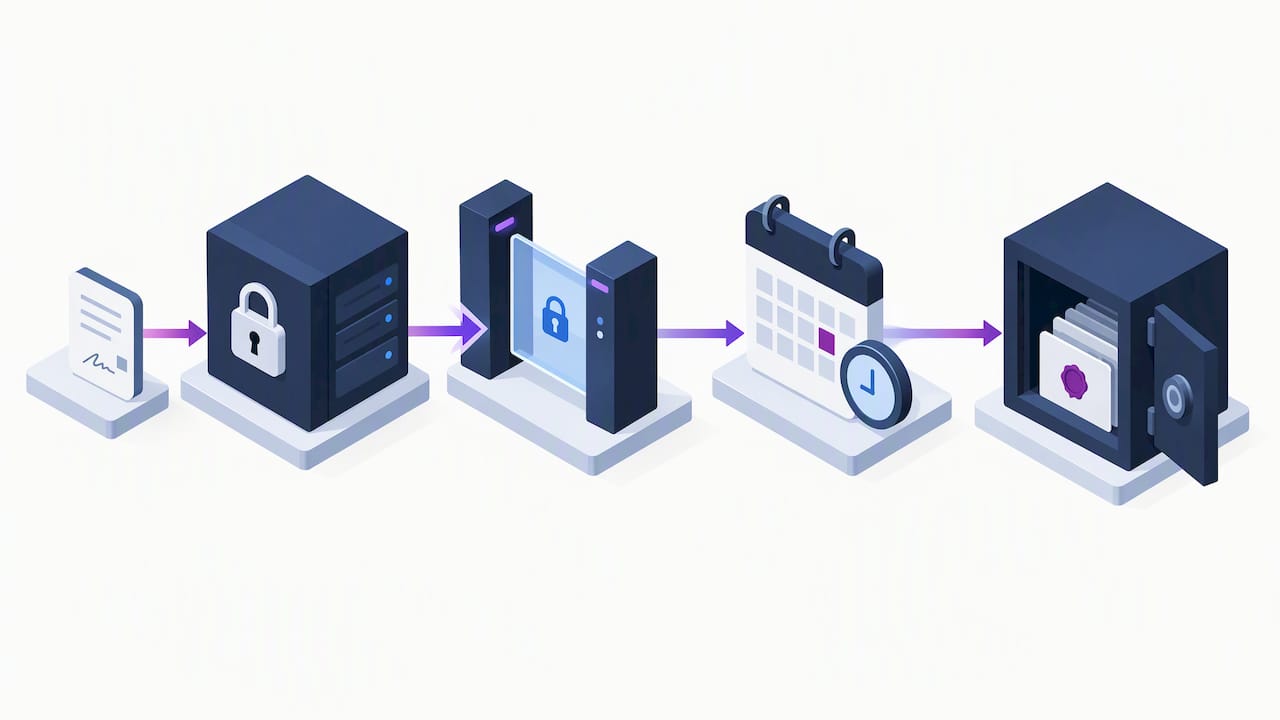
- Define retention periods, audit access and a claims playbook before scaling, since a claim can surface months after delivery and the record needs to still be retrievable.
Pro Tip: Include test claim submissions in your pilot, sending a handful of completed PODs through the actual claims or factoring workflow to confirm acceptance before you roll out fleet-wide.
Data security deserves its own line item here: encrypted storage, role-based access and a clear retention schedule matter as much as capture quality, especially once auditors or opposing counsel request a record. The E-SIGN Act gives electronic signatures and records the same legal standing as paper, provided consent and access requirements are met, which is the legal footing the entire pilot rests on.
6. How DocuPOW’s agentic, template-free automation supports evidence assembly
We built our platform around a different problem: most POD and freight documents never arrive in a consistent format, and rigid templates break the moment a carrier changes its BOL layout.
- Our agentic extraction reads documents by context rather than fixed templates, so a new carrier form or an updated POD layout doesn’t require reconfiguration before it can be processed.
- Our real-time analytics and predictive insights surface exceptions as they happen, so a missing signature or an incomplete evidence package gets caught before it stalls invoicing.
- Our human-in-the-loop audit review keeps a person in the loop on edge cases, which matters when a flagged delivery needs a judgment call rather than an automated pass.
For teams already extracting data across supply chain documents, our supply chain data extraction approach applies the same template-free logic to POD, BOL and waybill processing.
7. Practitioner perspective: common pilot mistakes and corrective actions
The pilots that stall almost always skip offline testing, assuming every stop has signal, then discover otherwise in rural routes. A close second mistake is launching without a defined evidence schema, so each driver decides on the fly what counts as proof. The costliest misstep treats a signature as sufficient evidence on its own. A signature confirms someone was present. It says nothing about condition, location or timing, and that gap is exactly where claims get denied.
— Syed Naveed Abbas
8. DocuPOW offers and next steps for your rollout
If you’re ready to move past paper POD and manual evidence assembly, start small and scale once the pattern holds.

- Our Starter plan fits a focused pilot on a limited document set before wider rollout.
- Our Professional plan suits teams scaling extraction across multiple document types and higher volume.
- Our Enterprise plan covers larger deployments with custom requirements, priced on request.
A demo walks through your document types, maps them to our extraction model, and shows a sample evidence-package output so you can see how a real POD would process before committing.
| Plan | Fits | Price |
|---|---|---|
| Starter | Pilot programs | $99 per month |
| Professional | Scaling teams | $499 per month |
| Enterprise | Large deployments | Available on request |
Visit our pricing page to compare plans or request a demo tailored to your delivery documentation.
FAQ
How can I obtain proof of delivery?
Request it directly from the carrier or check your shipment tracking portal, since most carriers now issue a digital POD with a signature, timestamp and photo once delivery confirms. If a shipment used manual paper capture, the signed copy typically comes through the carrier’s back office on request.
How do I create proof of delivery?
Capture a signature, GPS location, timestamp and a photo of the delivered goods at the moment of handoff, either through a carrier’s mobile app or an integrated ePOD system. For disputed or high-value freight, attach a signed bill of lading image and any relevant sensor data to strengthen the record.
Can you provide an example of proof of delivery?
A complete POD typically includes the driver’s name, delivery date and time, address, piece count, goods condition, any exception notes and supporting photos, all attached to the load record for billing and claims use. A simple example is a signed BOL photo paired with a GPS-stamped delivery photo and a timestamp logged automatically by the capture app.
What is the proof of delivery process?
The process runs from pickup through delivery confirmation: the carrier captures signals at drop-off, the system validates them server-side, and a complete record attaches to the load for invoicing and, if needed, claims evidence. A formal freight claim built from that record generally needs to be filed within statutory timeframes, commonly within statutory timeframes under Carmack rules, with a full evidence package attached.
Sources
- Electronic proof of delivery (Locus)
- How to file a freight claim for loss or damage (TLCouncil)
- 15 U.S.C. §7001 (E-SIGN)
- Electronic Proof of Delivery (ePOD) Guide (O Trucking)
- Proof of Delivery: What It Is & How FTM Captures It (FTM)
Recommended
See DocuPOW on your documents.
Stop building templates. Start extracting data.